


Download UltraEdit for Linux
This download is the full version of UltraEdit native Linux application, which comes with a free, fully functional 7-day trial. After the trial period expires, you must purchase a license to continue using UltraEdit.
Fill out the form to download your trial and get started
Make sure to use the correct email address to start the free trial.
Supported distributions (choose after the form submission)
Ubuntu 26.04
(resolute)
Ubuntu 24.04
(noble)
Ubuntu 22.04
(jammy)
Debian 13
(trixie)
Rocky Linux 10, 9, 8 (RedHat EL 10, 9, 8 compatible)
What you get on Linux
Built for large files

Search and replace at scale
replace across multiple directories on a separate thread, quick find
with a live match count, occurrence highlighting, and configurable
filtering by file extension.

Works the way Linux works
- SSH and Telnet terminal sessions in tabs, with saved accounts and
passwords held in the operating system’s native credential store - Edit files that need elevated privileges UltraEdit prompts for the
password rather than failing - Optional shell integration adds an UltraEdit entry to your system
right-click menu - Fully relocatable RPM and TAR installations

Code and structured data
downloadable wordfiles, code folding, auto-completion, function list,
Ctags symbol navigation, XML Manager, JSON reformat and compress, and multi-language highlighting within a single file.

Remote files

Automation
hotkeys and launchable from the command line.

Also included

For the complete list, see all UltraEdit for Linux features.
What’s new in UltraEdit for Linux?
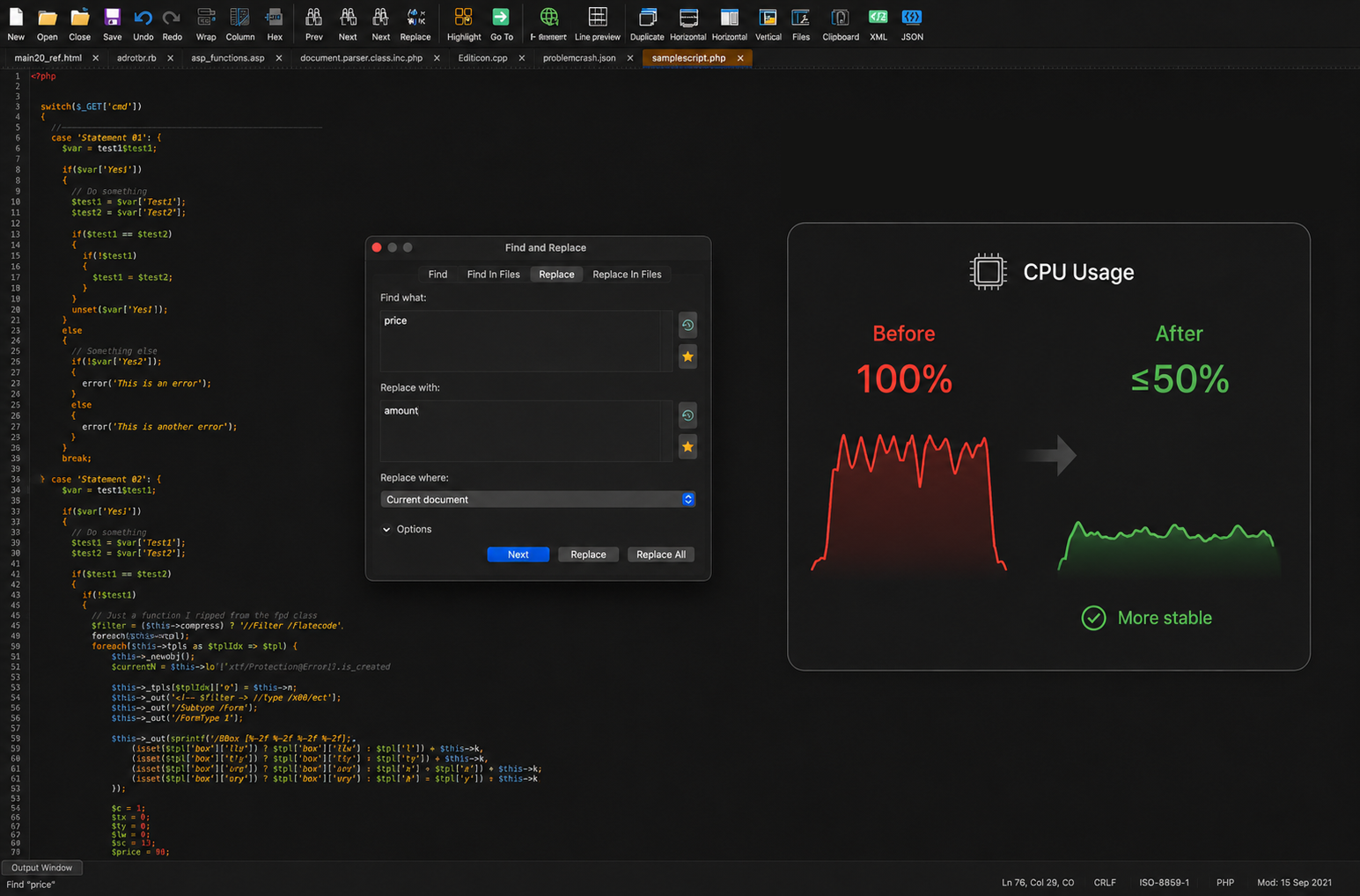
UltraEdit for Linux 2025.0 adds expanded distro support, RPM packages, a rebuilt SSH/Telnet terminal, improved stability, and lower CPU usage in affected scenarios.
FAQs
Does UltraEdit run natively on Linux, or does it need WINE?
It runs natively. UltraEdit for Linux is a native desktop application and does not require WINE or any other compatibility layer.
Which distributions are supported?
Packages are published for Ubuntu 26.04, 24.04 and 22.04, Debian 13, and Rocky Linux 10, 9 and 8 along with Red Hat Enterprise Linux compatible distributions. For other distributions, use the TAR package.
Which architecture do the packages target?
The published Linux packages are 64-bit x86 (amd64 / x86_64).
Can I install without using a package manager?
Yes. The TAR package is a fully relocatable install, as is the RPM. Follow the tar package install guide.
Can I edit files that need root privileges?
Yes. UltraEdit prompts for a password when you open a file that requires elevated privileges.
Is there a terminal built in?
Yes. UltraEdit for Linux includes an SSH and Telnet terminal with multiple sessions in tabs. Accounts persist between sessions, and passwords are stored using your operating system’s native credential store.
How long is the trial, and do I need a credit card?
The Linux download comes with a free, fully functional 30-day trial. No credit card is required to download or to run the trial. Every feature is available during the trial period.
Do I need a separate license for each operating system?
No. One UltraEdit license covers the Windows, macOS and Linux versions.
Are the Linux, macOS and Windows versions identical?
The core editing experience and most key capabilities are available on all three platforms, but they are not identical and they are on separate release cycles, so version numbers won’t always match and some capabilities are specific to a platform.
Are there licensing options for teams?
Yes. Volume-license package variants are available for Linux customers. See pricing and licensing options.
Where can I find the latest release notes?
You can find the list of the latest release updates on the Linux latest changes page.
