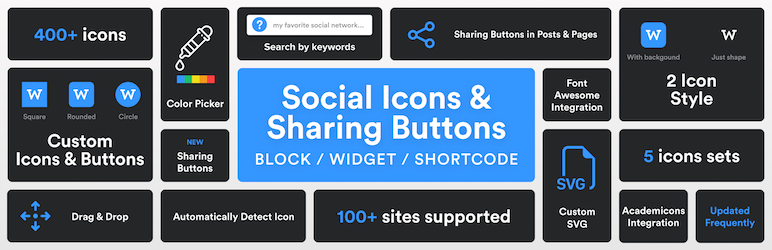

설명
Social Media Icons & Share Buttons for WordPress
The best social icons plugin for WordPress. Add beautiful social media icons and share buttons anywhere on your site. 400+ icons, Gutenberg block, widget, Elementor support – all in one plugin.
Did you find this plugin helpful? Please consider leaving a 5-star review.
Social Icons Block Demo
Sharing Buttons Demo
Social Icons & Sharing Buttons helps you to add social media icons and sharing buttons to your website. The plugin includes several icon sets, which gives you the possibility to use the widget for more than just linking to your social media profiles. You can use generic icons to add links to anything you want, and enable sharing buttons to let visitors share your content across social networks.
With the help of WPZOOM’s excellent Social Icons Widget plugin, you can link to all your social network profiles and add sharing buttons in no time, letting your visitors easily get in touch with you on all social media channels and share your content.
⭐️⭐️⭐️⭐️⭐️
WPKlik
What’s new in 4.5.0
- NEW: Social Sharing Buttons Block
- NEW: Add Social Sharing Buttons in posts and pages
What’s new in 4.4.0
- NEW: Add SVG Icons in the Social Icons Block
What’s new in 4.0.0
- NEW: Gutenberg Block
- New icon styles in the new Social Icons Block
Where I can view a Demo?
You can view the plugin live in all our themes at WPZOOM.
View Demo & Examples
- Foodica Theme – header bar and sidebar
- Inspiro Theme – sidebar panel and footer
Features:
Social Icons Block:
* SVG Icons Support – Upload custom SVG icons
* 400+ Custom Icons from 5 Icon Sets
* Gutenberg Block with Live Preview
* Drag & Drop Icons with Sortable Arrows
* Color Picker for Each Icon
* Search by Keywords
* Adjust Icon Size & Padding
* Multiple Styles: Icon Shape and Icon with Background
* 3 Background Styles: Rounded Corners, Round, Square
* Icon Sets + Shortcodes
* Elementor Widget Integration
Social Sharing Buttons Block:
* 12+ Sharing Platforms: Facebook, X, Threads, LinkedIn, Pinterest, Reddit, Telegram, WhatsApp, Bluesky, Email, Copy Link, and Print
* Multiple Button Styles: Circle, Square, Rounded, Outlined, Minimal, One-tone
* Customizable Colors, Sizes, Padding & Margins
* Show/Hide Labels
* Print Button to Trigger Browser Print Dialog
* Copy Link Button with Visual Feedback
* X/Twitter Username Integration (via parameter)
PRO Features
Upgrade to Social Icons Widget PRO to unlock powerful features:
- Floating Buttons – Display social sharing icons as a fixed floating bar on the side of your website (NEW!)
- Share Analytics Dashboard – Track how visitors share your content with detailed analytics
- Like Button – Add a like button to let visitors engage with your posts
- AI Share Buttons – Share to ChatGPT, Claude, and Perplexity AI platforms
- Share Counts – Display total and individual share counts on buttons
- External Share Counts – Fetch real share counts from Facebook, Pinterest via SharedCount API
- Custom SVG Icon Uploads – Upload your own custom SVG icons
- Nav Menu Integration – Add social icons directly to WordPress navigation menus
- Dashboard Widget – Quick stats overview right on your WordPress dashboard
- Priority Support – Get help faster with priority email support
General Features:
* 100+ Sites/Social Networks Supported
* FontAwesome Integration
* Academicons Integration: 38 Academia Icons for Academics
* Supports Email Addresses (mailto:email@example.com)
* Supports Telephone Numbers (tel:12345)
* Supports Viber (viber://add?number=123456)
* Supports WhatsApp (https://api.whatsapp.com/send?phone=15551234567)
Icons
Twitter, X, Facebook, Instagram, Pinterest, Snapchat, Threads, Yelp, LinkedIn, Bloglovin’, Lookbook, Feedly, Periscope, SoundCloud, Spotify, Last.fm, YouTube, Vimeo, Flickr, 500px, Tumblr, Blogger, Reddit, Dribbble, Envato, Behance, DeviantArt, GitHub, RSS, Disqus, Stackoverflow, Komoot, Tiktok, Mailchimp, Podcasts, Telegram, TripAdvisor, AirBnb, Baidu, ebay, Medium, Periscope, Snapchat, Bandcamp, Eyem, Viber, Quora, Etsy, Meetup, Linode, IMDB, Overwatch, Strava, Tidal, Deezer, Unsplash, Codered, Udemy, CrunchBase, Angie’s List, App Store, Nextdoor, WhatsApp, ResearchGate, Slack, Songkick, ReverbNation, Bluesky
Credits
Some Social Icons are provided by the Socicon icon font.
Academicons are provided by James Walsh.
GDPR COMPLIANCE
Social Icons & Sharing Buttons does not collect any information from your visitors, therefore it’s 100% GDPR compliant.
Get Involved
Looking to contribute code to this plugin? Go ahead and fork the repository over at GitHub.
스크린샷
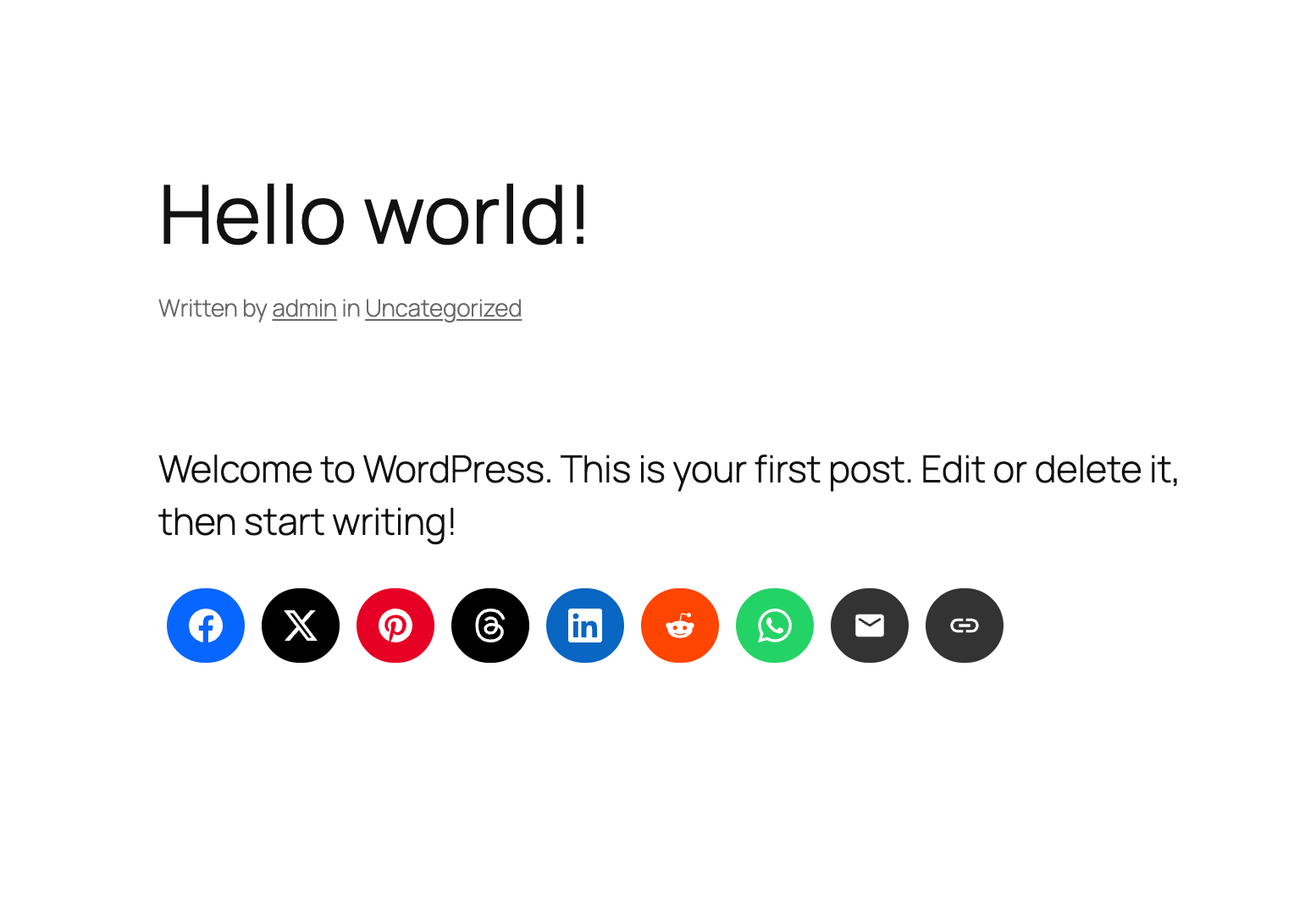
Social Icons & Sharing Buttons Preview 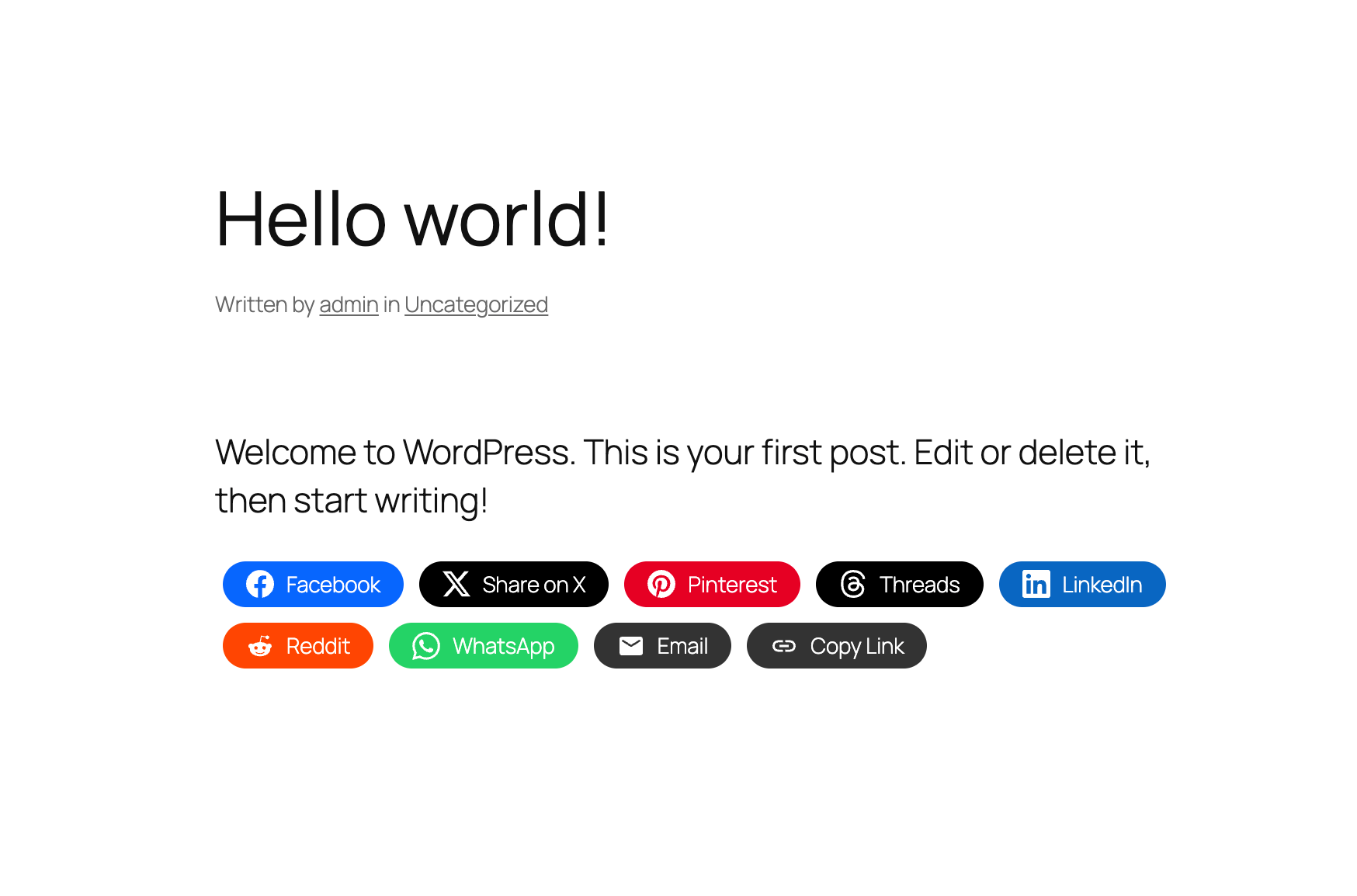
Sharing Buttons in Posts & Pages 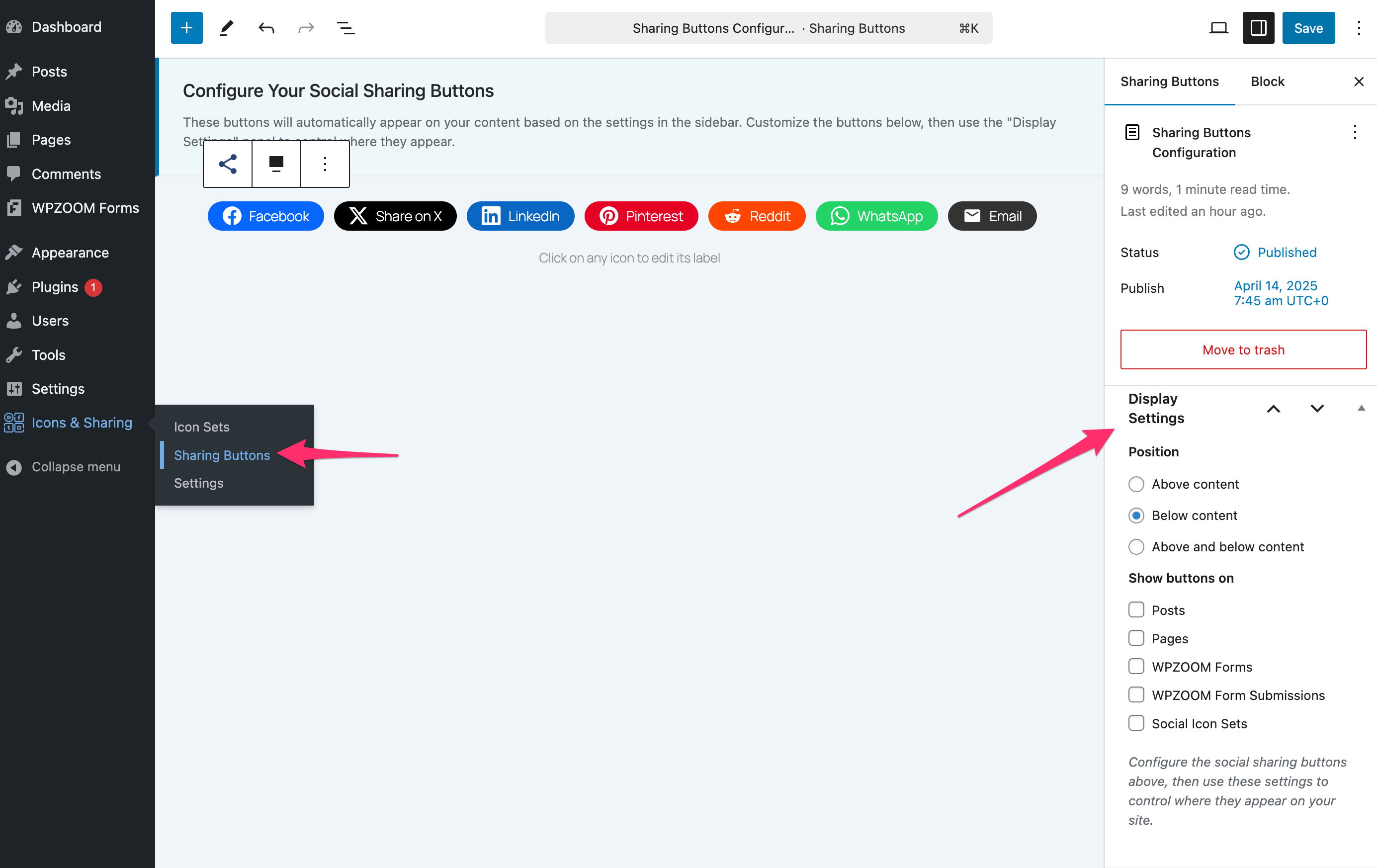
Customizing Sharing Buttons 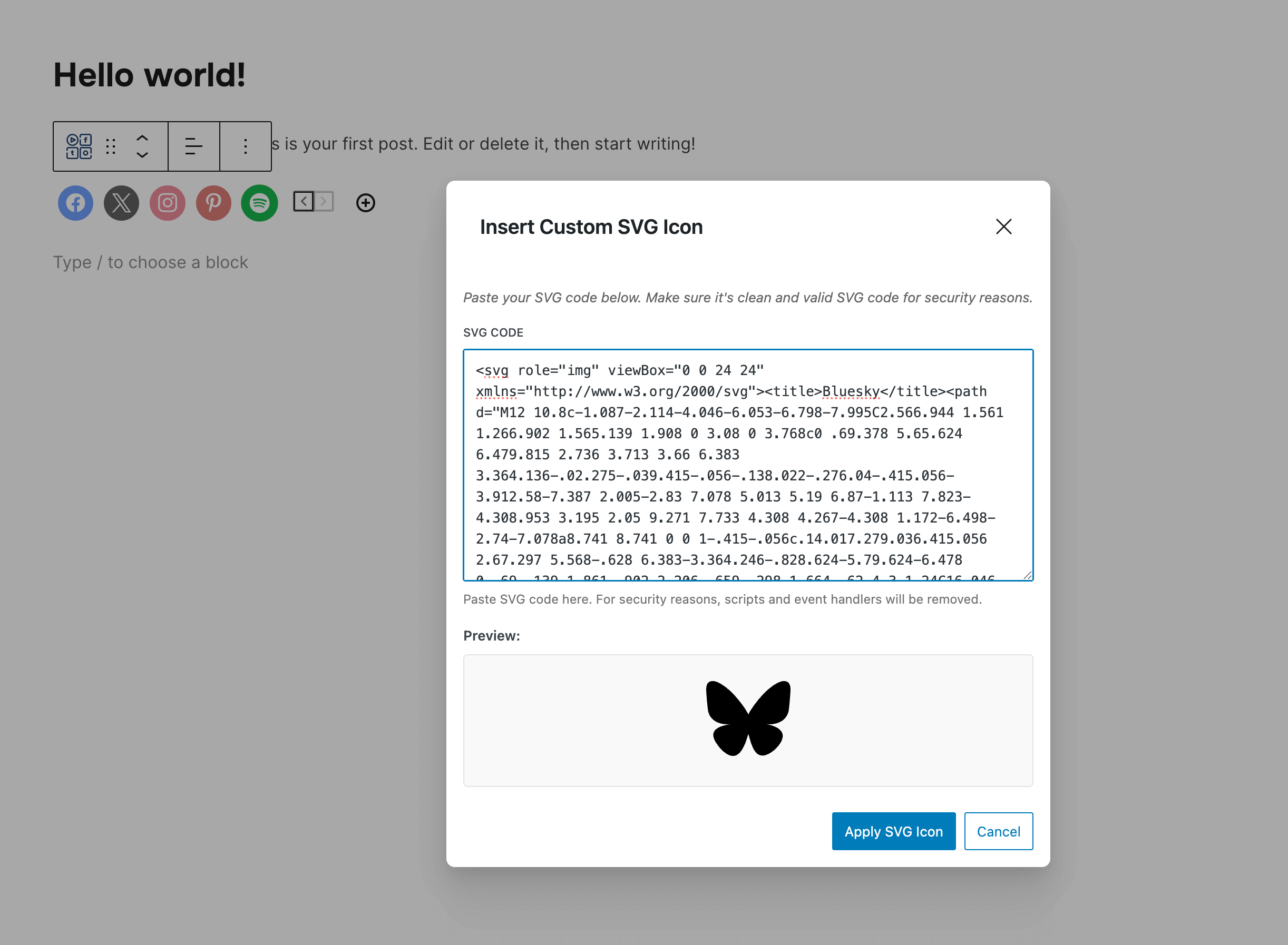
Custom SVG Icons 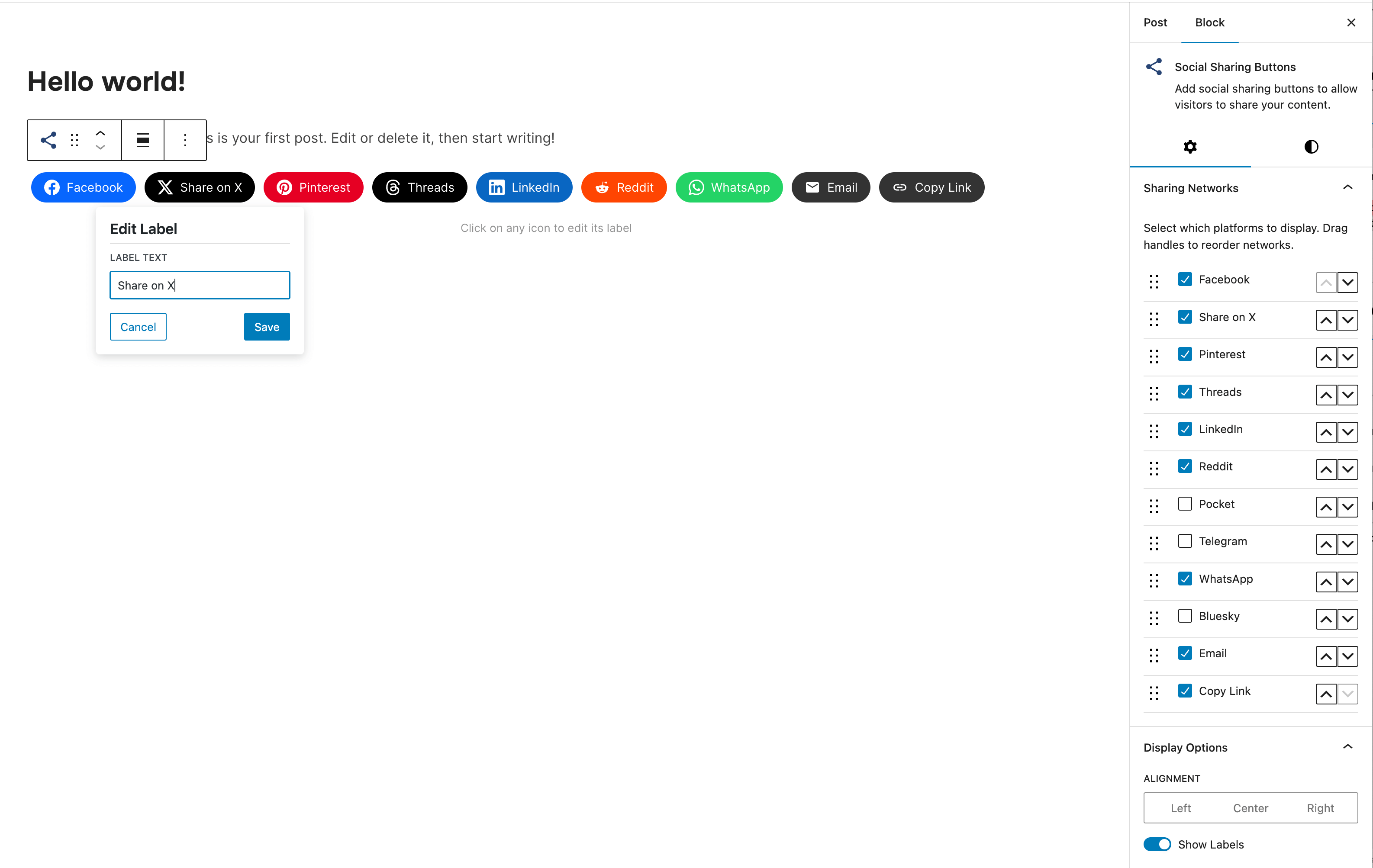
Social Sharing Block 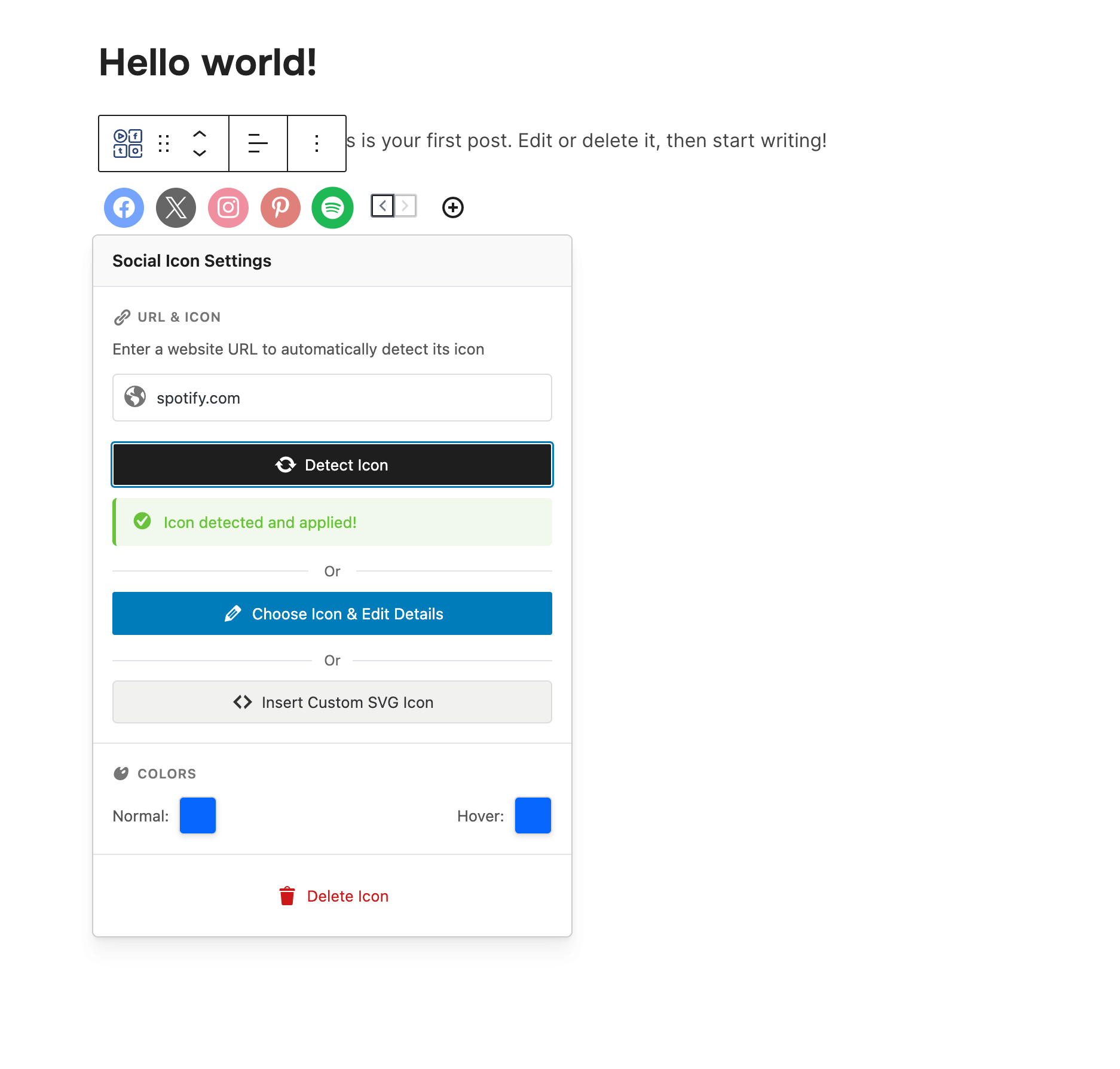
Social Icons Block 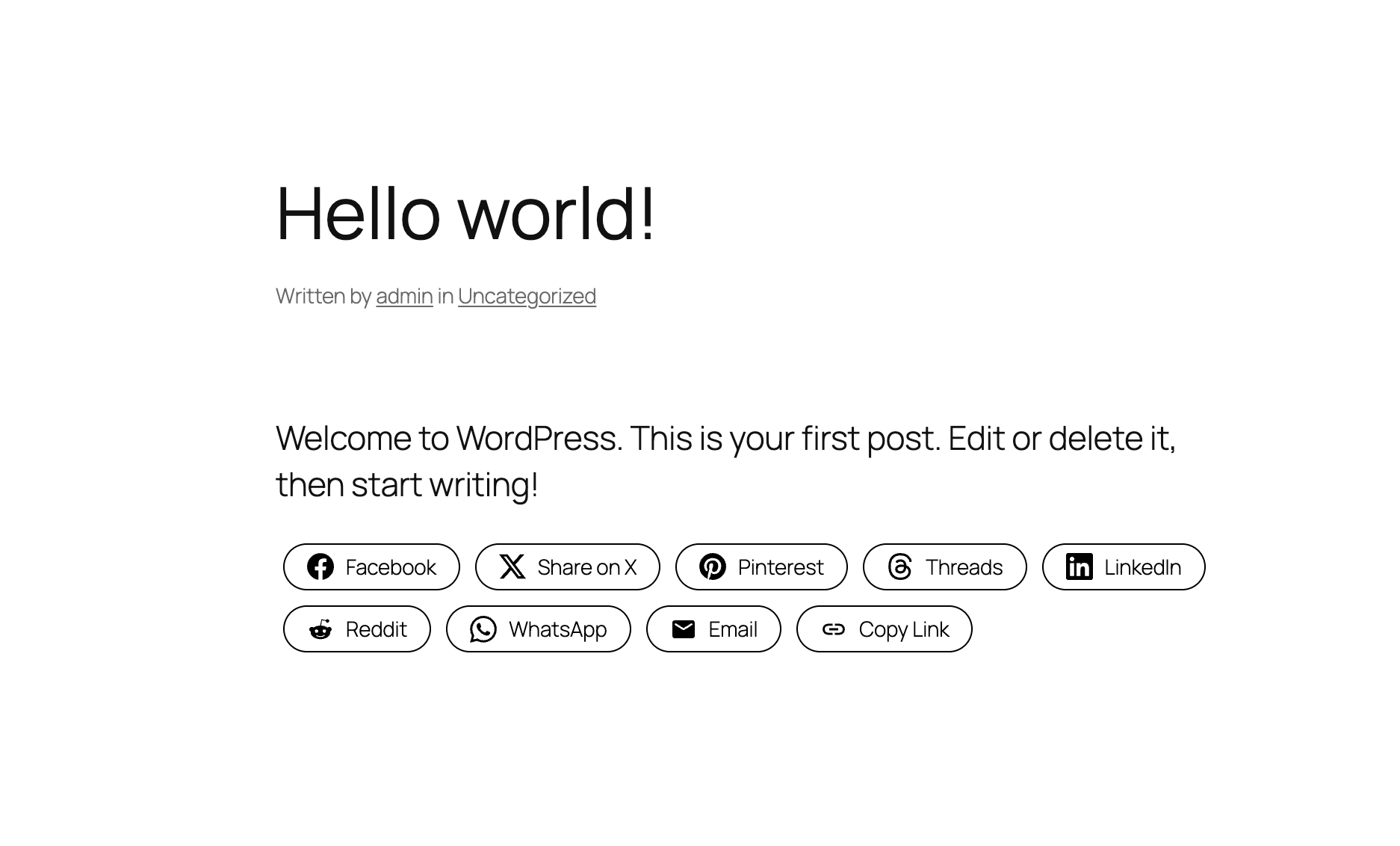
Social Sharing Buttons – Outline Style 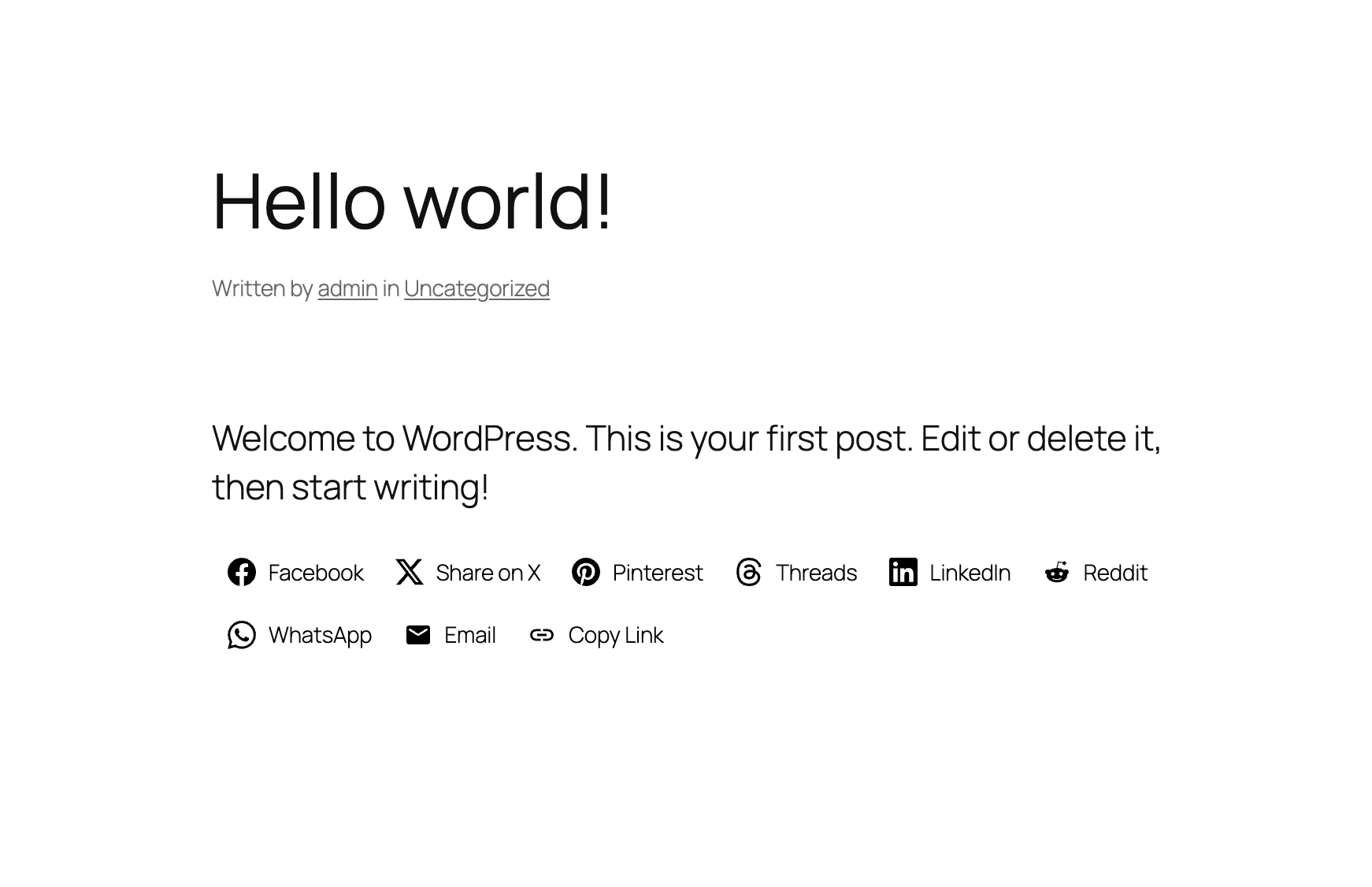
Social Sharing Buttons – Minimal Style 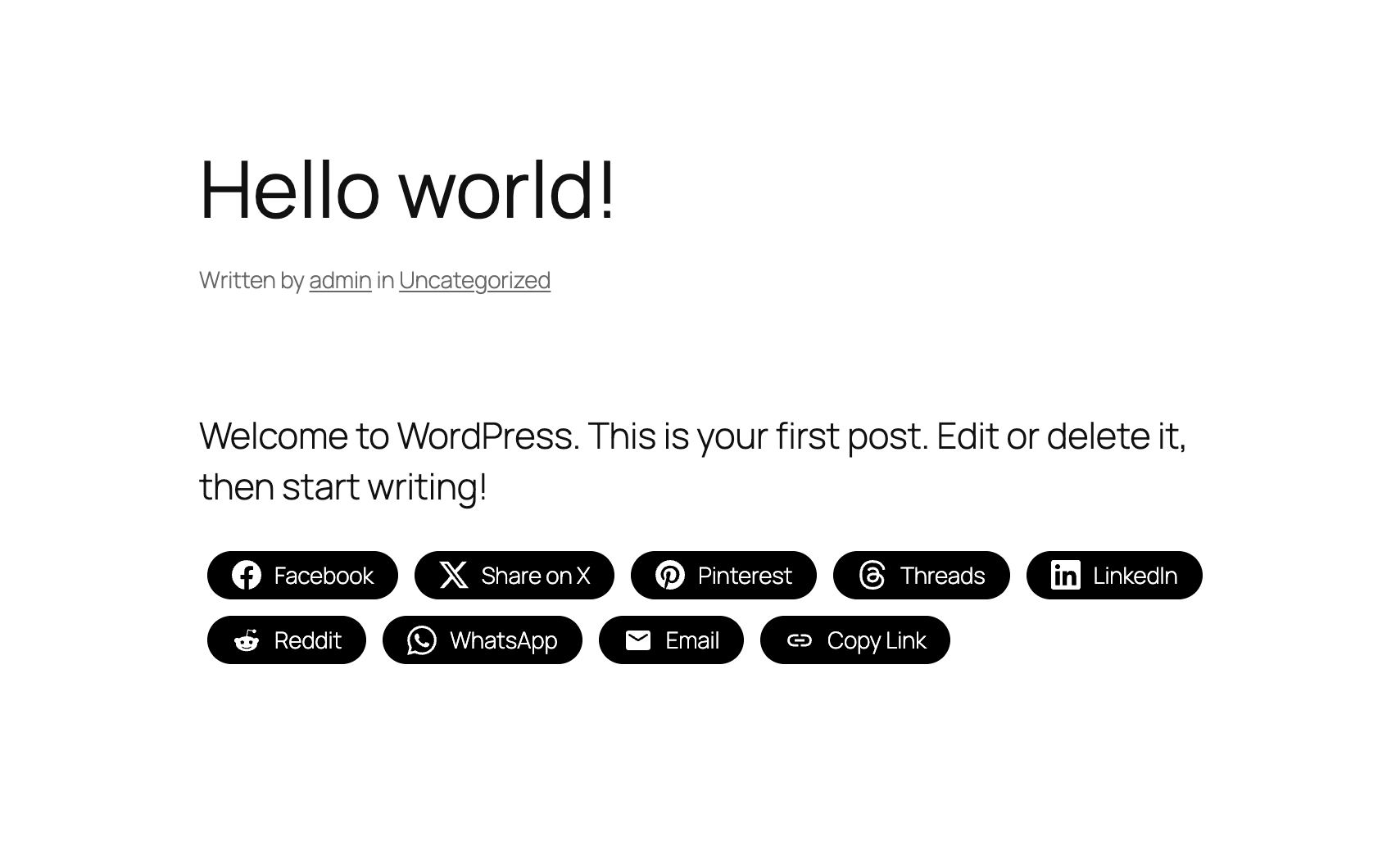
Social Sharing Buttons – One-tone Style 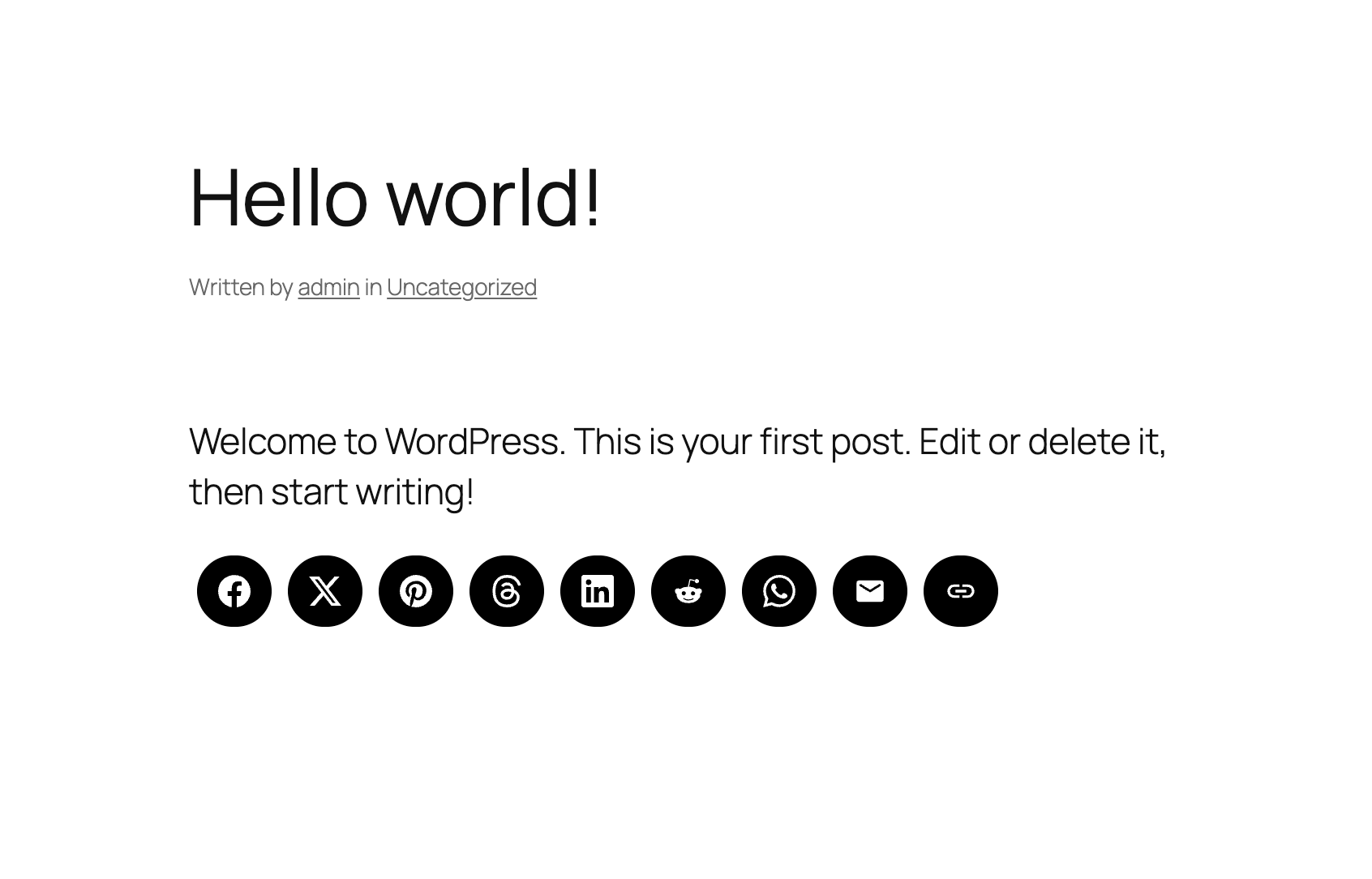
Social Sharing Buttons – No Label Style


블록
이 플러그인은 2개의 블록을 제공합니다.
- Wpzoom Blocks Social Icons
- Social Sharing Buttons
설치
Simply search for the plugin via the Plugins -> Add New dialog and click install, or download and extract the plugin, and copy the plugin folder into your wp-content/plugins directory and activate.
After that go to the Widgets page and add the widget Social Icons by WPZOOM to a widget area like Sidebar.
FAQ
-
Where do I find more details about this plugin?
-
On our website.
-
Add the Social Icons Block to the Gutenberg editor and customize the icons as you want. You can search for icons, drag & drop to reorder them, and customize colors, sizes, and styles.
-
Add the Social Sharing Buttons Block to your post or page. You can enable/disable specific sharing platforms in the block settings sidebar. The block includes support for Facebook, X (Twitter), LinkedIn, WhatsApp, Email, Print, and many more platforms.
-
Yes! The Social Sharing Buttons Block offers multiple style presets (Circle, Square, Rounded, Outlined, Minimal, One-tone) and extensive customization options including:
* Icon and label colors
* Button sizes and padding
* Border radius and styling
* Show/hide labels
* Margin and spacing -
What sharing platforms are supported?
-
The plugin supports 12+ sharing platforms: Facebook, X (Twitter), Threads, LinkedIn, Pinterest, Reddit, Telegram, WhatsApp, Bluesky, Email, Copy Link, and Print.
-
The Print button triggers the browser’s native print dialog, allowing visitors to print the current page. It’s disabled by default and can be enabled in the block settings.
-
The Copy Link button copies the current page URL to the visitor’s clipboard and displays a success message. It works without requiring any additional configuration.
-
Can I upload custom SVG icons?
-
Yes! In the Social Icons Block, you can upload custom SVG icons by clicking on any icon and selecting “Insert Custom SVG Icon” from the popover menu.
-
Does this plugin slow down my website?
-
No. The plugin is optimized for performance and only loads the icon fonts and scripts that are actually being used on your pages. Fonts can be preloaded for even better performance.
-
Is this plugin GDPR compliant?
-
Yes! Social Icons & Sharing Buttons does not collect any information from your visitors, therefore it’s 100% GDPR compliant.
-
What features are available in the PRO version?
-
Social Icons Widget PRO includes these additional features:
- Floating Buttons – Display sharing icons as a fixed floating bar on the side of your website
- Share Analytics – Track shares across all platforms with a beautiful analytics dashboard
- Like Button – Let visitors like your posts with engagement tracking
- AI Share Buttons – Share content to ChatGPT, Claude, and Perplexity
- Share Counts – Display share counts on buttons (both internal tracking and external via SharedCount API)
- Custom SVG Uploads – Upload your own custom icons
- Nav Menu Integration – Add social icons to your navigation menus
- Priority Support – Get faster help with priority email support
-
Floating Buttons is a PRO feature that displays your social sharing icons as a fixed bar on the side of your website. Visitors can share your content from anywhere on the page without scrolling. You can configure the position (left/right side, top/middle/bottom), choose vertical or horizontal layout, and control which post types display the floating bar. Upgrade to PRO to unlock this feature.
후기


기여자 & 개발자
“Social Icons Widget & Block – Social Media Icons & Share Buttons”(은)는 오픈 소스 소프트웨어입니다. 다음의 사람들이 이 플러그인에 기여하였습니다.
기여자

변경이력
4.5.10
- Fixed a conflict with the SG Optimizer plugin
4.5.9
- Minor fix
4.5.8
- Added Substack icon
4.5.7
- Minor fixes
4.5.6
- Minor fixes
4.5.5
- Minor fixes
4.5.4
- Minor fixes
4.5.3
- Minor bug fix
4.5.2
- Adding a new Print button in the Social Sharing Buttons block
4.5.1
- Added new field to add your X/Twitter username in the Sharing Buttons block
4.5.0
- NEW: Social Sharing Buttons Block
- NEW: Add Social Sharing Buttons in posts and pages (Icons & Sharing > Sharing Buttons)
4.4.0
- Added SVG Icons support in the Social Icons Block
- UI Improvements to the Block
4.3.4
- Minor bug fixes
4.3.3
- New: Bluesky icon
4.3.2
- Minor bug fix
4.3.1
- Added a new Elementor widget to display icon sets created using this plugin
4.3.0
- Create Icon Sets and embed them anywhere with Shortcodes
- Minor bug fixes
4.2.18
- Fixed an issue with arial label escaping
4.2.17
- Fixed an issue with the values of some fields not being escaped
4.2.16
- Removed the pointer from the Widgets page
4.2.15
- Updates to the Twitter icon
4.2.14
- New icons: X (use x.com/username for the new Twitter icon), Matrix, Element
4.2.13
- New icons: Threads, Venmo, Wise, Revolut, Gutenberg, Gravatar, OpenAI, Midjourney, WeChat, Roblox, OnlyFans, Figma, Elementor, Shopify, Woo, Gumroad, Artgram, Cubebrush, Aristree, OpenSea
