
When you access ChatGPT on a browser or mobile device, we automatically detect your browser or mobile device’s language and update ChatGPT’s language to match for supported languages.
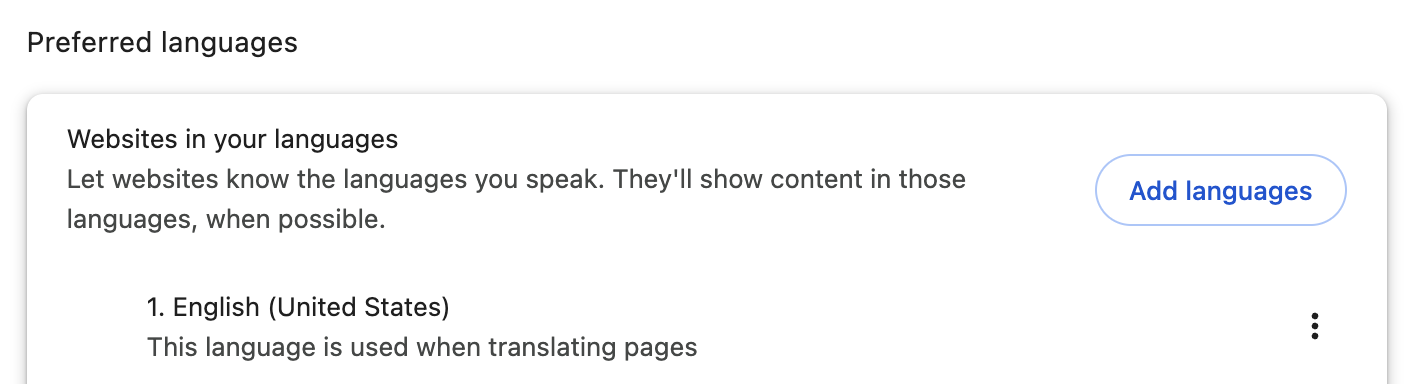
In our recommended browser, Google Chrome, you can find your browser’s preferred language by going to chrome://settings/languages. If you want to use ChatGPT in a different language, you can update your browser’s preferred language or update your settings in ChatGPT.
How do I use ChatGPT in a different language?
Please note that you can only update the ChatGPT language setting if you are logged in.
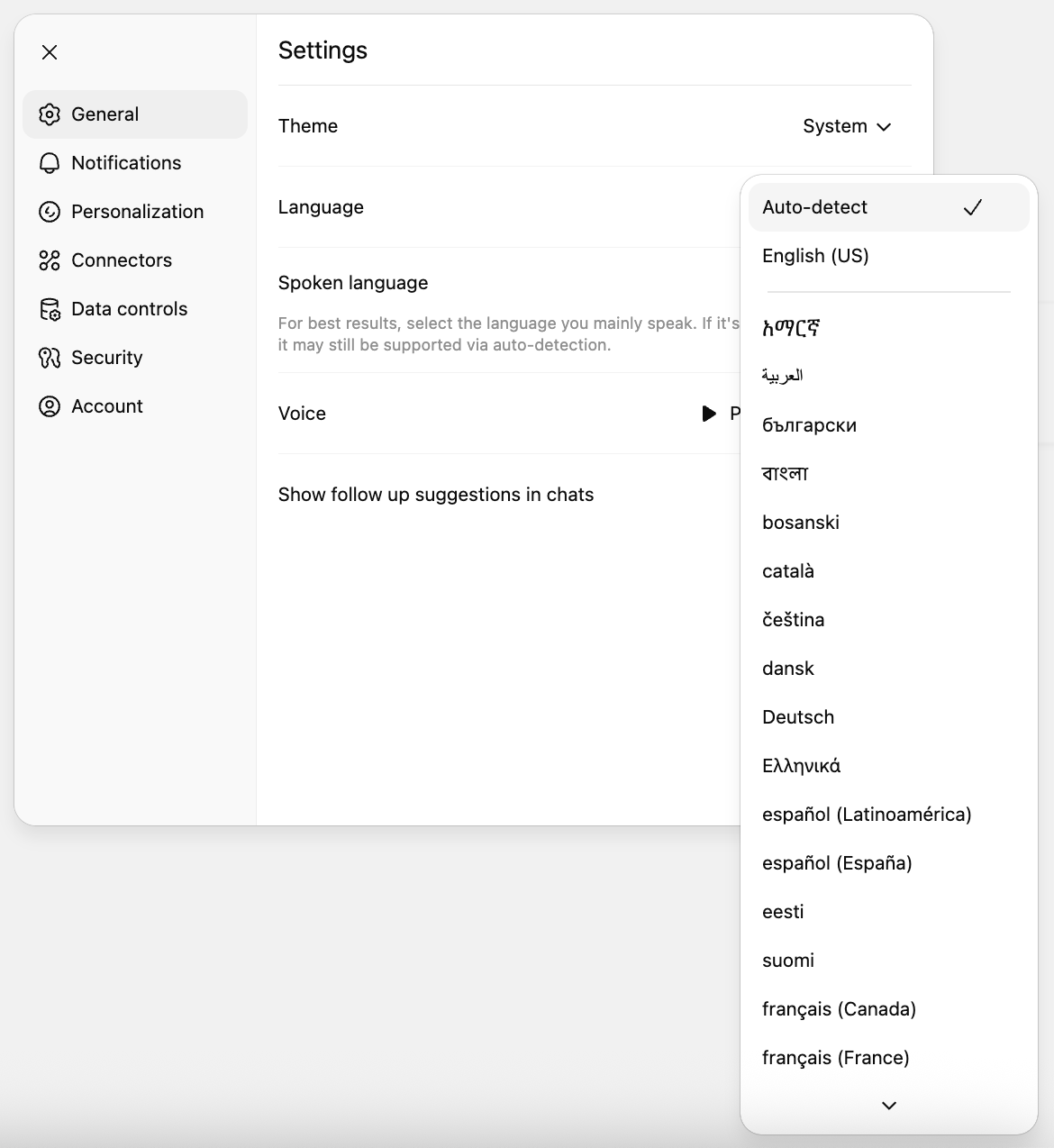
On the browser
Click on your profile icon > Settings > General > Language > Select your preferred language in the drop-down.
On the mobile app
Open the sidebar and select your profile icon at the bottom of the screen.
Under App, select the Language option.
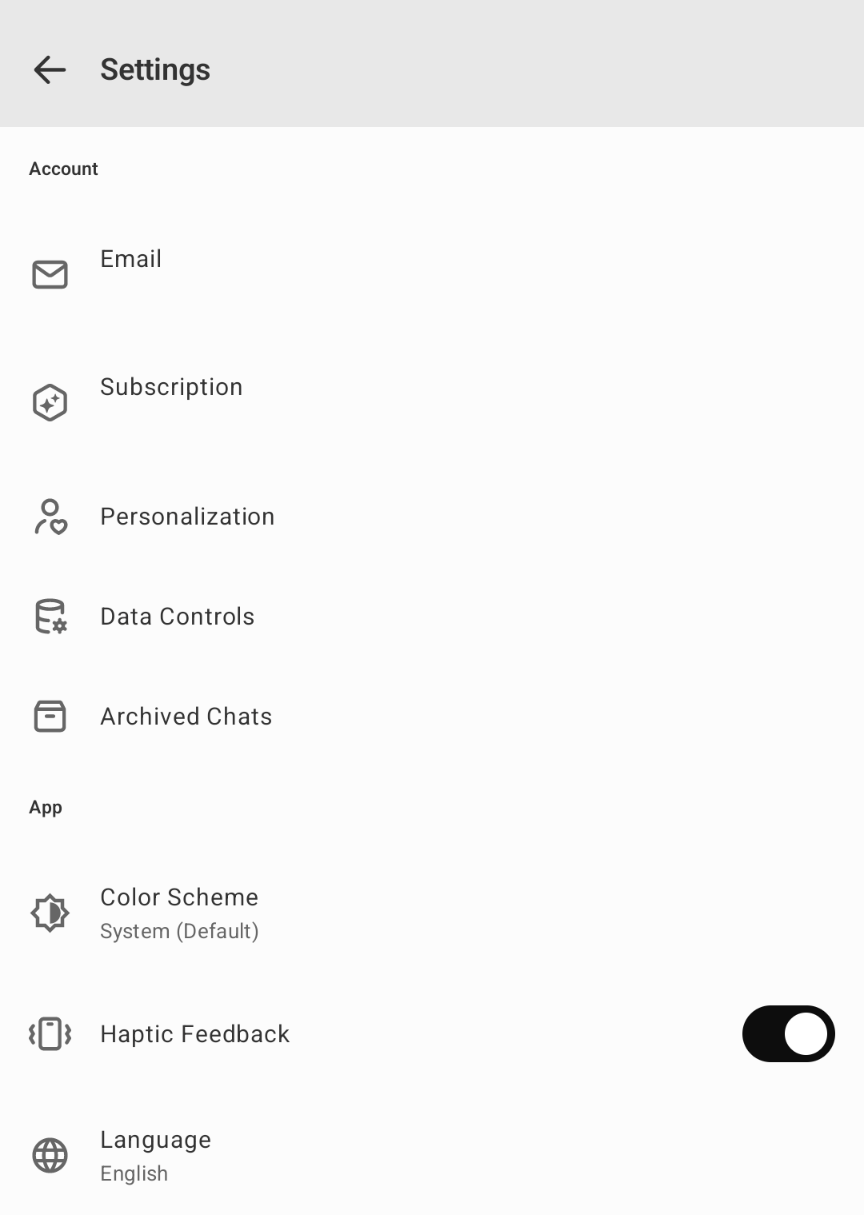
3. Select your preferred language in the drop-down.
What languages do you support?
ChatGPT currently supports the following languages:
Albanian
Amharic
Arabic
Armenian
Bengali
Bosnian
Bulgarian
Burmese
Catalan
Chinese
Croatian
Czech
Danish
Dutch
Estonian
Finnish
French
Georgian
German
Greek
Gujarati
Hindi
Hungarian
Icelandic
Indonesian
Italian
Japanese
Kannada
Kazakh
Korean
Latvian
Lithuanian
Macedonian
Malay
Malayalam
Marathi
Mongolian
Norwegian
Persian
Polish
Portuguese
Punjabi
Romanian
Russian
Serbian
Slovak
Slovenian
Somali
Spanish
Swahili
Swedish
Tagalog
Tamil
Telugu
Thai
Turkish
Ukrainian
Urdu
Vietnamese
