Free Online AI Face Generator
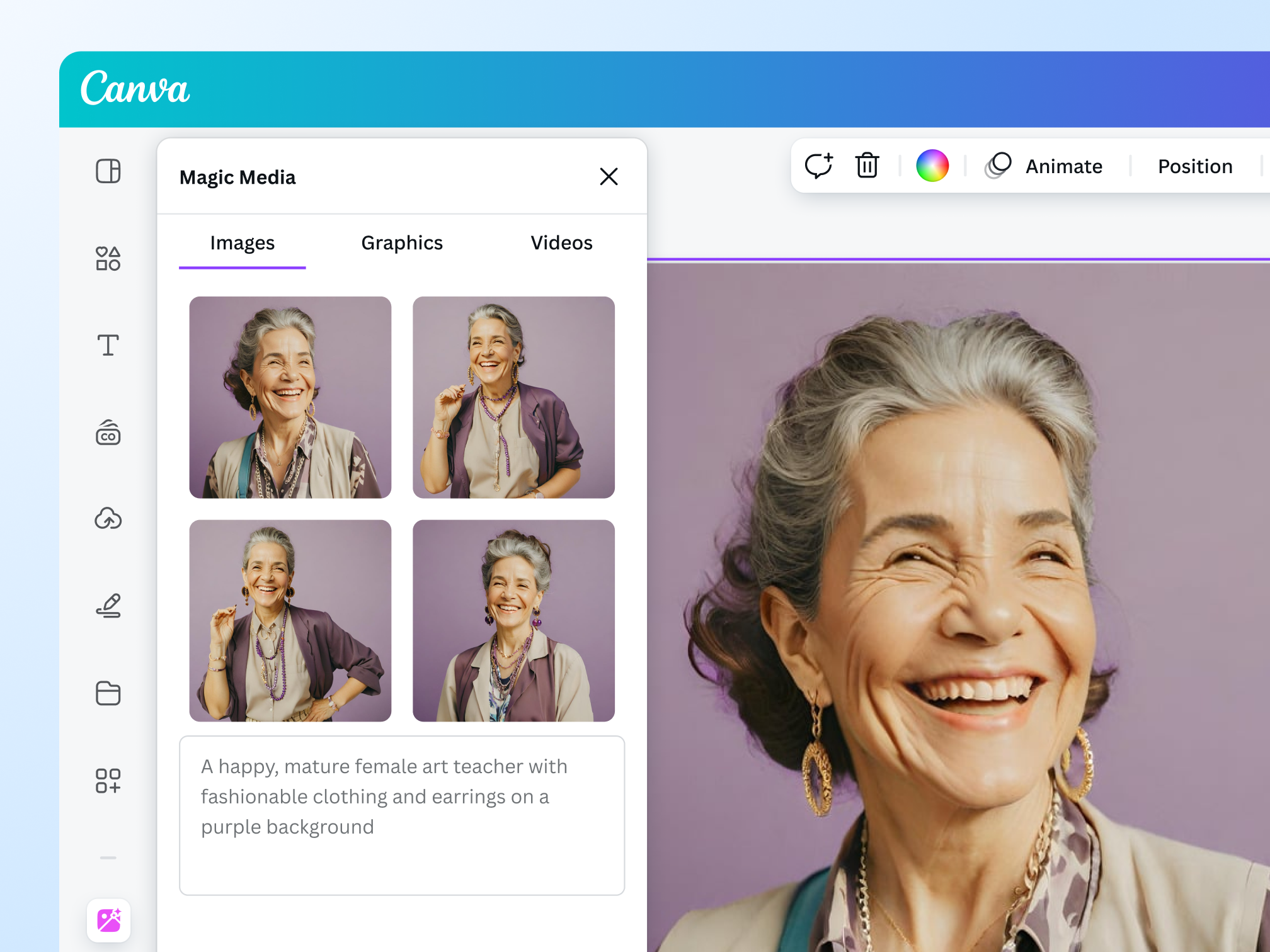
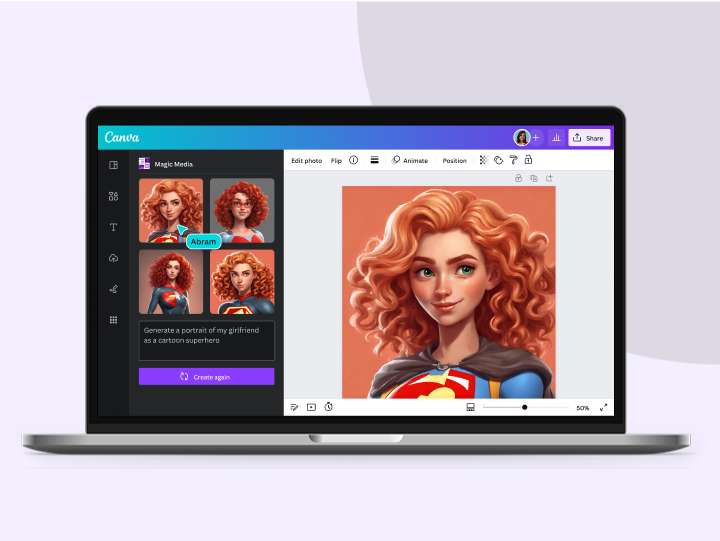
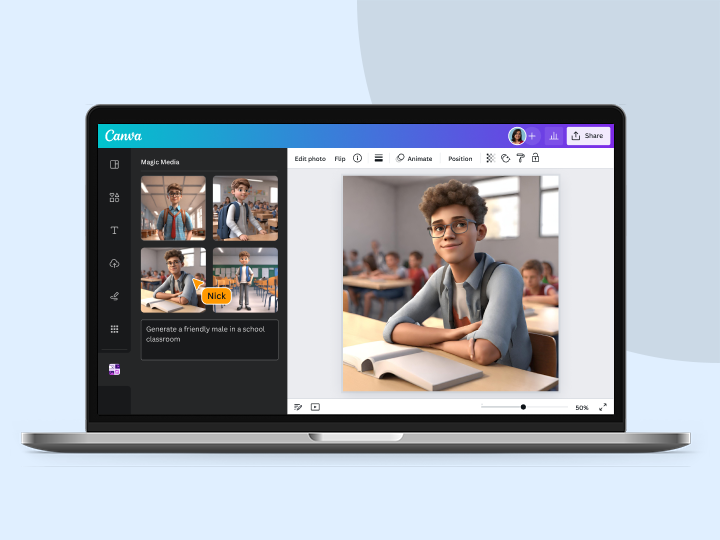
Create stunningly realistic faces from your words with Magic Media™ and an array of AI face generator tools on Canva. Type a description and generate photorealistic faces for any design project.
Introducing Canva’s AI Face Generators
No more digging around for the perfect stock photo. Instantly generate a lifelike face with Magic Media™ and other AI face generator apps on Canva. Simply describe any character you have in mind for your art project, branding campaign, or social media content, and create a realistic person in seconds.

Create a fresh face for any project
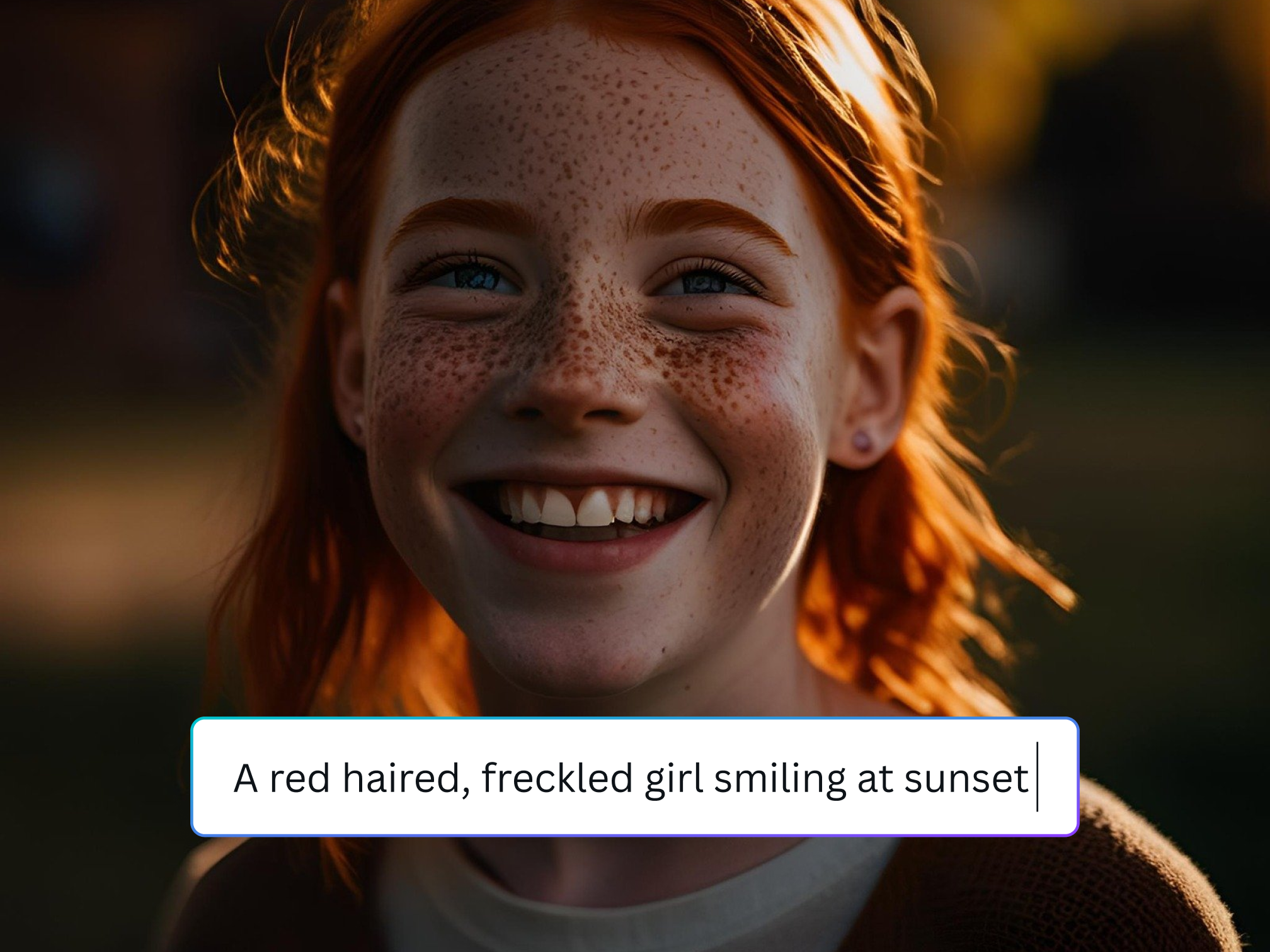
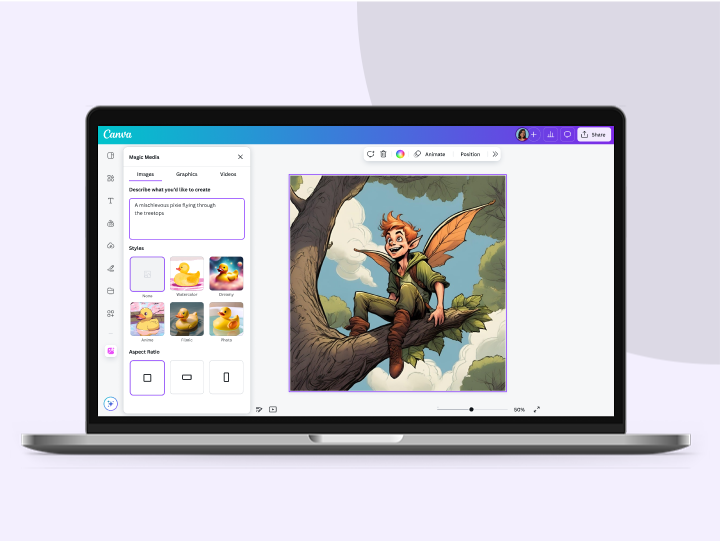
Bring to life any character in your imagination with the AI face generator on Canva. Type a description down to the tiniest details: eye and hair color, skin tone, facial expression, and even unique traits. Choose a style preset–Filmic, Dreamy, Moody–or insert it in your text prompt to get several options in a heartbeat.
Add a touch of personality to any face

Polish to perfection
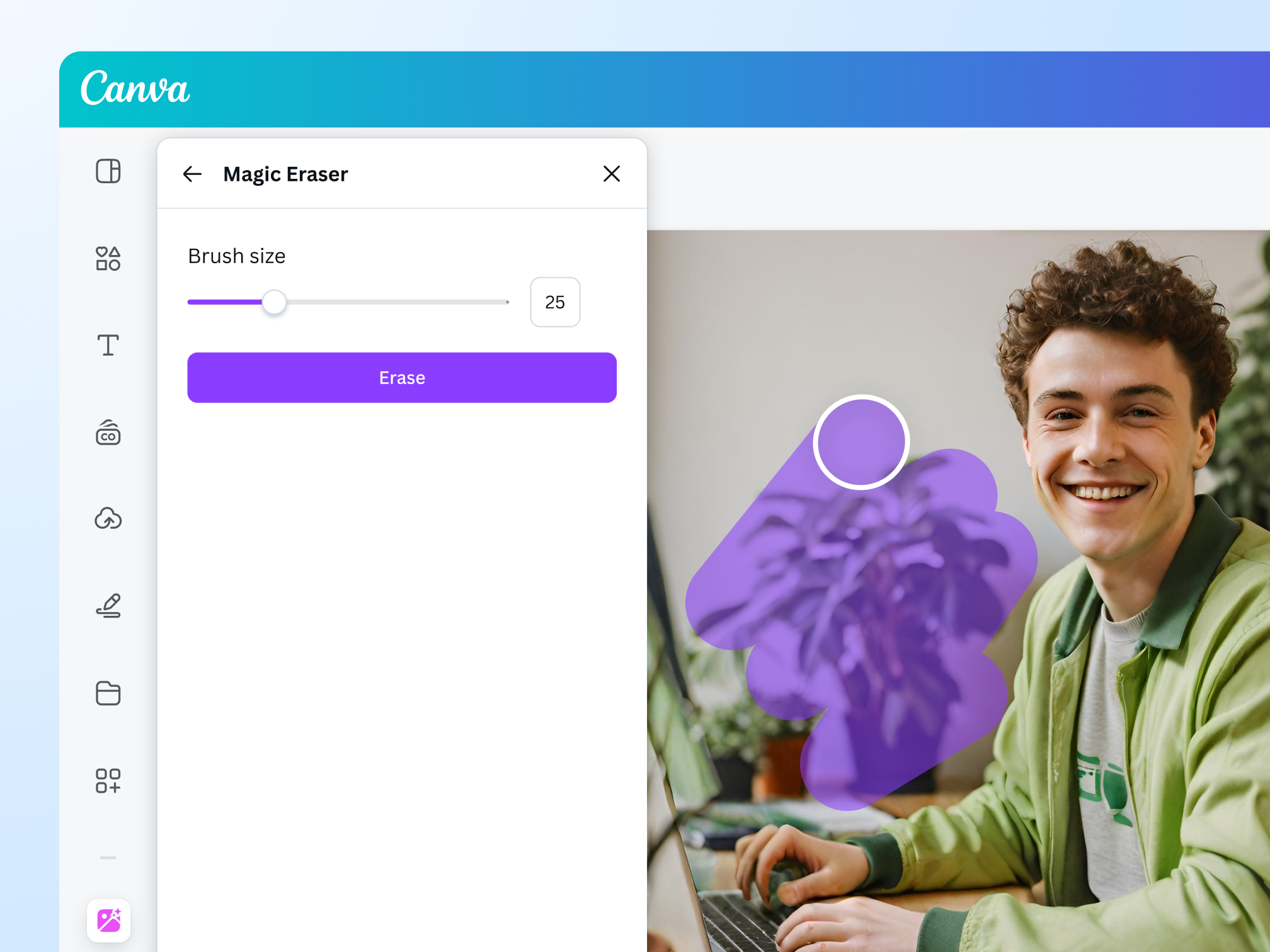
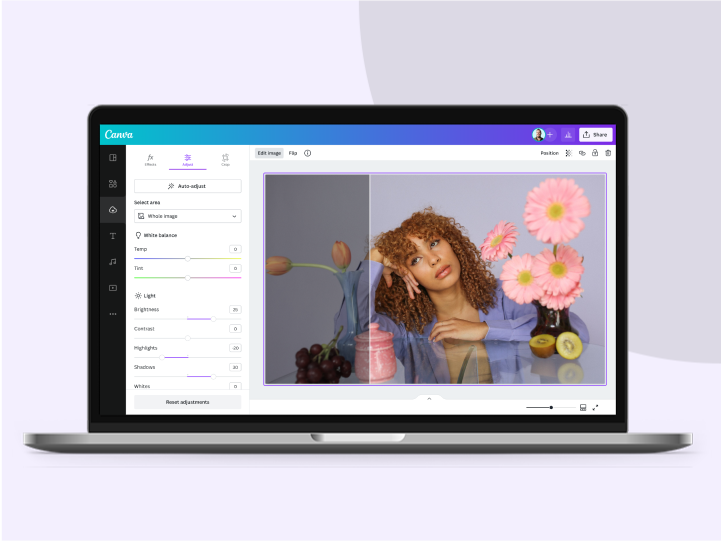
Beautify your AI-generated faces with just one click using our image enhancer, brush away imperfections with Magic Eraser (Pro), or refine your creations with the help of AI tools.

Transform with effects and filters
Apply stunning layers to your AI-generated face with free photo effects. Add vibrancy to your visuals with different filters, or adjust specific colors in your image with Canva’s Color Edit.

Create a character that resonates
Let your AI-generated characters speak by inserting captions or text animations. Want to take it further? Create a talking head video with our AI video generator to truly make your characters come alive.
Find the right AI face generator app
- Magic Media™: With Magic Media, you can choose a style preset and aspect ratio to get closer to your preferred look, faster. Generate up to 50 faces with a free account. Unlock up to 500 AI faces per user per month with Canva Pro, Teams, EDU, or NFP.
- Create an image, powered by Dream Lab: Bring your ideas to life by generating brand-new visuals - from imaginative scenes to realistic faces - or by uploading a reference image to guide the look and feel.
Create without worries
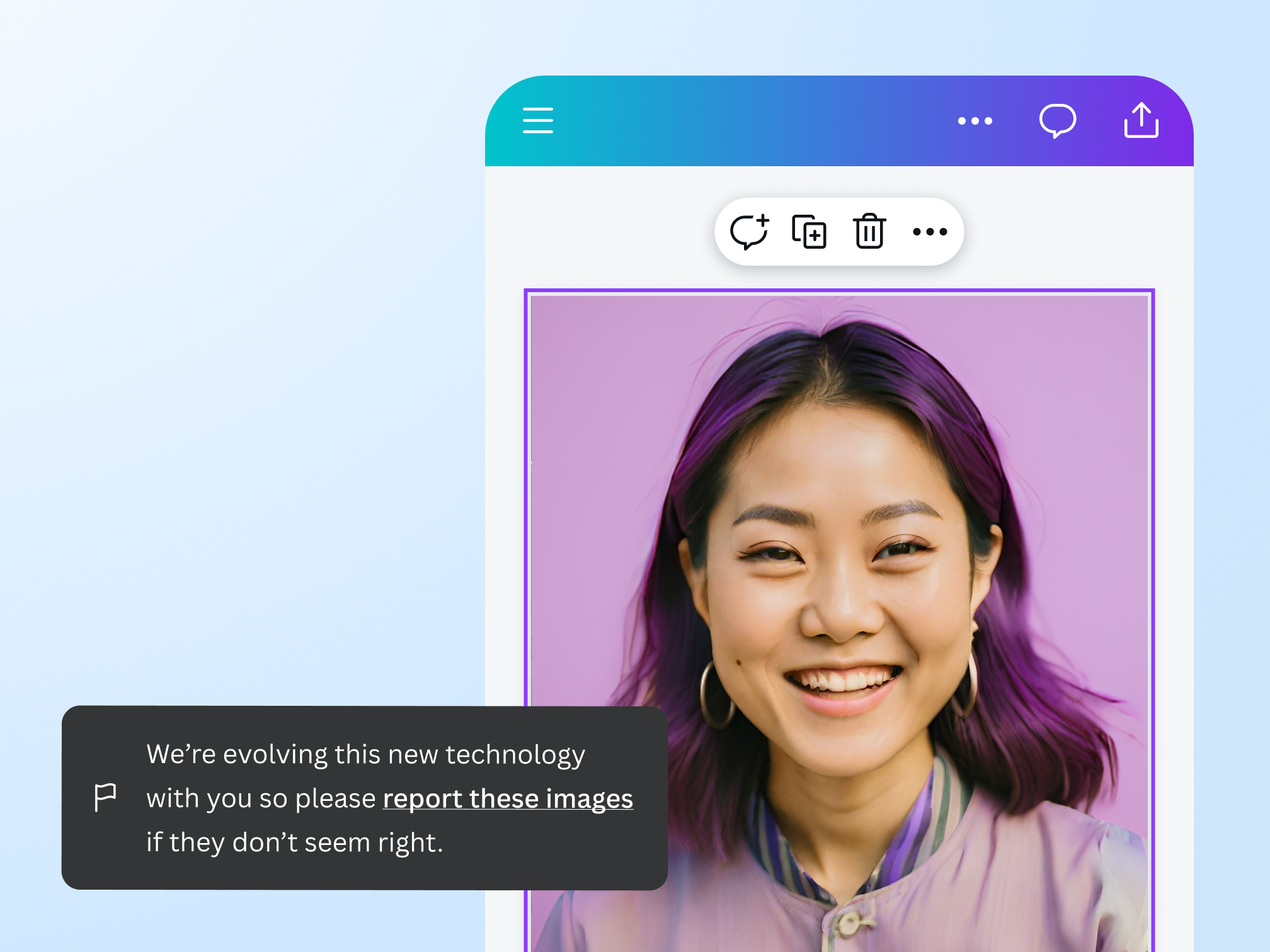
Let your creativity flow, and rest assured, you can create something safe and sound. To ensure your safety on our platform, we’ve put layers of security measures in place, including automated reviews of input prompts for terms that might generate inappropriate content. See any unsafe content? Report it here. We don’t tolerate any use of our AI face generator apps that violates our Terms and Acceptable Use Policy.
The AI face generator for all creatives

For content pros
Generate AI faces to keep your content fresh and exciting.
For business owners
Tailor brand personas that resonate with your audience.

For budding artists
Effortlessly bring your creative projects to life with realistic characters.
All the photo editing features you need
Canva’s free drag-and-drop design tools make it easy to create any design, fast!

Generate images from text
Create AI images that visualize a product or idea, draft a creative concept, or push the limits of what's possible.

Various art styles available
Render your AI-generated images in stunning art styles like Watercolor, Filmic, Neon, Color Pencil, Retrowave, and more.

Magic Edit
Want to change the color or texture of an object? Or swap the background for something else? Magic Edit lets you add to, replace, or edit your image with a short written prompt.

Magic Eraser (Pro)
Instantly clean up your image and remove any unwanted distractions with Magic Eraser—no manual editing needed.

Enhance your images
Use Canva’s Photo Editor to fix your photo’s focus, lighting, and coloring with easy-to-use sliders.

Photo effects & filters
Choose from our selection of adjustable color filters and fun photo effects to remix your photo.

Add Text to Photo
Easily add text to your photo or image to tell a story. Font combinations, colors, and styles available.

One-click background remover (Pro)
Remove image backgrounds, perfect for product photos, headshots, or transparent PNGs.
Automatically translate your design
With Translate (Pro), quickly change the language of your existing design, with over 100 languages to choose from.

Millions of free images, icons, and graphics
Get access to our entire library of millions of photos, icons, graphics, media elements, audio, sound effects, and more.

Access anywhere and autosave
Jump from device to desktop—design how you work best! Canva autosaves your progress along the way.

Cloud storage
Get free 5GB storage or upgrade to Canva Pro and get unlimited folders with up to 1TB storage for all your designs.

Easy sharing and exporting tools
Share and export designs as a JPG, PNG, PDF, and PPTX. And when you embed a doc, you can customize which page will be displayed.

Real-time collaboration
Create, collaborate, comment on designs, and get everyone on the same page, at the same time, from anywhere.

Content planner (Pro)
Create and schedule content to your favorite social media accounts directly from Canva.
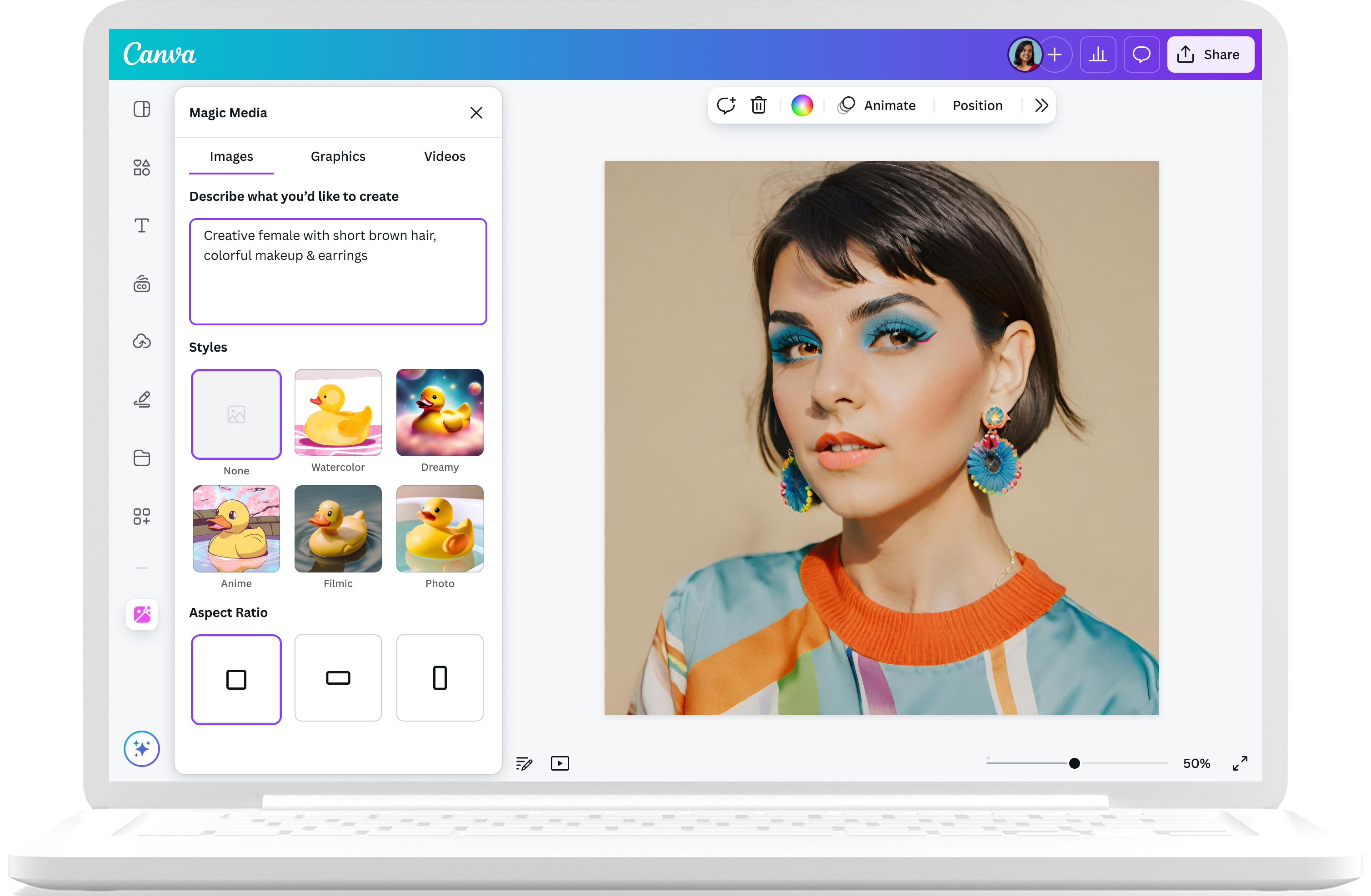
How to create a face with AI
- Start a designLaunch Canva. Find a template or start from scratch.
- Choose your AI face generator appOn the editor sidebar, click Apps and select “Magic Media”.
- Describe the face you want to createEnter details in your prompt, like age, face shape, and skin tone. Choose a style and aspect ratio, then click “Generate image”.
- Personalize your imageUse Canva’s photo editing features, effects, and filters to bring your AI character to life.
- Download or shareDownload your work as a JPG or PNG. Share them via email or social media, or add them to your existing Canva projects.
Your questions, answered
The AI face generator model works by scanning millions of images along with the text associated with them on the internet. The algorithm spots trends in the images and text and eventually begins to guess which image and text belong together. Once the AI generator model can predict what a face should look like with the given text, it can generate entirely new faces for you to choose from.
Yes, it’s free to use.
Yes, you can enter specific details in your text prompts, like age, face angle, skin tone, and hair color. You can also specify if you want photorealistic faces and other details. However, generative AI is still fairly new, so you might not always get exactly what you envision.
You can customize your AI-generated faces further with Canva’s Image Enhancer, Magic Edit (Pro), online face smooth tool, and other photo editing tools.
Yes, you can use the AI faces generated with Magic Media for any legal purpose, including personal or commercial projects, as long as you follow our Terms.
Keep in mind that if you’re going to use AI output for your commercial projects, you may not have exclusive rights to your AI characters or faces. This means other people may also use them.
Please be mindful that Canva doesn’t guarantee that the AI faces you generate are cleared for use (particularly if the face you create looks like someone else’s work). If you’ll use AI faces for any commercial purpose (i.e., selling your creations), it may be a good idea to seek legal advice.
We don’t recommend this. Certain public figures have legal rights that allow them to control how their image is used commercially, and they may not be happy with you creating AI-generated images of them.
Similarly, if you use Text to Image to create recognizable characters or brands, these may be protected by copyright or trademarks. You shouldn't use these images without permission from the rights owner, as Canva can’t give you this permission.
The AI face generator and other generative AI tools show increasing capabilities in creating high-quality, photorealistic images of human faces. However, generative AI technology is still fairly new. Generator tools have limited databases, meaning you can only generate something based on what’s currently available. So, if you want to generate AI faces with highly specific or uncommon characteristics, you may not always find what you're looking for.
More resources
How to turn your text into images with Canva
Learn to generate unique pictures with our AI image generator.
Create your own avatar online for free
Personalize a fun avatar with Canva’s avatar generator apps.
Transform words into stand-out videos with AI
Instantly produce an AI-generated video from text.
10 simple ways to enhance your images
Easily enhance photos with these 10 simple tips.
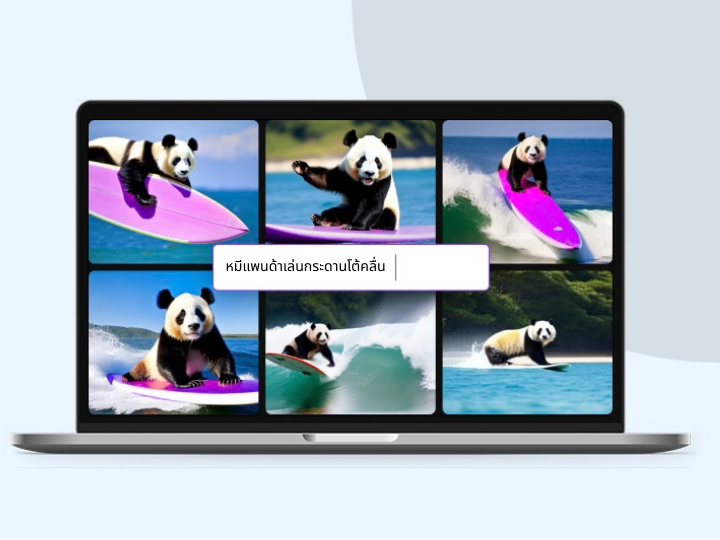
Free Online AI Face Generator
Create stunningly realistic faces from your words with Magic Media™ and an array of AI face generator tools on Canva. Type a description and generate photorealistic faces for any design project.
