Group greeting cards made easy
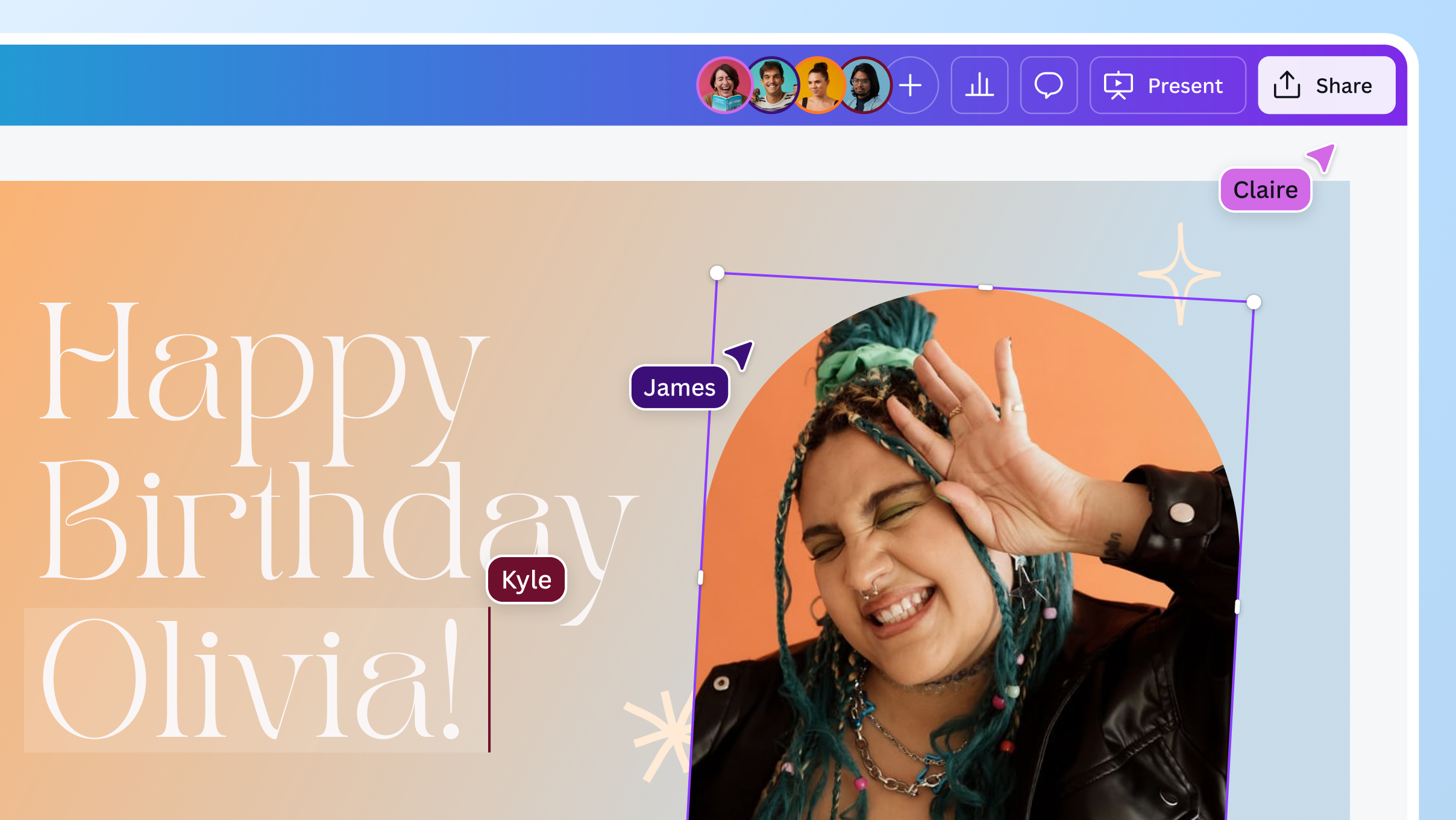
Make special occasions even more precious with your team. From birthdays to farewells, create a well-designed virtual group greeting card in a few clicks.





+75M customers trust Canva Worldwide
How to create a group greeting eCard
- Search for “group greeting card” on Canva and select the perfect template. Or create one from scratch.
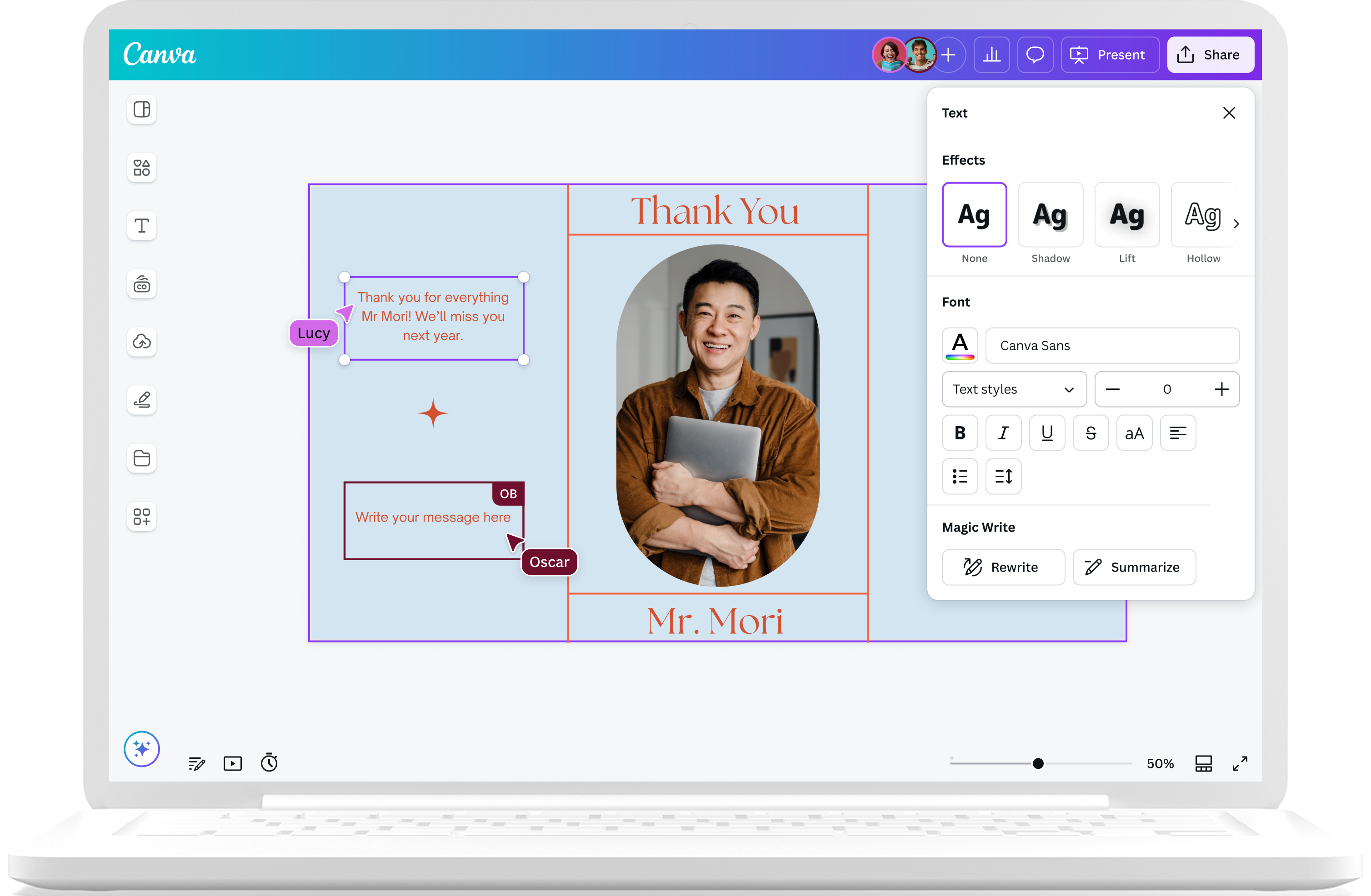
- Customize your group eCard template for the occasion. Change the text, font styles, and colors. Add photos, stickers, and GIFs too!
- You can add pages to your card to accommodate everyone’s signatures. Click "Add page" at the bottom of the design editor.
- Invite your team via the share menu and grant them editing access. Watch them sign and add messages in real time.
- Once everyone has signed the group greeting card, download it as a high-quality PDF, PNG, or JPG. You can also convert it to a presentation.

Celebrate milestones with group cards
Have a special occasion to celebrate? Whether it’s someone’s birthday, work anniversary, or retirement, group greeting cards made on Canva can easily make moments more memorable and heartfelt. Coordinate with your team and pass a custom group eCard around your office to show your gratitude and care.
Heartfelt greetings in minutes

Perfect for every occasion
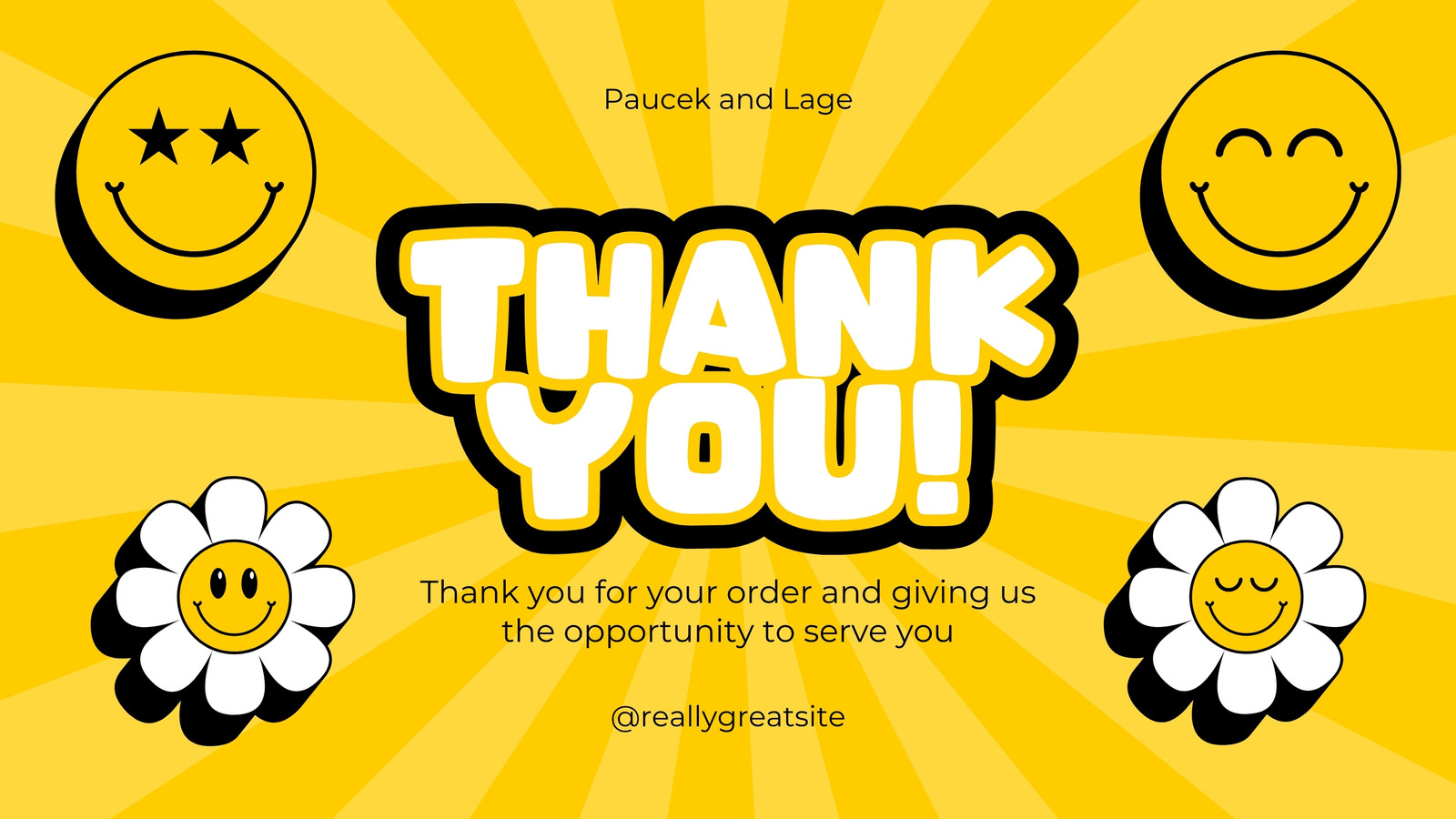
Browse our extensive collection of free group greeting card templates to customize for any occasion — from birthdays, anniversaries, onboardings, company events, and holidays to sympathies and farewells.

Design effortlessly
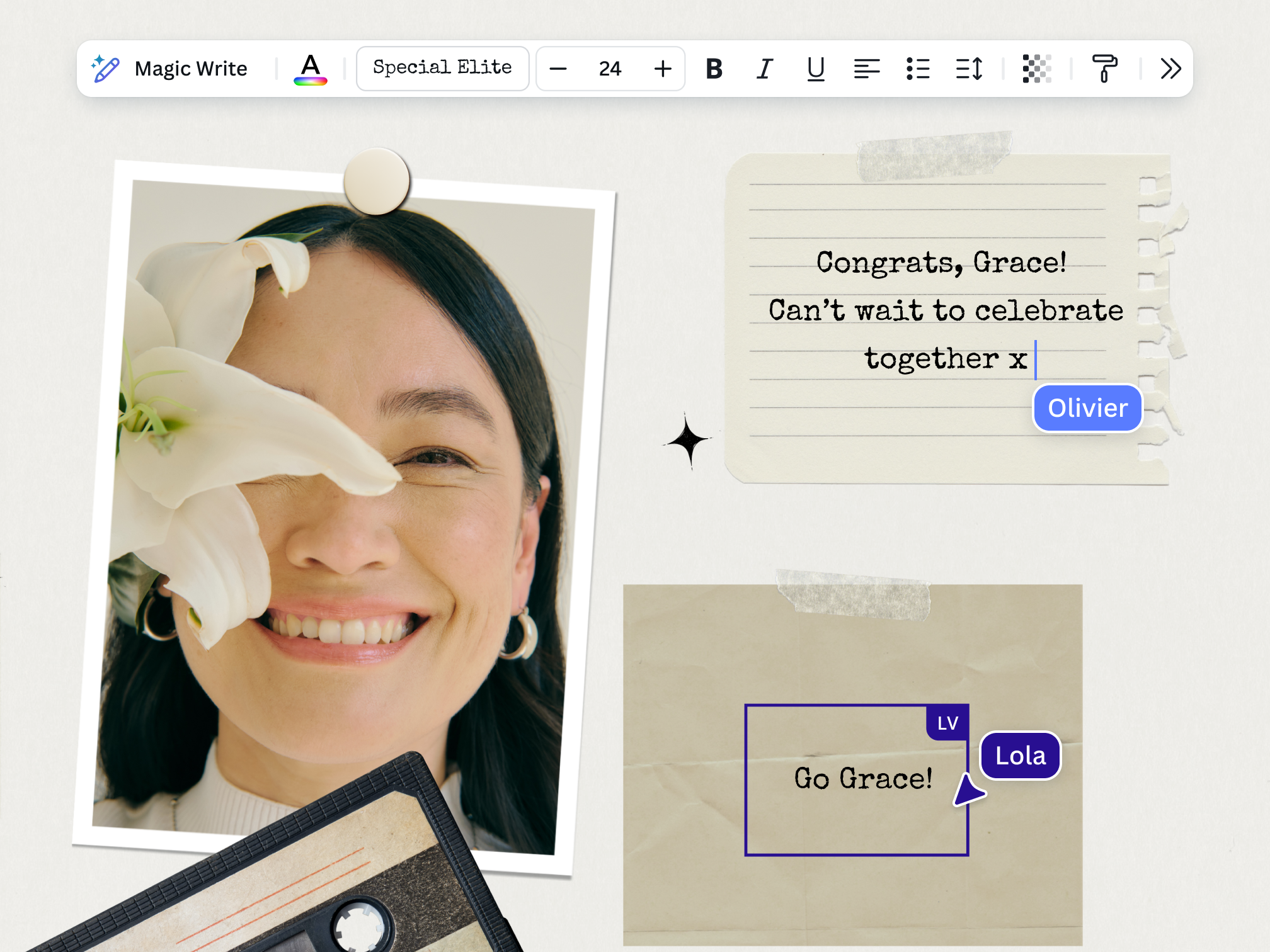
With our drag-and-drop editor, designing is a breeze. Change the font or color palette, add GIFs and stickers from our media library, and upload photos to your group eCard to match your recipient’s personality in a few clicks.

Unlimited messages
You won’t run out of space for messages. Just resize the text or add another page to your virtual group greeting card so everyone on the team can sign and send their greetings.

Keep remote teams connected

Easy group card sharing
Grant your team editing access to your online group greeting card and simply share the link so everyone can add their messages, no matter where they are.

Enjoy remote collaboration
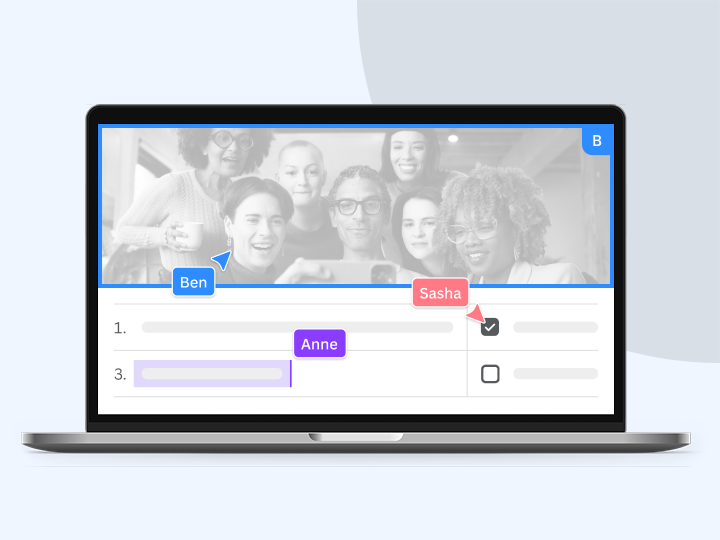
Keep track of who has signed your group greeting card and empower your remote team members to collaborate in celebrating your recipient — all in real time.

Make greetings from any device
Our free group eCards can be accessed on any device and any browser, so you can write your message when the inspiration strikes, anywhere, at any time.
Start inspired
Get a head start with free group greeting card templates you can customize.

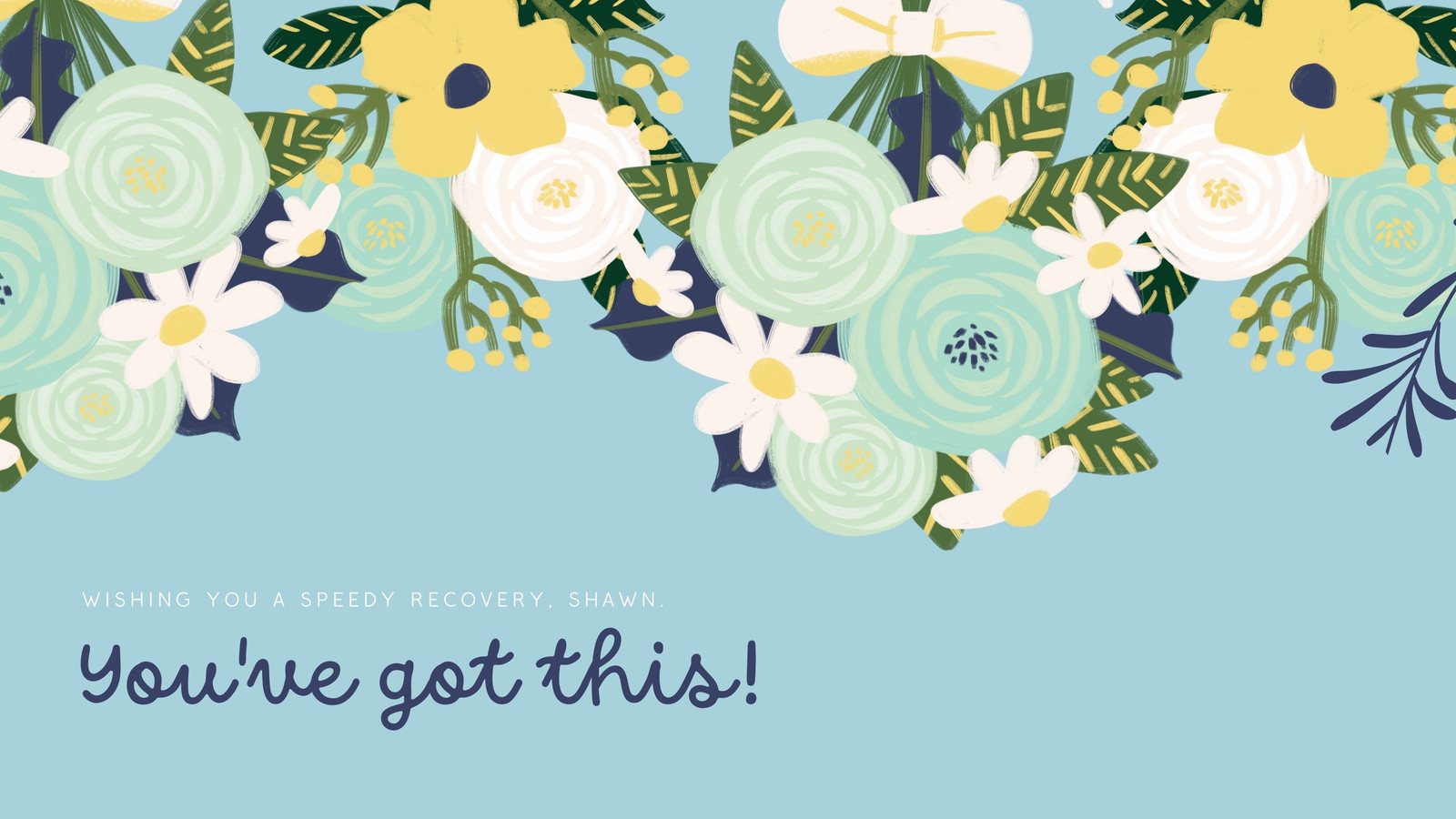

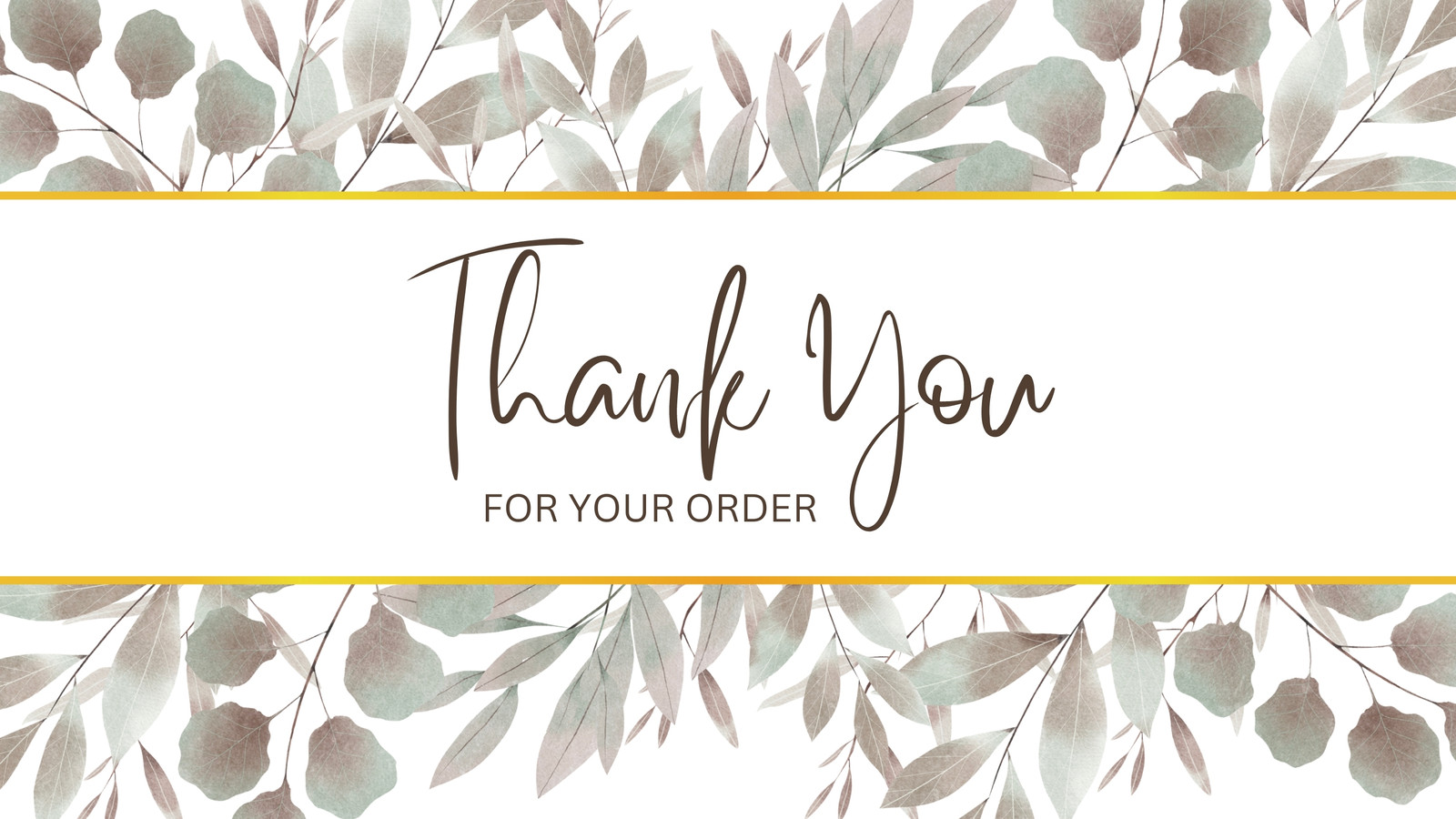

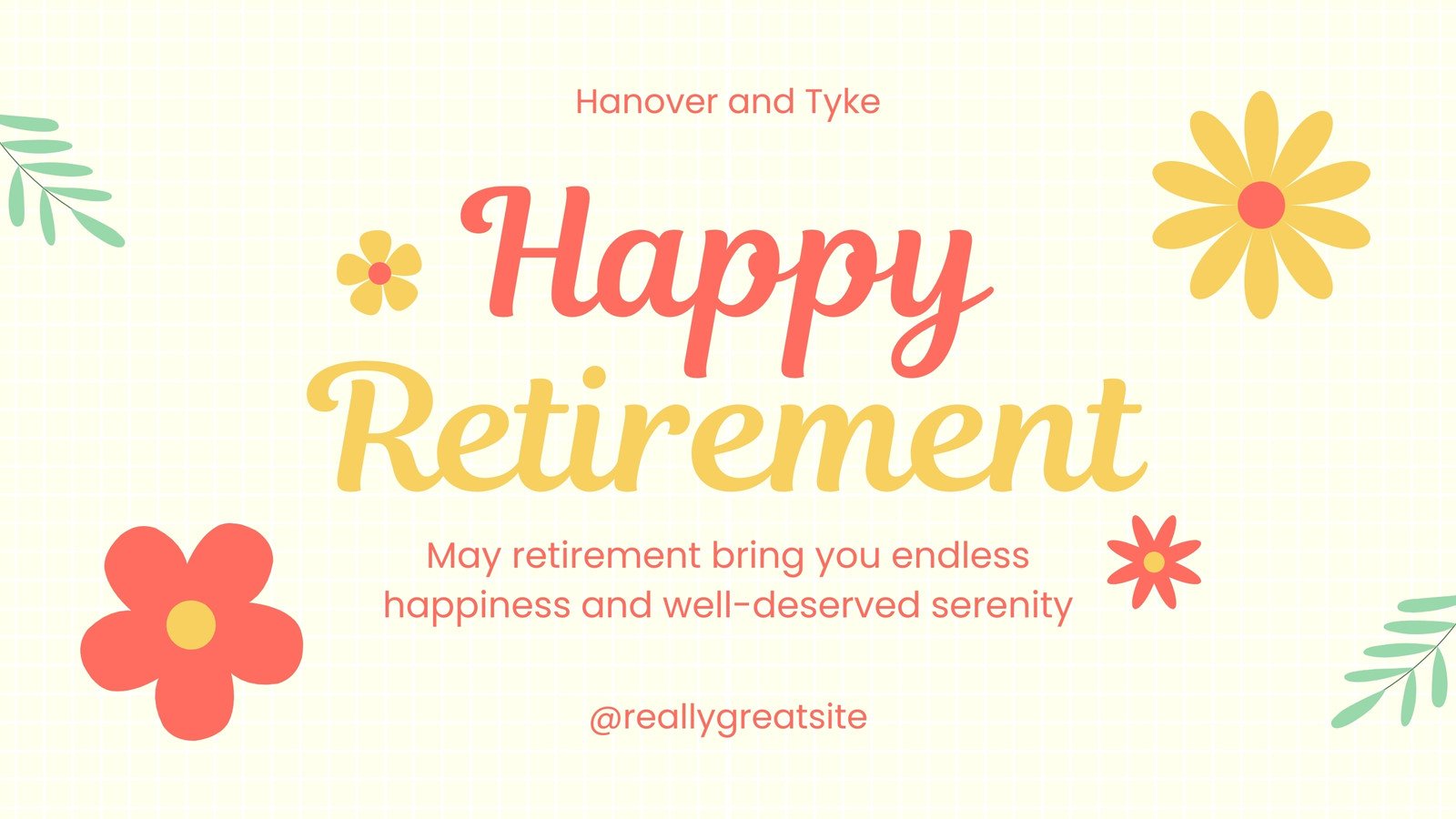
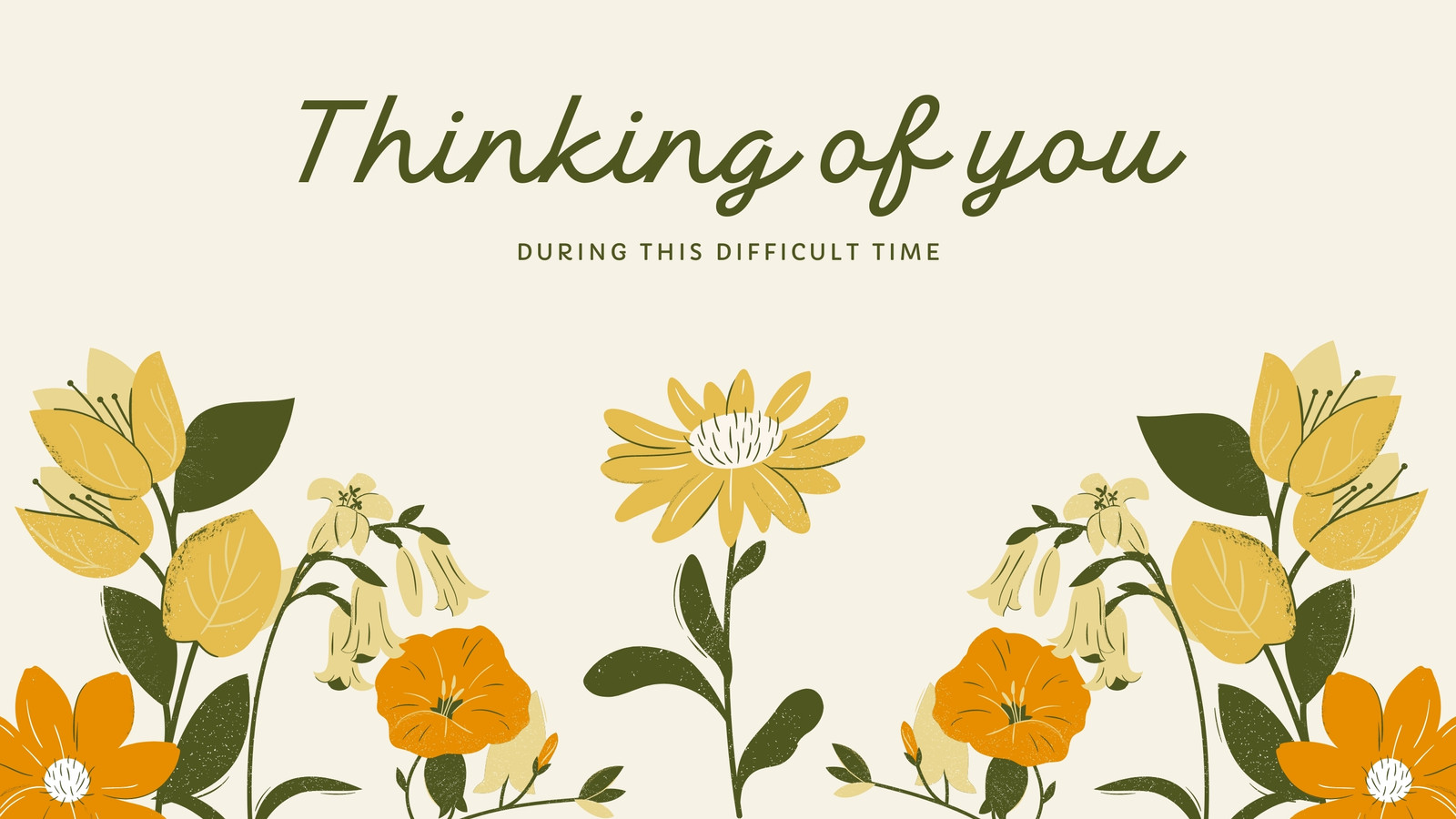

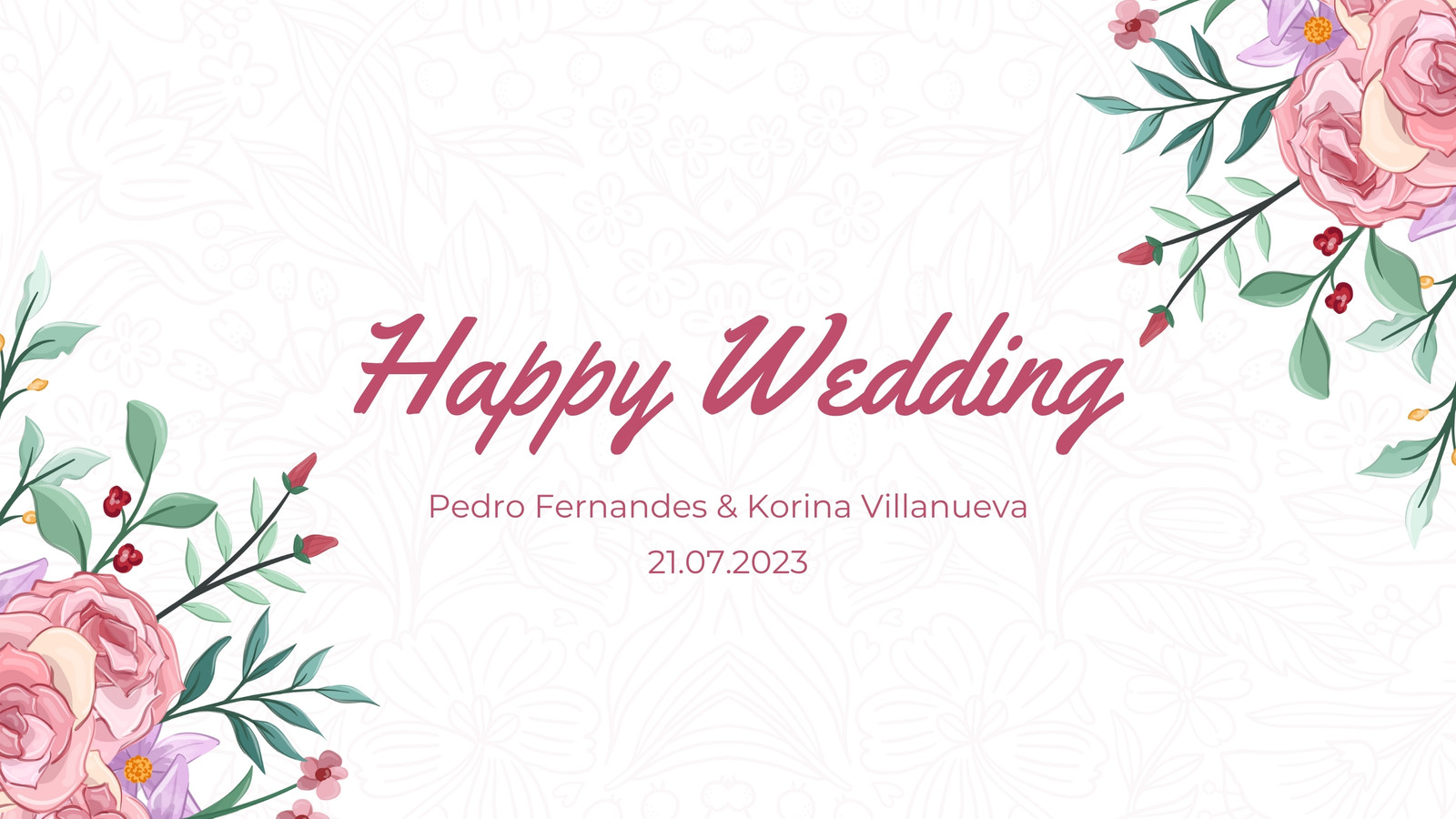



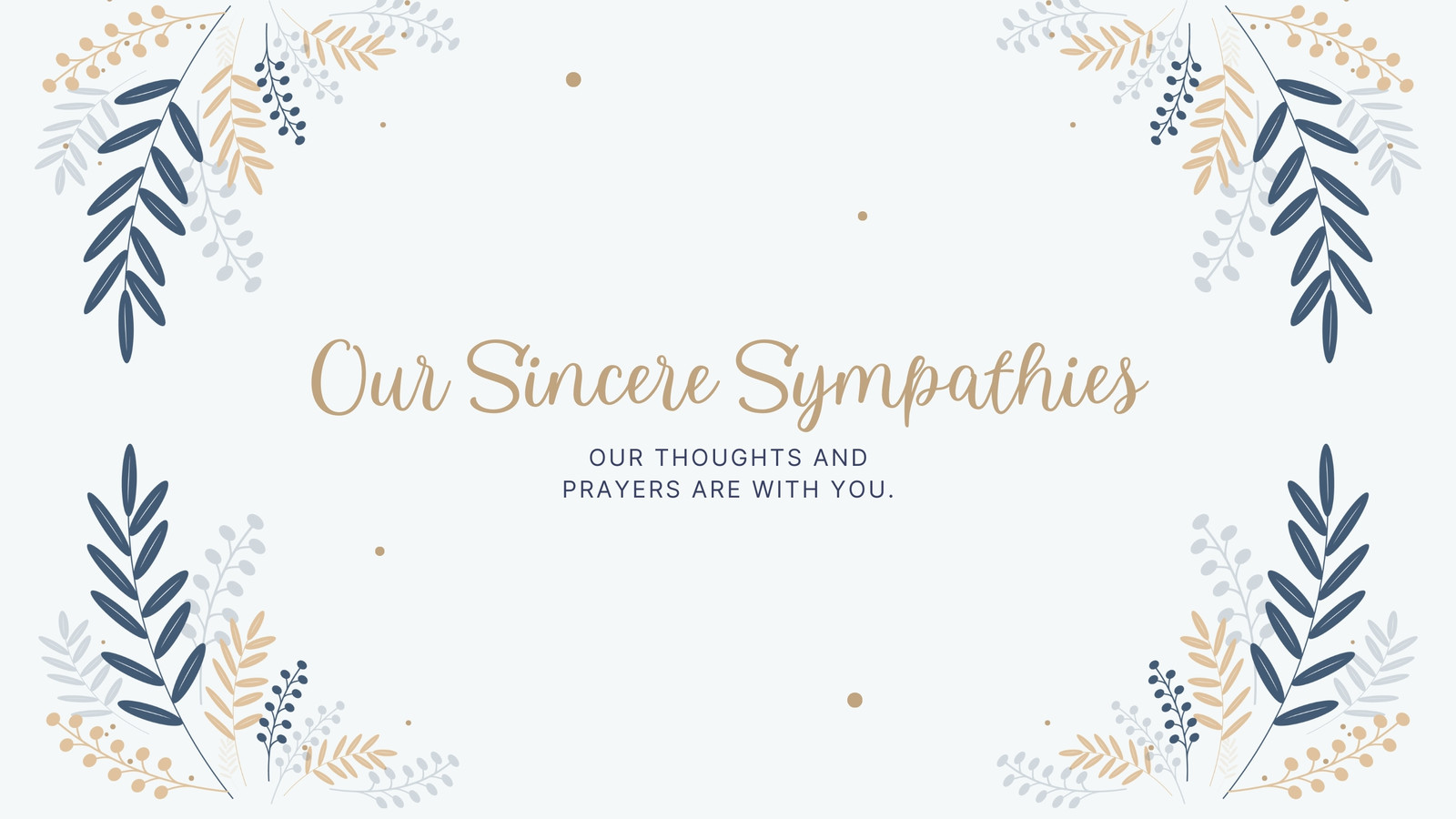



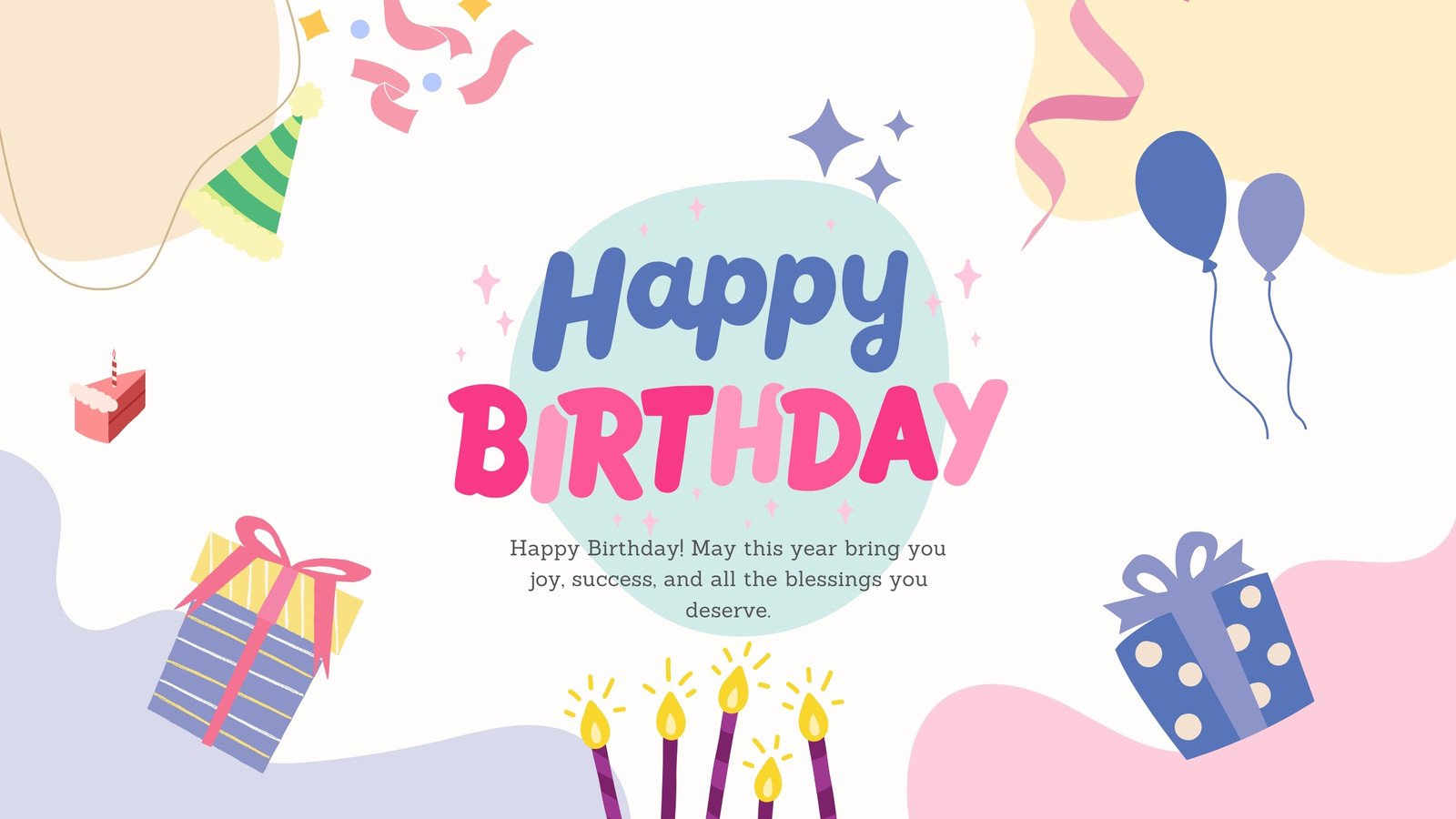



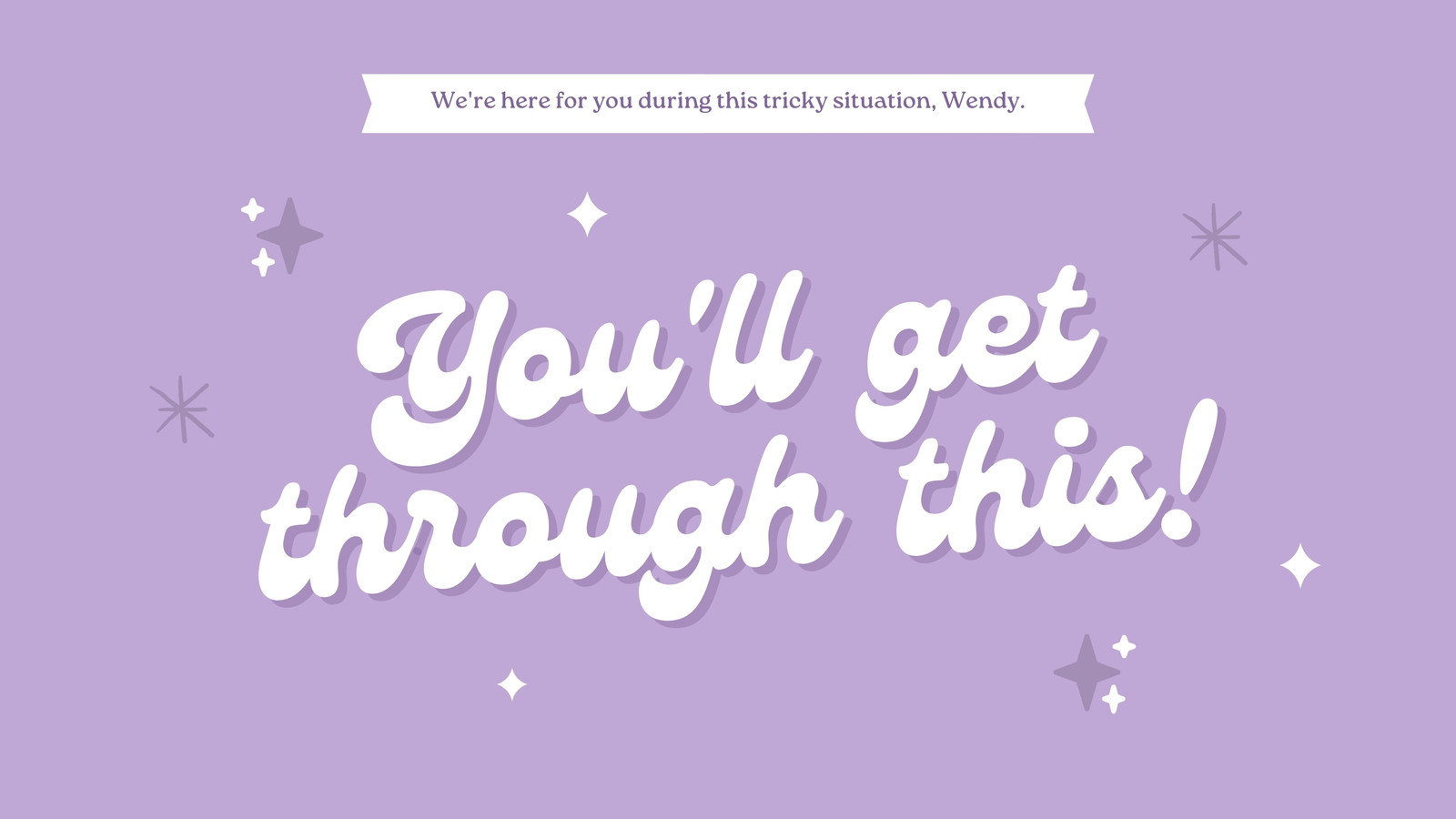

Group greeting cards made for teams

Business
Scale recognition and build a culture of gratitude among employees and teams.

Education
Take teacher appreciation to the next level and make everyone feel valued for their hard work.

Personal
Bring your friends together and celebrate the moments that matter, from birthdays to weddings.
All the features you need
Canva’s free drag-and-drop design tools make it easy to create any design, fast!
Thousands of free templates
Plenty of template design inspiration for any occasion, no need to start from scratch and 100% customizable.
Real-time collaboration
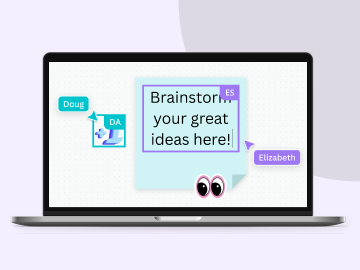
Create, collaborate, comment on designs, and get everyone on the same page, at the same time, from anywhere.

Millions of free images, icons, and graphics
Get access to our entire library of millions of photos, icons, graphics, media elements, audio, sound effects, and more.

Easy sharing and exporting tools
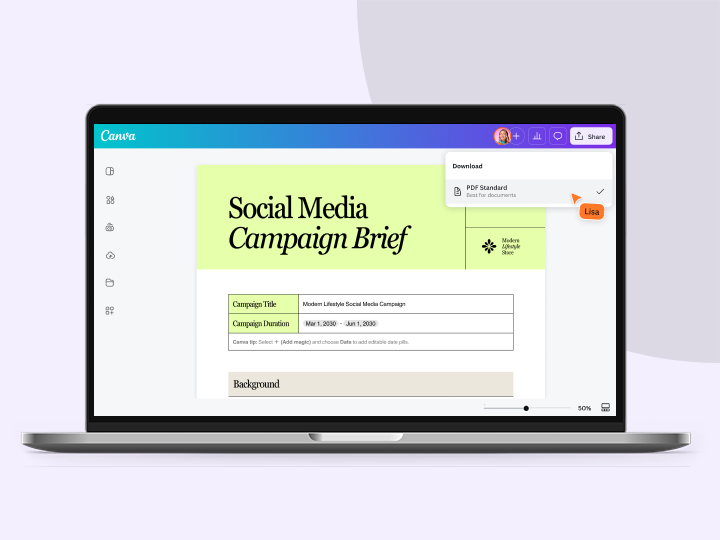
Share and export designs as a JPG, PNG, PDF, and PPTX. And when you embed a doc, you can customize which page will be displayed.

Autosave
Canva autosaves your progress so you can update anything, anytime.
Access on any device
Jump from mobile to desktop—design how you work best!

Brand Kit (Pro)
Store your logo, brand colors, and fonts to stay effortlessly on-brand.

Invite your team
Invite unlimited members to your class space or NFP team and easily share and manage work together. Pro teams are part of Canva Pro.

One-click background remover (Pro)
Remove image and video backgrounds, perfect for product photos, headshots, or transparent PNGs.
Your questions, answered
A group greeting card is a type of card that can be signed by multiple people, from families and friends to coworkers and teams. It’s a thoughtful gift for any occasion, including birthdays, weddings, work anniversaries, onboardings, employee appreciation, company events, retirements, farewells, and more.
Yes, our digital group greeting card templates are free! Use one to celebrate special moments, commemorate milestones, and give recognition and appreciation. To get started, browse our collection of templates and select one that matches the occasion. You can customize it by adding more pages, playing around with the font and color palette, and putting stickers and other design elements from our media library using our drag-and-drop editor.
What’s great about electronic group greeting cards is that there's no limit to the number of people who can sign them. No need to worry about running out of space, either. Just add more pages to your card to accommodate everyone’s messages.
You can sign a group greeting card by adding a text box or clicking on an existing one. Tip: use the keyboard shortcut T to quickly add a new text box on the eCard.
Compose a heartfelt message that conveys your feelings. Then, add stickers, GIFs, or other design elements to make your greeting more fun and unique.
On the side panel of the editor, click Elements and type “GIFs” in the search box. Choose a GIF, then drag and drop it to your group eCard. Alternatively, head over to Apps and type “GIFs.” Click GIPHY and choose any of the available GIFs that suit your recipient’s personality.
To invite people to your group greeting card, simply click Share on the upper right-hand corner and add the members you want to sign it. Grant them editing access and copy the collaboration link.
Once you’ve sent the link, watch your group greeting grow in real time as more and more people add their messages.
You can send your group eCard by downloading it as a high-resolution JPG, PNG, or PDF file and sharing it with your recipient via email or social media. You can also give them a viewable link or convert the group greeting card to a presentation.
More resources
Canva's ultimate guide to font pairing
Learn all about font combinations as well as great examples of font pairings.

Getting started with Canva’s birthday cards
Create the best birthday cards on Canva with this video tutorial.
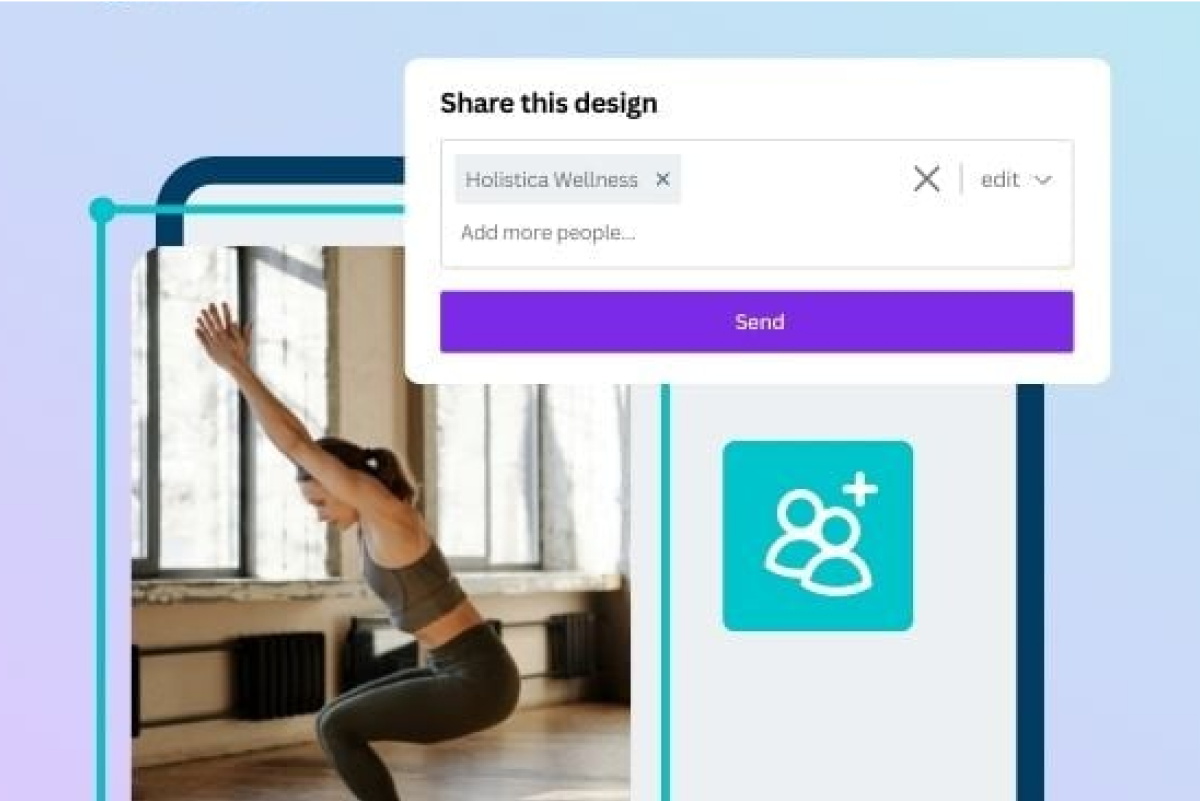
Learn how to invite your team to your design projects on Canva.
Discover more products

Group greeting cards made easy
Make special occasions even more precious with your team. From birthdays to farewells, create a well-designed virtual group greeting card in a few clicks.
