Free Phone Mockup Generator

Easy drag-and-drop editor
3M+ free stock photos and graphics
Try our design and work apps
Download or share designs easily
Get ideas on how your website(opens in a new tab or window) or app will look in real life. Produce detailed mockup phone designs rendered in 3D with one easy click. With Canva’s free online mobile phone mockup generator, instantly make true-to-life phone mockups—no complicated software or design degree required.

Wow clients with photorealistic mobile mockups
Want to show off your landing page’s responsiveness? Trying to visualize your app in use? Canva’s phone screen mockup generator helps you build and customize impressively realistic mockups(opens in a new tab or window).
Browse our extensive library for free iPhone mockups for other smartphone models. Our mockup creator intuitively applies your design to your chosen mockup, adjusting the angle and fitting seamlessly under foreground obstructions.
Build a better portfolio(opens in a new tab or window), win clients, or convince stakeholders to back your app without breaking a sweat. Ready your image, choose a mockup, and make quick tweaks to get presentation-ready cellphone mockups in minutes.
How to make a phone mockup


Stunning phone mockups for any purpose
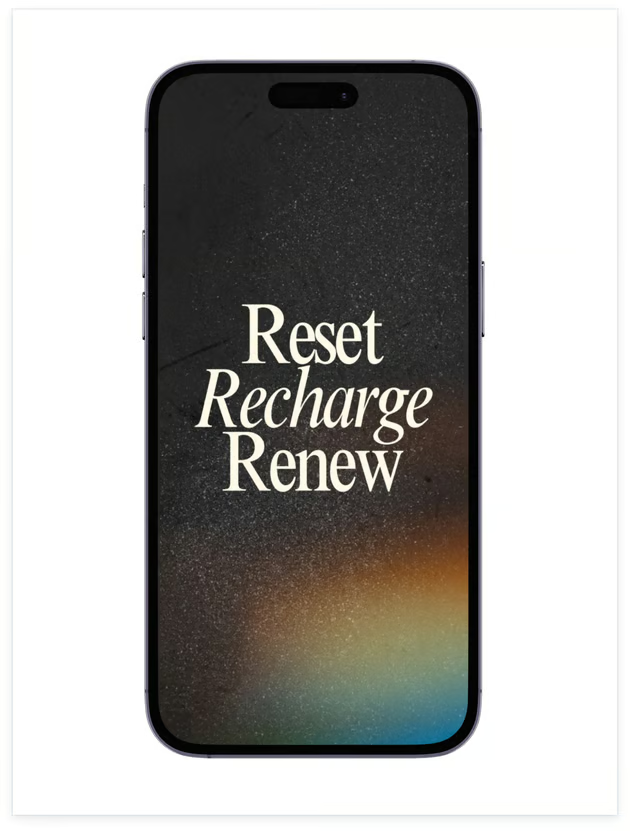
Level up your design projects or upgrade app demonstrations with Canva’s free 3D phone mockup generator. Find dynamic mockups for every purpose and design need, from stylish smartphones to trendy tablets. Effortlessly place and adjust your design in a smartphone mockup and create engaging visuals that make an impact.
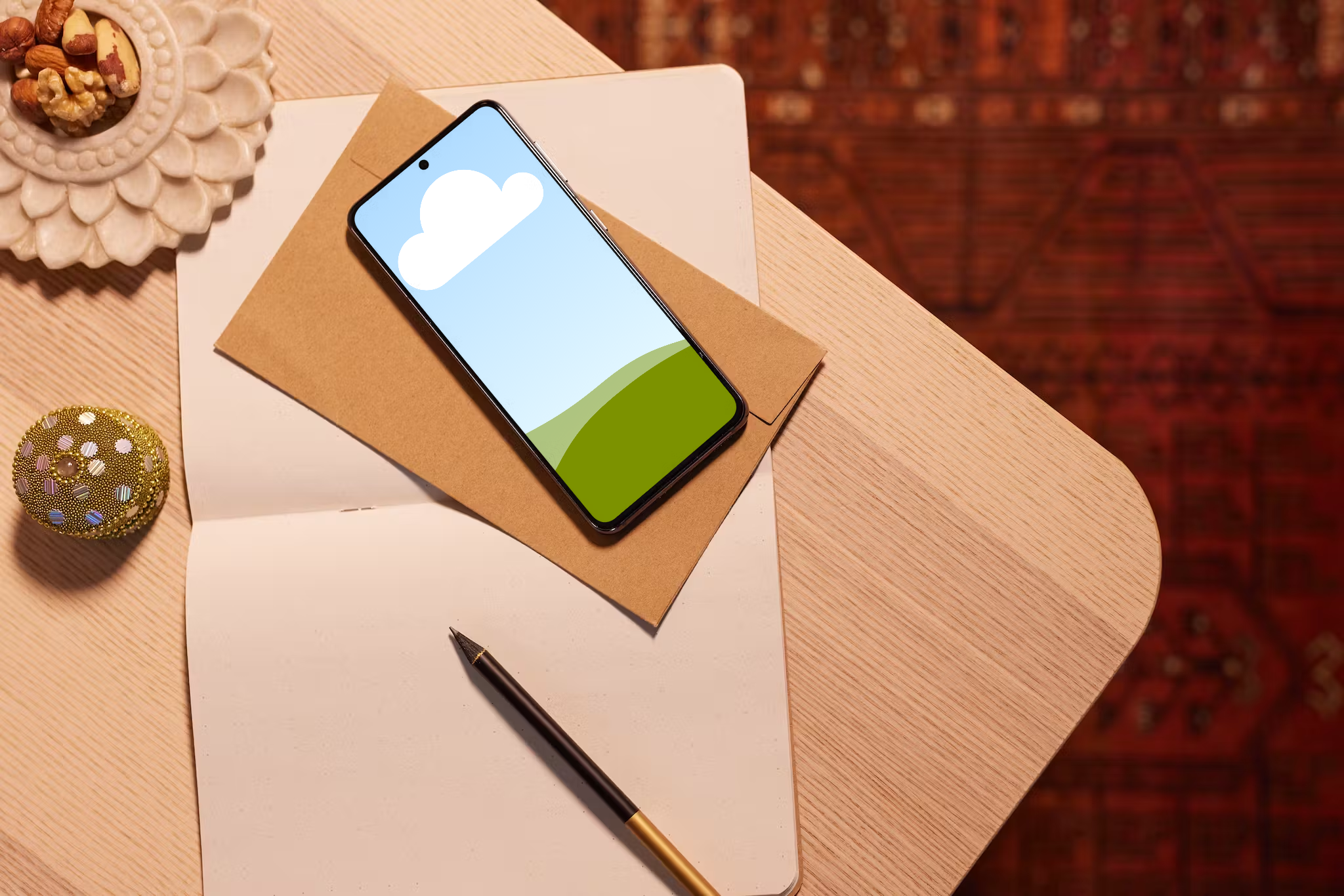
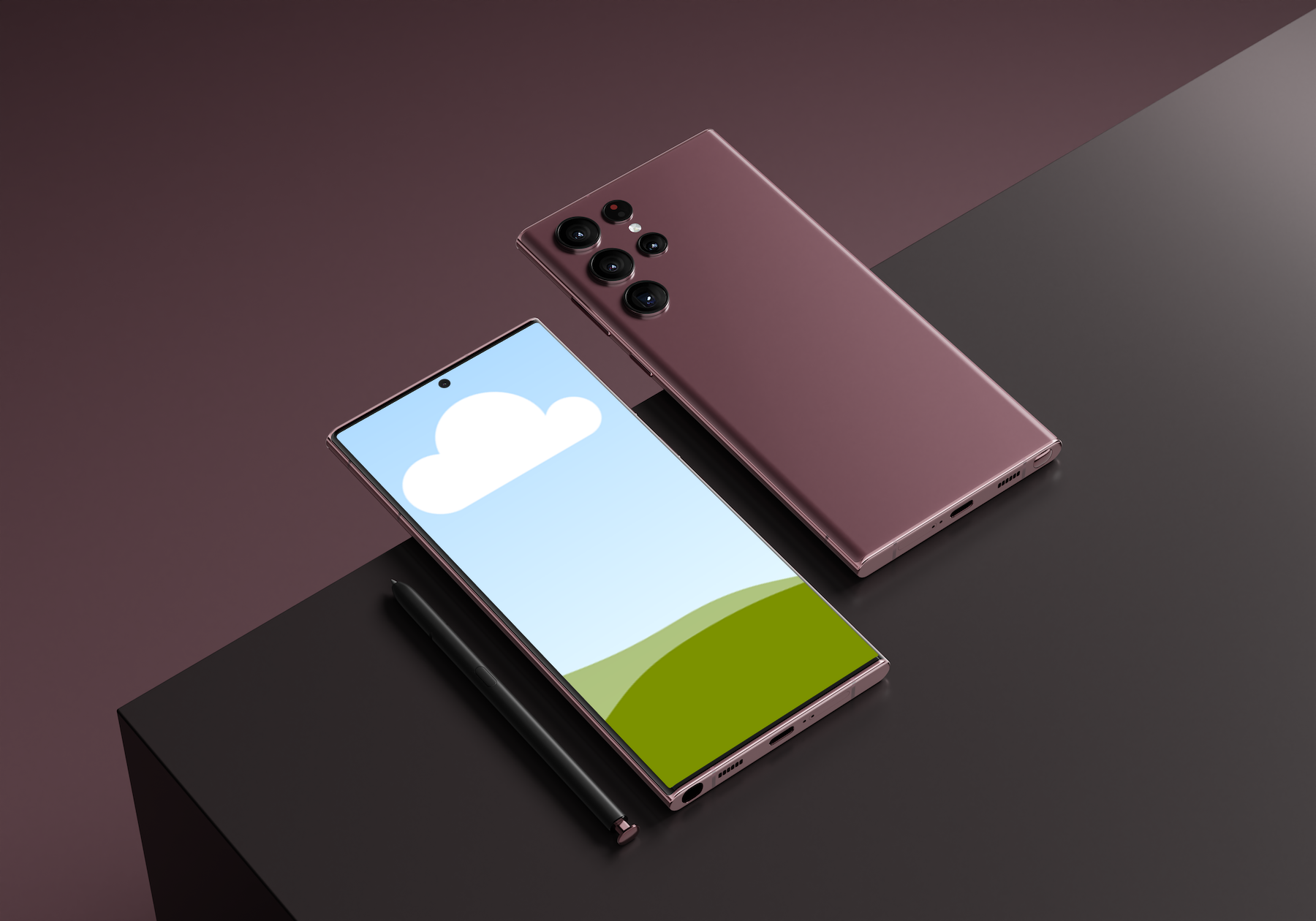
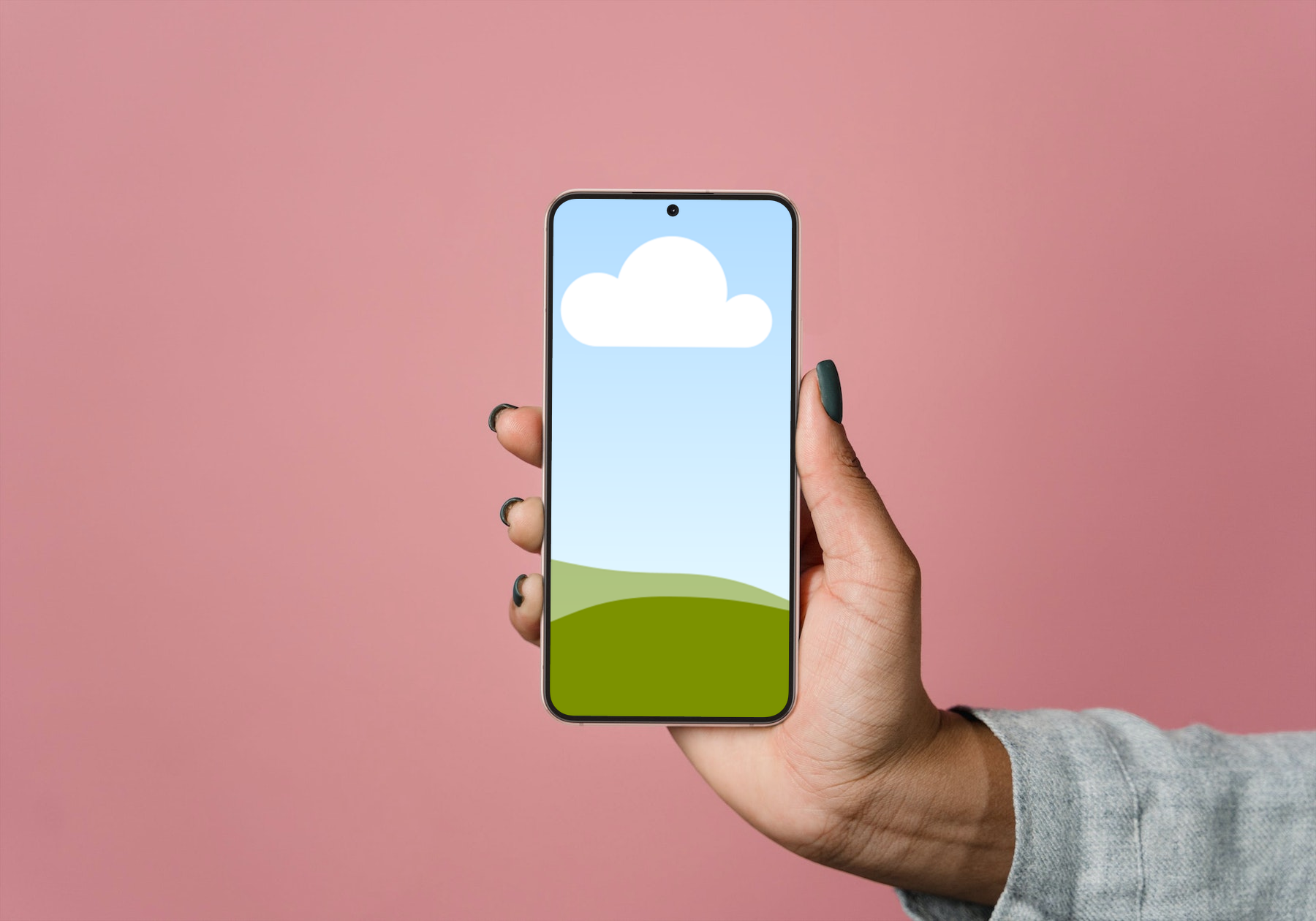
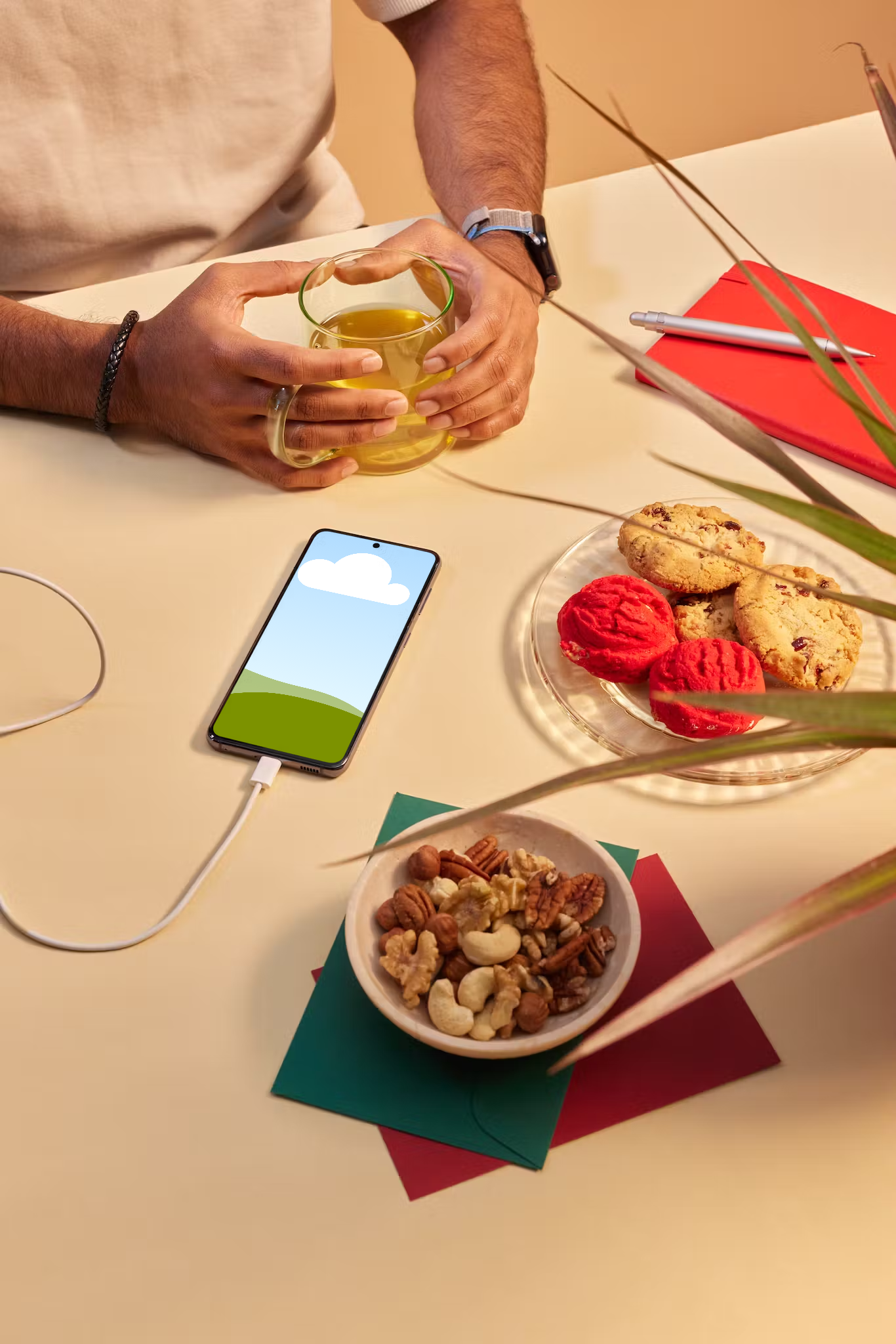
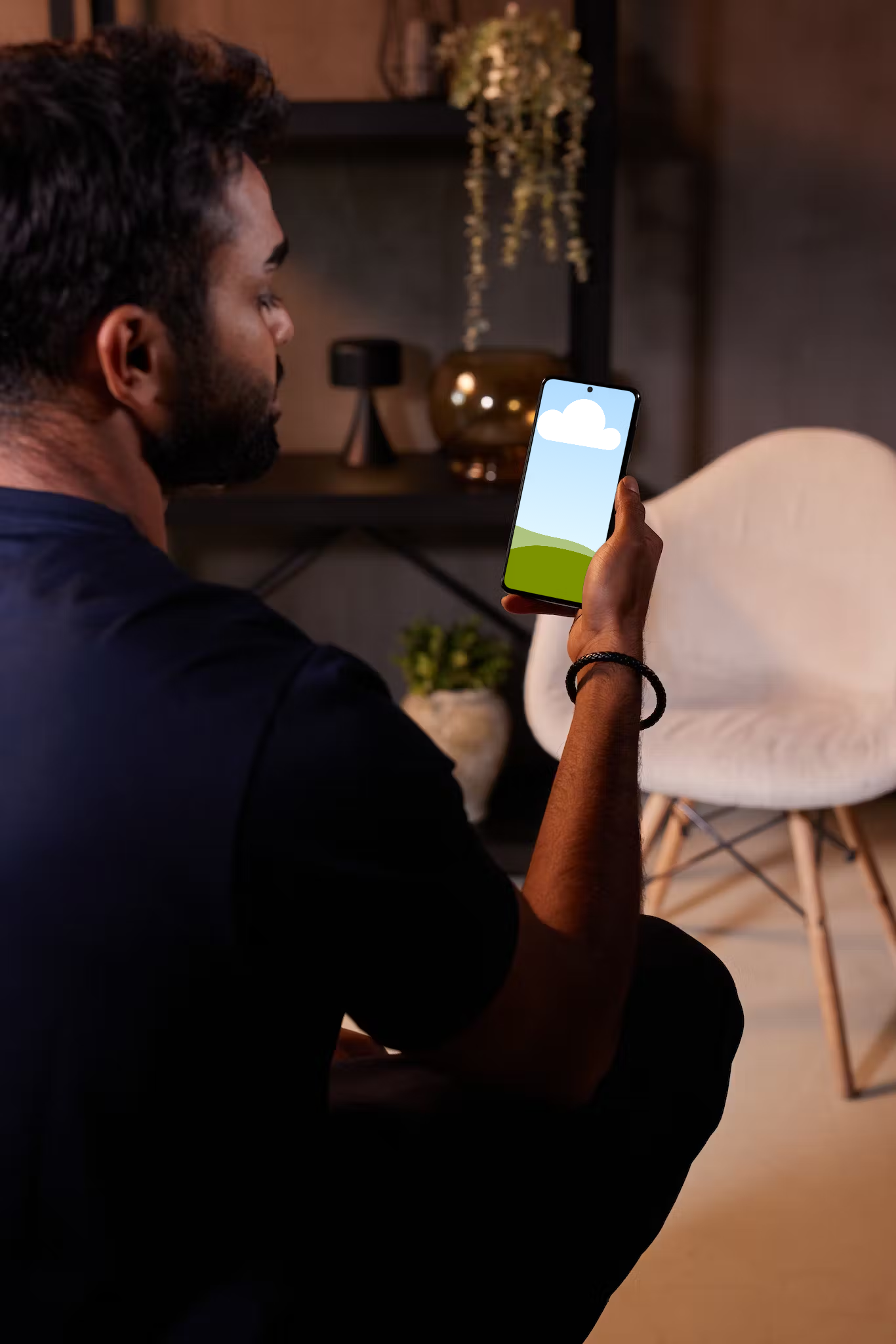
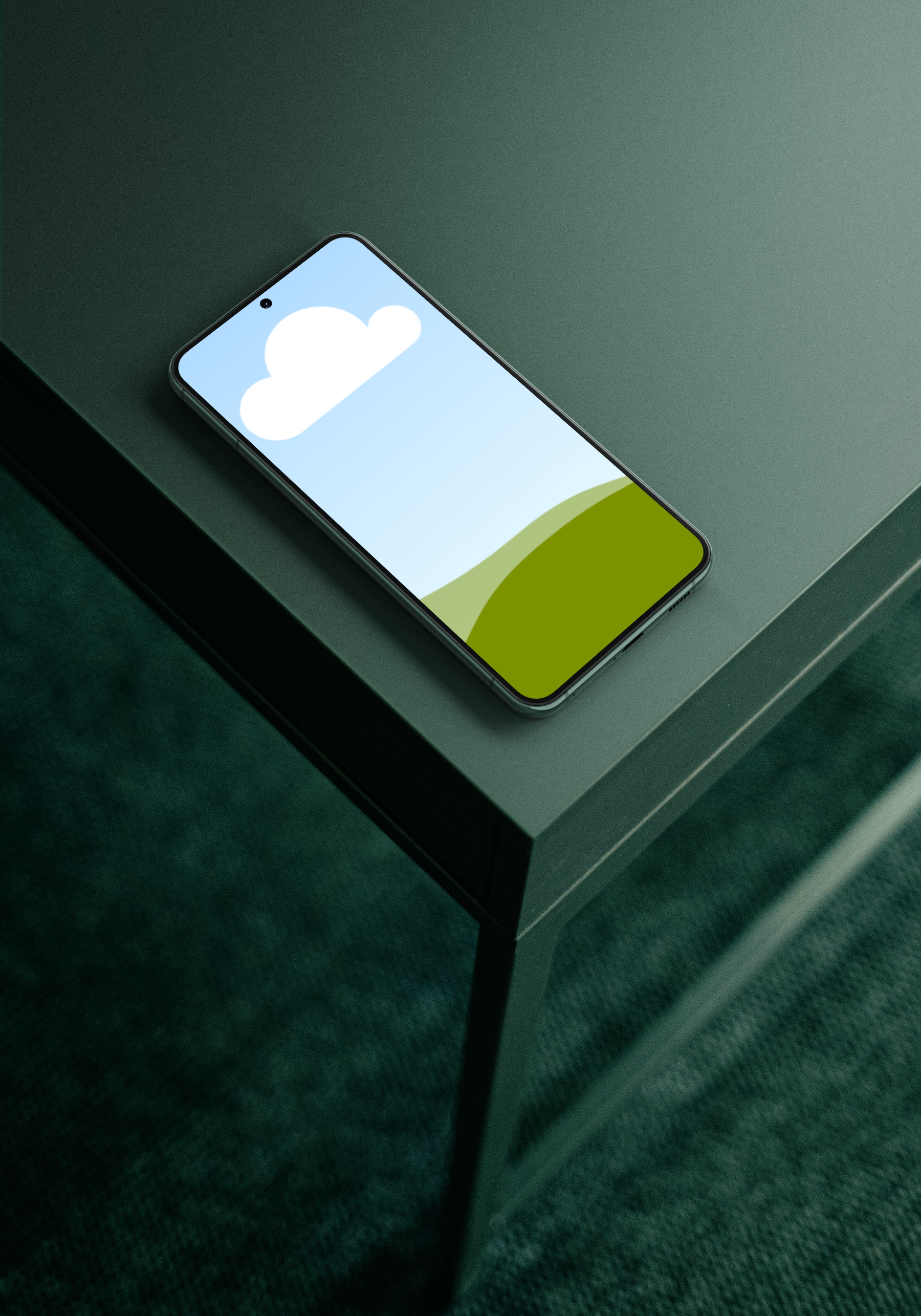
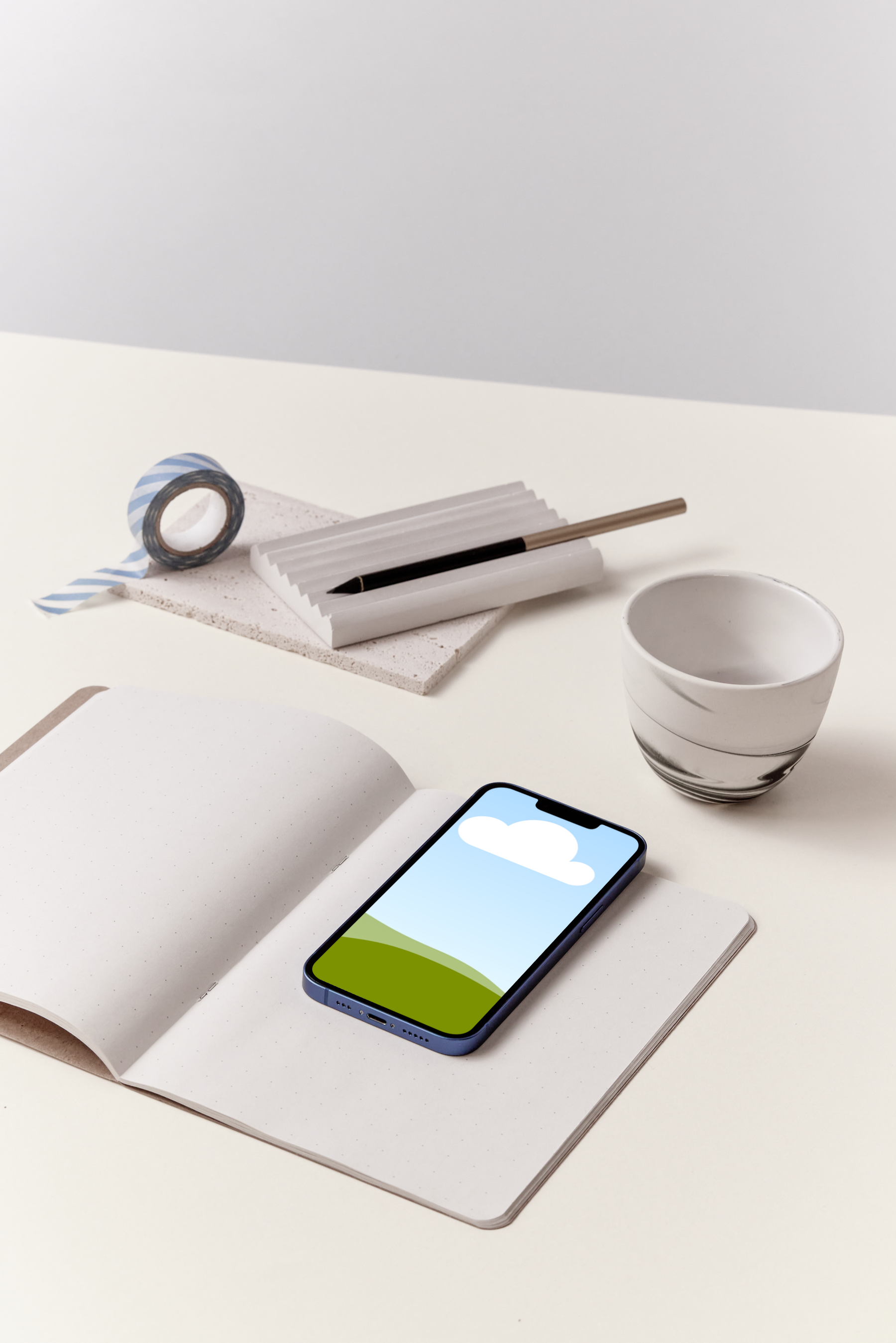
Choose from our library of diverse phone models, screen orientations, and settings. Use an isolated render or minimalist product shot for a sleek presentation. Pitch a fun new app with a dynamic flat lay. Or demonstrate your design in real-life situations, such as a hand holding a phone or a device set on desks, sofas, or dashboards.
Modify your mockups while preserving clarity
Do more than just create a phone mockup online. Canva has all the tools you need to polish every detail of your design. Make your image fit or fill the screen. Align elements perfectly or explore new angles. Use our drag-and-drop editor to add graphic elements or filters to your image. Take control of your phone screen’s appearance and have confidence that your mobile phone mockup won’t lose its quality, even with multiple edits and downloads.
Supercharge your mockups with AI
Use our built-in AI-powered tools to elevate your phone mockups. Use Magic Edit(opens in a new tab or window) to add or replace any design element, Magic Expand (Pro)(opens in a new tab or window) to extend your image without compromising quality, and Magic Eraser (Pro)(opens in a new tab or window) to remove unwanted visual clutter in a snap. Got a busy background? Background Remover (Pro)(opens in a new tab or window) will erase your image’s background with one click.
Seamless mockup creation and presentation
Say goodbye to complex design processes—create, customize, and finalize your 3D phone mockup all in one place. Once completed, jump right into building a winning presentation(opens in a new tab or window) or design portfolio. Design a presentation from the ground up or use Magic Design(opens in a new tab or window) to generate outlines and content in a flash. Invite team members or stakeholders to collaborate or comment on your design in real-time and when you’re ready, send a link to your audience and present your ideas like a pro. Promote your new website or app and grab your target audience’s attention with Canva’s iPhone mockup generator(opens in a new tab or window).
FAQ

@navneet4