- Create Pixel Art
Free pixel art generator

Try our design and work apps
Design from any device
Easy drag-and-drop editor
Download or share designs easily
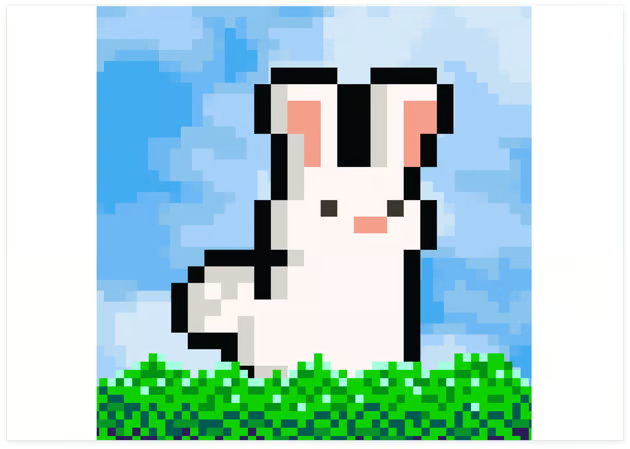
Evoke the nostalgia of old-school computer games with the free pixel art generator on Canva. Create pixelized versions of your photos in an instant.

Make pixel perfect art with ease
Turn your profile photo into a retro-themed avatar, visualize game assets in 8- or 16-bit, or reimagine your favorite artworks and characters as pixel art – all in just a few clicks using the pixel art generator on Canva. Whether you’re a gamer, creative, or just a fan of that retro video game look, you can create fun pixel art without needing a design background or downloading software.
How to create pixel art

Pixelate images like a pro
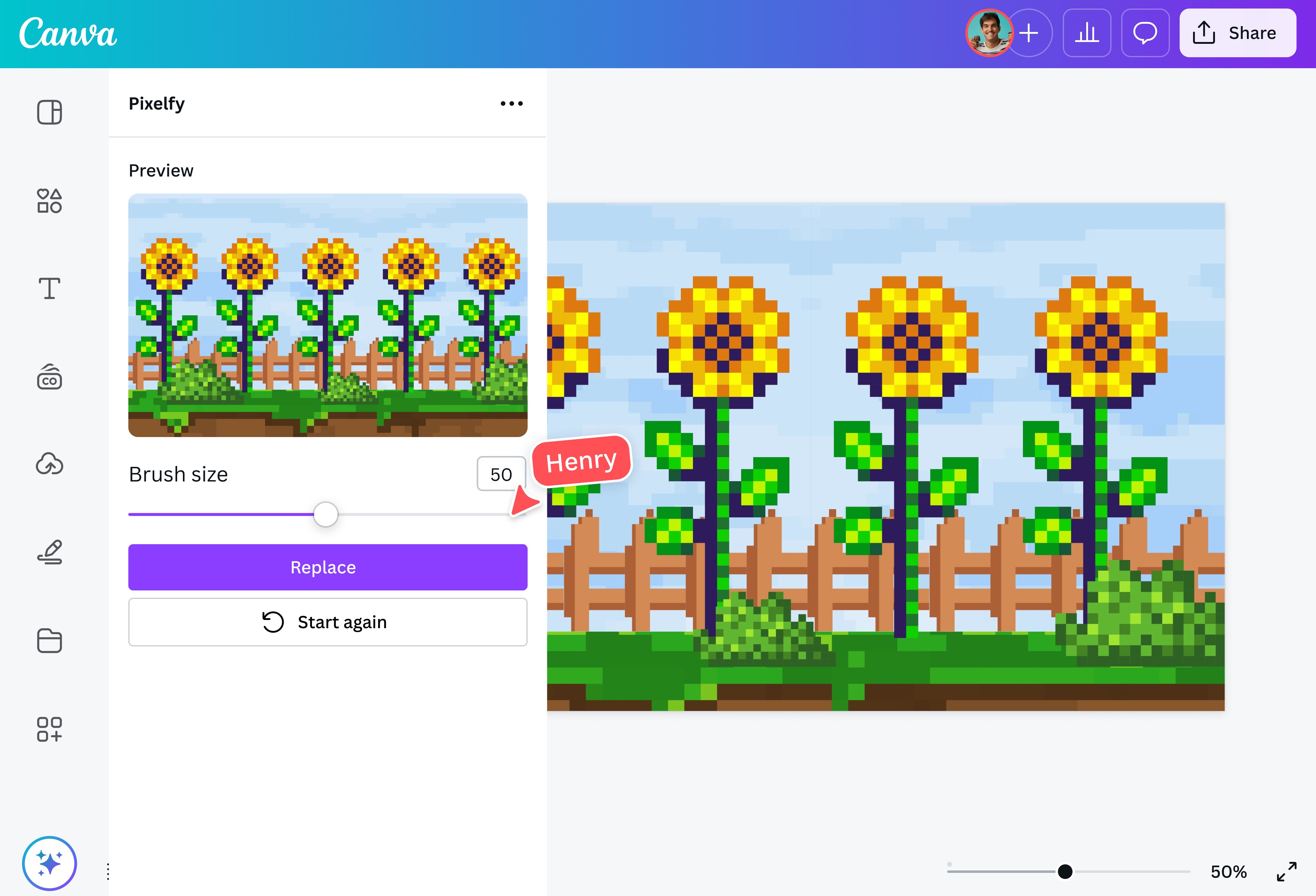
With a single click of the pixel art generator, you can convert your photo, selfie, or illustration into pixel art in seconds. Pixelify also lets you adjust the pixel scale and control how pixelated your art should be. PixelArt Studio, on the other hand, reimagines photos into high-quality pixel art with the power of AI.
Unleash your inner artist
Take your pixel art even further with easy-to-use photo editing tools. Add borders and text, apply filters, adjust the brightness and color saturation, and more to achieve your vision. Refine your pixel art with AI editing tools. Magic Grab (Pro)(opens in a new tab or window) lets you select any object from your photo so you can resize and reposition it without affecting the background. Background Remover (Pro)(opens in a new tab or window) lets you remove and replace backgrounds with a click. Magic Edit(opens in a new tab or window) helps you make quick edits with a simple prompt.
Ride the retro wave
Nostalgia is a powerful thing, and it can help brands connect with their audiences on a more personal level. Tap into nostalgia with a retro-themed project or campaign. Generate pixelated versions of your logo, products, and characters with the pixel art generator and share your work straight to your brand's social media channels. You can also use Generative Fill(opens in a new tab or window) to add, replace, or modify images in your pixel art designs.
FAQ

@navneet4
