- Create Photo Postcard
Design a Cool and Cozy Photo Postcard to Send All Over


Easy drag-and-drop editor
3M+ free stock photos and graphics
Generate content and media with AI
Download or share designs easily
Want to make a postcard pen pal? Get your warm, personal correspondence off to a great start by sending a photo postcard designed with Canva.

Transform your pictures into a fun-filled photo postcard
Remember the joy you felt the last time you got a postcard in the mail? Never forget: it is better to give than to receive. Share the love! Give your friends and family their own warm fuzzy feelings by transforming your photographs into a heartfelt photo postcard.(opens in a new tab or window)
With Canva’s easy-to-use tools and customizable layouts, you don’t even need to be a computer whiz to remind someone special you’re thinking of them. Don’t wait another moment, show your loved ones you care by sharing a silly, serious, or splendid photo postcard today!
How to make a photo postcard

Meet Magic Studio™: All the power of Canva’s AI
Magic Studio™ brings together the best AI-powered tools for you and your team to help you design with more ease, speed, and creativity.


Accessorize your photo postcard with our high quality images
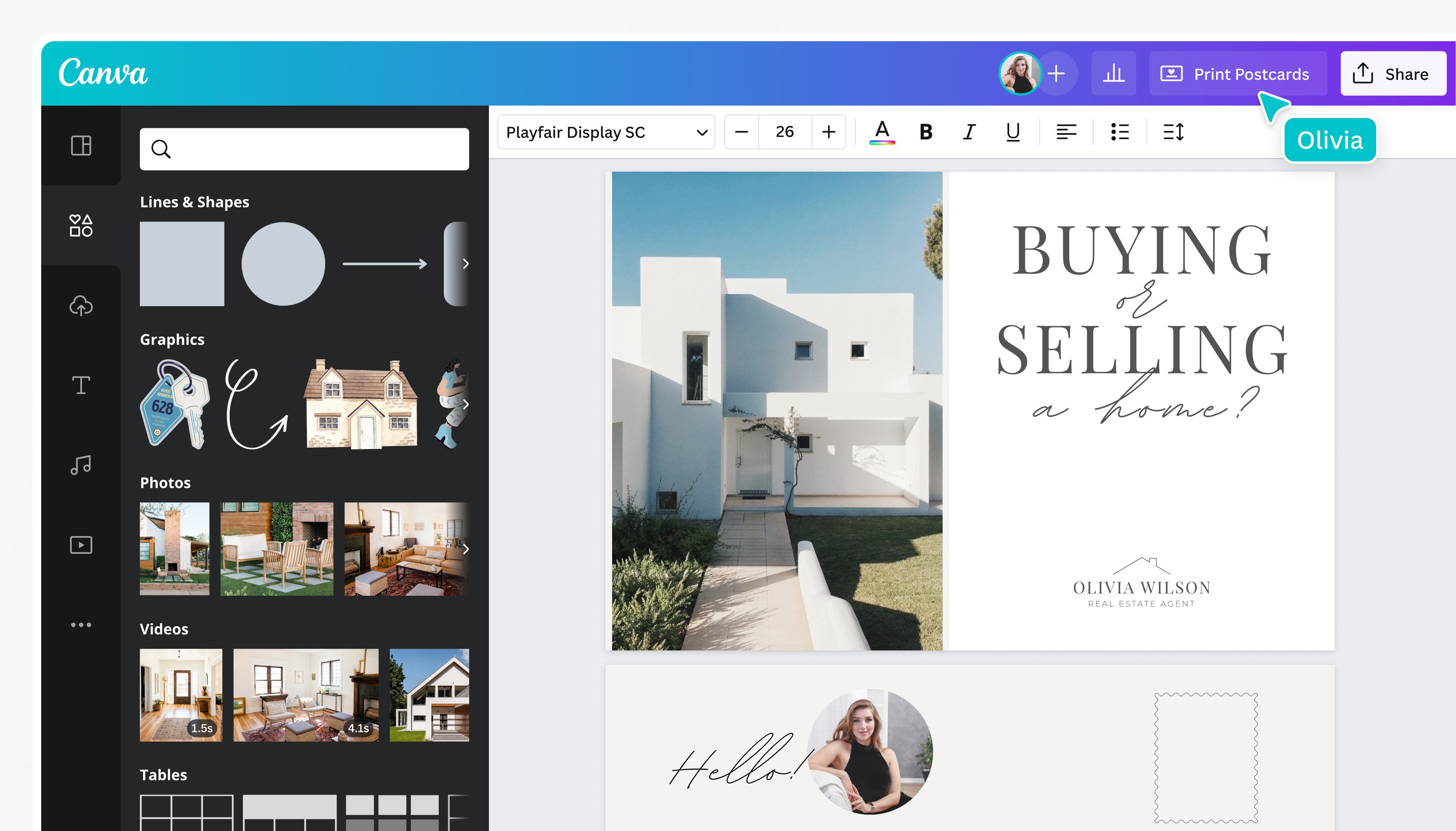
Every warm, personal postcard should be chock full of well-loved photos and memories. Choose one of our beautiful layouts and start adding special moments by uploading your own custom photos, then dragging them into the design. You can even edit, crop, and filter your photos right inside Canva, to save you time and plenty of post-processing headaches.
Next you can accent your photo any way you like. Search our vast collection of over 1 million stock photos, images, and design elements to add stamps, sparkles, or groovy sunglasses balanced on your best friend’s nose. Never run out of free stock photos(opens in a new tab or window) and premium images to choose from. There’s no reason not to invest in a well-placed rainbow!
Work together to make an amazing, sentimental postcard
Photo postcards can give your correspondence a personal touch, but there’s no reason the whole gang can’t get in on the fun! If you’d like to collaborate on your photo postcards with some friends, simply check the box in the “Share” button to allow others to edit your design. Show your friends how to access Canva online, or help them download our free iOS and Android apps from the App Store and Google Play. Soon they’ll be editing, tweaking, and, most importantly, adding their own photos, so your postcard can commemorate the good times you spent together.
Print your photo postcard or share it on social media
Once your postcard is picture-perfect, we make it easy to share it with all of your friends. Simply open your design and click “Share” to post your photo postcard to X (Twitter), Facebook, or straight into anyone’s email inbox.
If you’d like the tactile elegance of print, we got you covered! Send your new design to Canva Print and we’ll make sure that your postcards look as amazing in person as it is on the screen. We’ll even deliver them right to your doorstep. All that’s left it to cut, stamp, and send!
FAQ
Photo postcards are typically rectangular, at least 3-1/2 inches high x 5 inches long x 0.007 inches thick and no more than 4-1/4 inches high x 6 inches long x 0.016 inches thick. This makes them close to 4 x 6, or qualified postcard size.
First, choose the photo or photos you want to use for the postcard. You might customize the back of your photo to look more like a postcard, with a vertical off-centered line to separate the address area from the message area.
To print a photo postcard, you simply need to print your photo, making sure it’s the correct dimensions to be sent in the mail. You don’t need to add a photo to a standard postcard; you can simply send the photo as a postcard in the mail.

@navneet4


