- User Persona
Creating a user persona: How-tos, templates, and tips
Jump to:
What is a user persona?
Whether you’re planning for a new product or refining an existing feature, it's critical to ask the question, "Who are we building for?" Identifying your target user ensures that your design and development decisions are aligned with real user needs, behaviors, and goals.
A user persona is a short, fact‑based profile that sums up one kind of customer a company wants to serve. It lists basic details such as the user’s job title, industry, typical tasks, and the goals that person is trying to reach at work. It also notes real frustrations, like slow approval chains, hard‑to‑use software, and missed deadlines, plus, the habits and tools the person uses every day.
Teams rely on these profiles to make business choices. For instance, product managers check personas before writing a roadmap, while marketers pick messages that speak to the same goals and pain points. By pointing every team toward the same customer needs, user personas help keep budgets, timelines, and features focused on real value.


Brief history
While working on a project management program in 1985, software designer Alan Cooper developed the first user persona. By 1998, Cooper described personas as “hypothetical archetypes of actual users” in his bestselling book The Inmates Are Running the Asylum(opens in a new tab or window), arguing that although they are imaginary, they should be defined with “significant rigor and precision.” He believed that a clear user profile helps teams aim for real customer goals instead of just adding features.
Building on Cooper's idea, Angus Jenkinson at OgilvyOne developed personas for marketing strategies. He grouped customers into “Customer Prints,” which are “day-in-the-life archetype descriptions(opens in a new tab or window)” that explored the buyers' goals, attitudes, values, frustrations, and motivations.
Public‑relations firms, marketing teams, and UX designers soon began adopting personas into their basic toolkit. Today, the method is used in everything, from campaign briefs to interface wireframes, as it keeps work anchored to what real people need.
Why user personas matter
Here are four reasons why companies rely on user personas:
- Decisions based on facts: Asking, “Will this help our main persona finish their job?” keeps product plans tied to real user needs instead of guesswork.
- Clearer marketing choices: Personas point out where a group hangs out online and what topics spark interest, so campaigns land in the right place with the right message.
- Quicker design sign-offs: When everyone shares the same picture of the user, reviews run faster and teams redo less work because they are judging against the same goals.
- Smaller business risks: In areas like health care or government, checking ideas against well-researched personas catches gaps early and prevents mistakes that could block essential services.
User persona vs buyer persona
A user persona focuses on the person who works with the product every day, listing what tasks they complete, which screens they use, and where they usually get stuck. Researchers often collect this information from interviews and usage reports. Designers then read this profile to decide which feature to improve first and how to arrange each step so the job feels easy.
A buyer persona focuses on the person who makes the purchase. In an organization, this could be a team lead, an IT manager, or someone from finance who may never open the product once the deal is signed. As such, buyer personas are often broader in scope than user personas. They cover the goals that matter to the organization's decision-makers and influencers, like saving money, meeting rules, or lowering risk. Sales and marketing teams typically build this profile from sales calls, RFP notes, and market surveys.
What to include in a user persona?
User personas are most helpful when each profile follows a clear format. This keeps everyone in your team on the same page and removes guesswork as you fill each portion up. Below, we break down the essential parts you need to remember when creating a user persona.
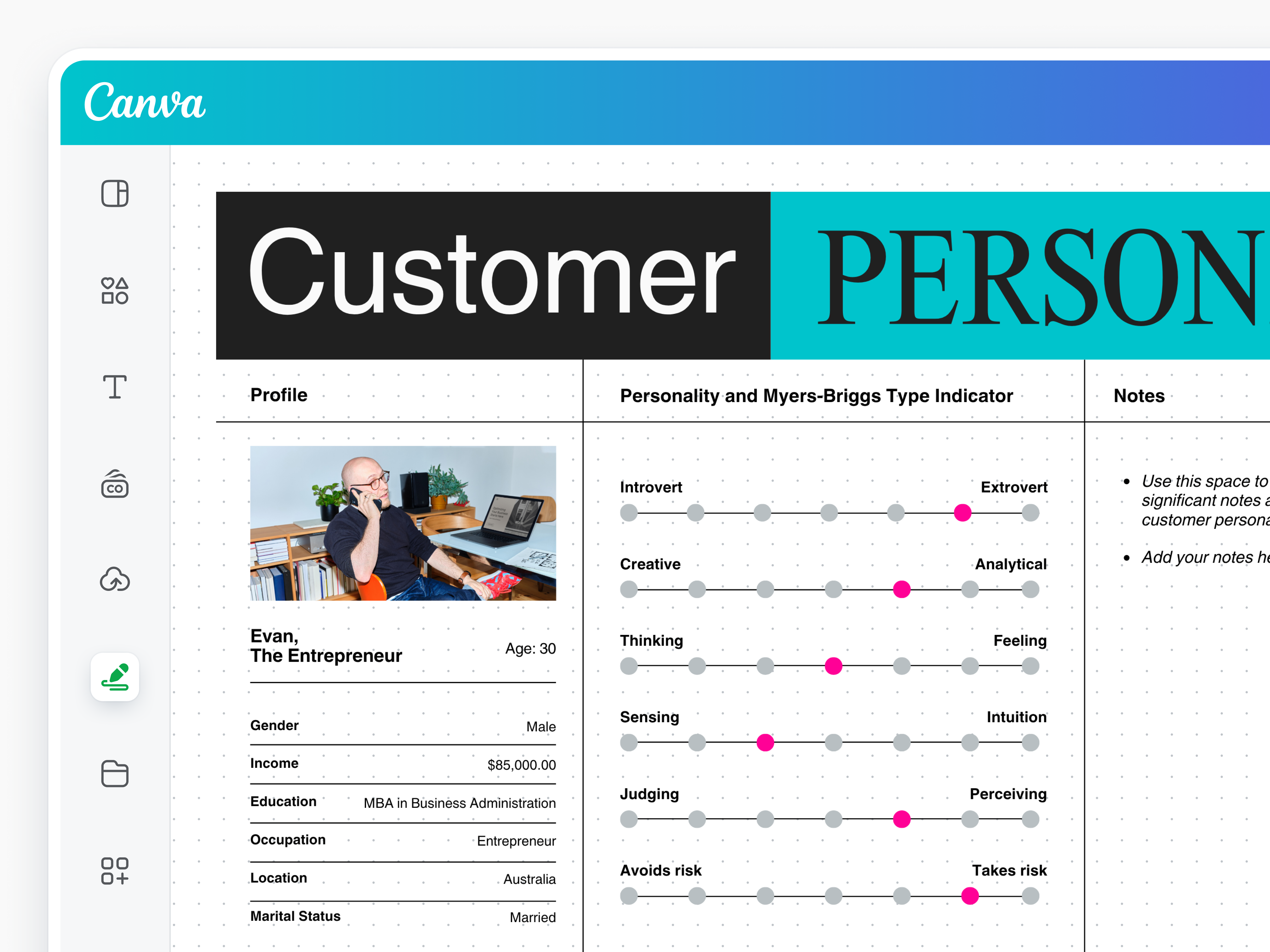
This section contains details like the user’s age range, job title, and location, as well as facts about the user’s organization, including the industry, company size, and spending authority. Having this information means anyone reading the persona can picture a real person in a known workplace rather than an abstract idea. It also helps teams design features, pricing, and language that align with the user's environment, budget constraints, and day-to-day reality.
These break down how the persona thinks, feels, and decides. They cover values like openness to change, pace of work, worries about mistakes, and the rewards that matter most. By listing these points, teams can understand the reasons behind actions, not just the actions themselves.
These two show the result the persona wants and the numbers that will confirm it happened. Knowing both keeps everyone aiming at the same target and makes progress easy to check. Product teams can rank ideas by how much they affect that figure, while marketing and support can show proof of value with real data instead of relying on assumptions and opinions.
At this point, you note the tasks, tools, or rules that get in a persona’s way. Listing these issues keeps their urgency clear to everyone who reads the user persona. Each problem becomes a clear starting point for fixes, test cases, and help content, making sure effort goes first to removing the biggest roadblocks.
These are details about where the persona looks for advice or updates—be it the company chat, public forums, or email newsletters—and how they like the information presented, whether it's through short videos or step-by-step guides. This makes it easier for teams to choose the most effective routes and social media(opens in a new tab or window) channels to reach a user.
Quotes and narrative scenarios help everyone remember the persona. The former gives a voice to the data, while the latter shows the setting and spots where the product can help.
User persona examples
A user persona turns research into a clear picture that shows who a person is, what drives their choices, and what slows them down. It keeps teams aligned, so priorities, design tone, and marketing messages line up with real needs. Below are two examples of user personas:
Persona 1: Alyssa Mendoza, Social Media Manager
Demographics and firmographics
- Age 28, lives in San Francisco, California
- Works at a 120-employee direct-to-consumer apparel brand
- Oversees a marketing-tool budget of about $6K per year
Psychographics and motivations
- Loves testing fresh ideas and seeing quick results
- Cares most about growth numbers and brand voice consistency
- Wants to prove small teams can scale reach without hiring more designers
Goals and success metrics
- Publish at least four on-brand social posts every weekday
- Raise average post engagement by 15% over the next quarter
Pain points and challenges
- Long approval loops slow viral-moment posts
- Brand assets live in many folders, leading to mismatched colors and fonts
- Switching between design and scheduling tools causes version errors
Preferred channels and content formats
- Follows short demo clips on LinkedIn and X (Twitter)
- Reads step-by-step blog posts she can copy into checklists
- Joins live tool walk-throughs only if they are under 20 minutes
Quote & narrative scenario: “I need to drop on-brand visuals into the queue before the trend dies.”
Persona 2: Liam Watson, Learning and Development Coordinator
Demographics and firmographics
- Age 41, based in Sydney, Australia
- Works at a 5,500-employee national logistics company
- Holds decision authority for L&D software renewals worth $500K+ per year
Psychographics and motivations
- Values reliability and clear step-by-step structure over flashy features
- Takes pride in helping new hires gain confidence fast
- Measures success by reduced support tickets and smoother onboarding
Goals and success metrics
- Cut new-hire onboarding time from 15 to 10 days this year
- Drop “how-to” help-desk tickets by 30% in the next six months
Pain points and challenges
- Training decks live in multiple drives, so staff use outdated slides
- Regional managers re-brand materials, creating inconsistency
- Limited design skills slow updates to quizzes and guides
Preferred channels and content formats
- Reads detailed case studies(opens in a new tab or window) with before/after data
- Prefers recorded webinars he can share on the company intranet
- Uses checklists and one-page reference sheets during live sessions
Quote and narrative scenario: “If training stays current and consistent, our new hires can hit the ground running.”
How to create a user persona?
This how-to guide walks you through the process of creating a user persona, from data gathering to validation. Go through each step to build an effective persona that captures real user needs and keeps your team focused on who you’re designing for.

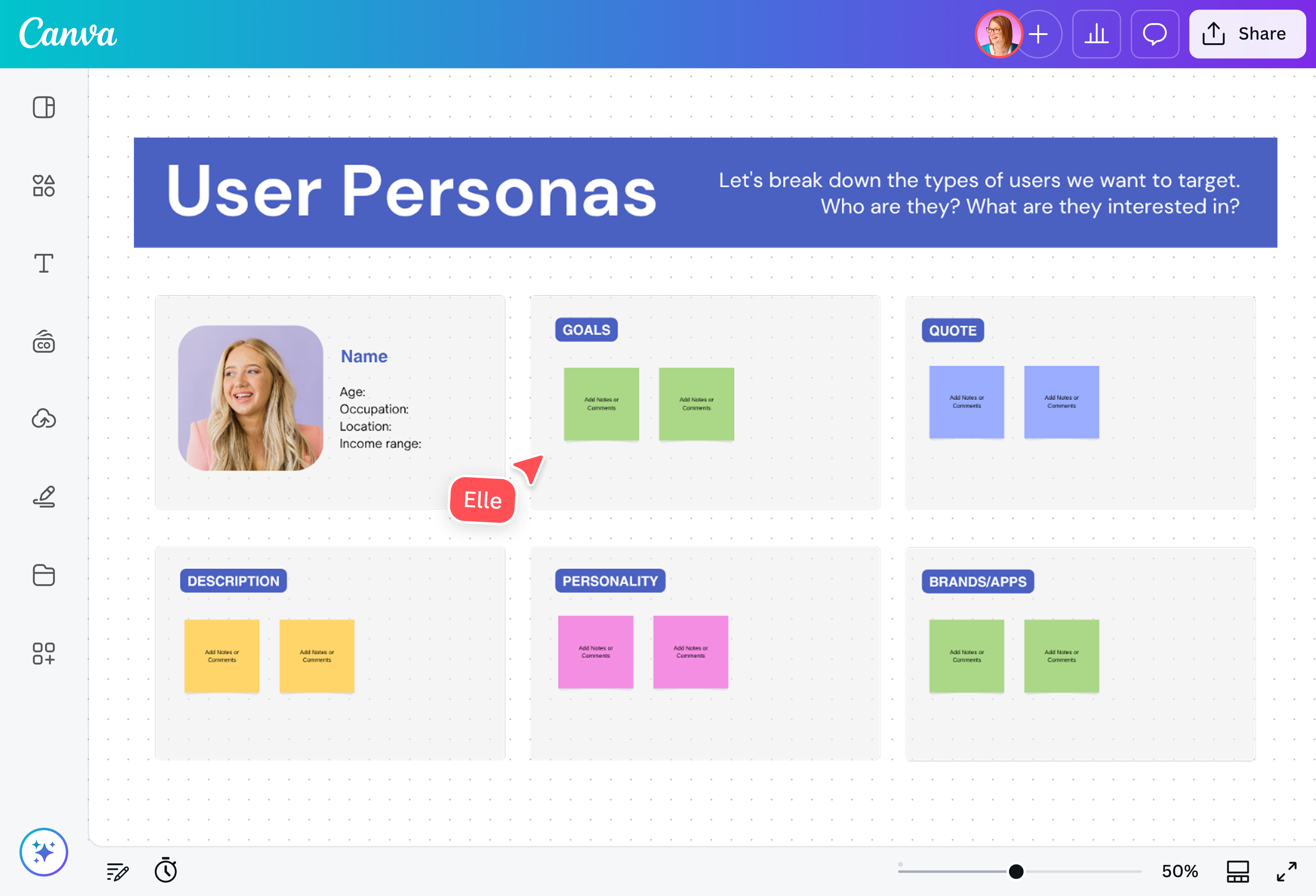
Start by collecting facts and stories from real users. Send a short survey to learn basic details, top tasks, and biggest frustrations. Pull daily and weekly usage stats from your analytics dashboard to see which features people rely on and which ones they ignore.
You can also hold quick calls with a handful of users so you can listen to their challenges in their own words. Writing down what they say gives you context the numbers alone can’t show.
Having all of this information keeps your view balanced. You also avoid blind spots that appear when you rely on only one source.

Compile all the details you’ve gathered in one place that everyone in your team can access. Use an online whiteboard tool like Canva Whiteboards to easily add notes, visualization tools, and links onto a single large canvas.
Once all data is visible, read through it and mark goals, problems, and routines that show up again and again. Group similar points together, and keep sorting until every group represents users who share the same need, task, or limit. These groups become your first set of segments and build the foundation of the persona you create.
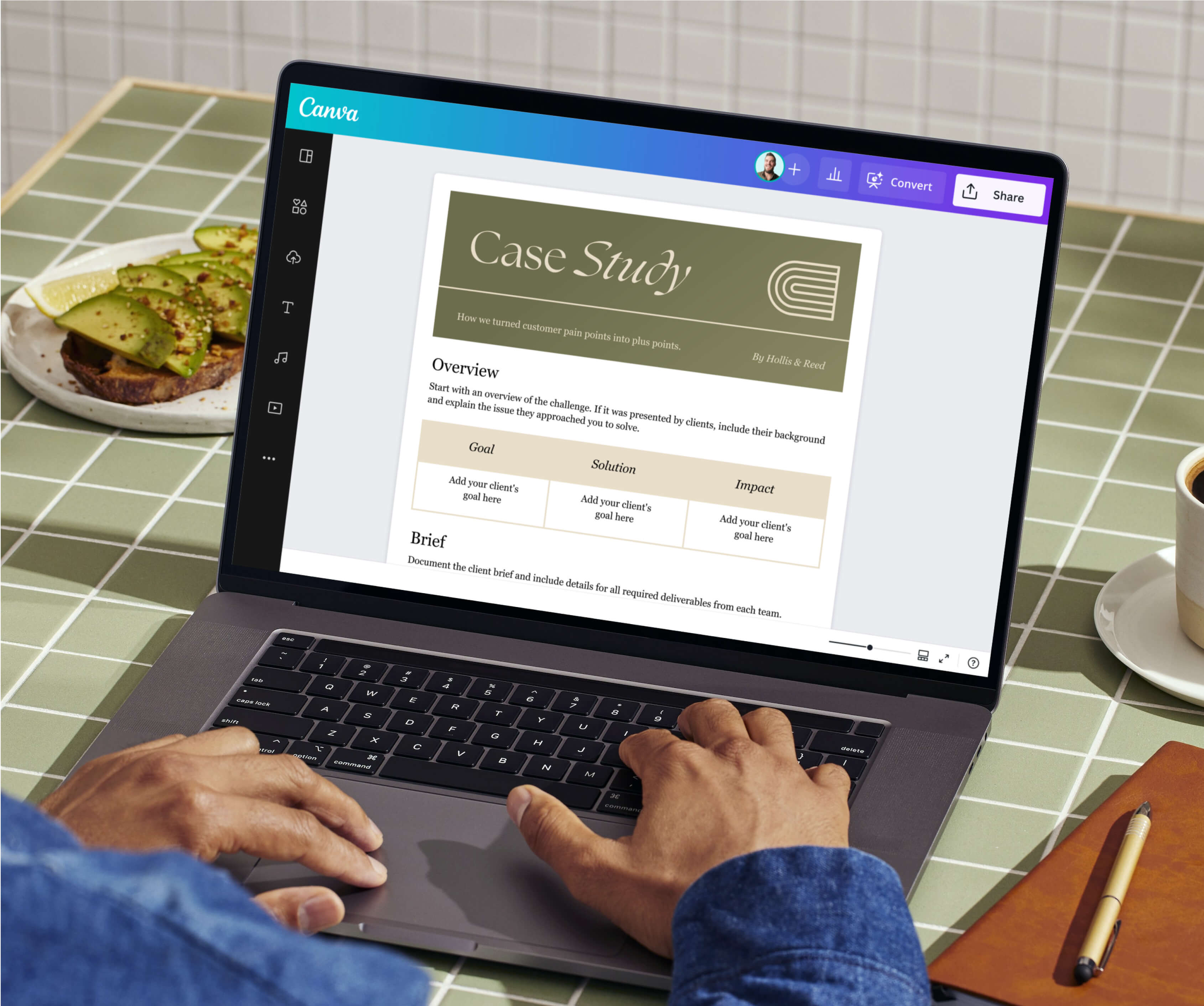
Start with a free user persona template to avoid starting from scratch. Copy the key details from one group into the fields for demographics, goals, pain points, and preferred channels. Then, give your user persona a name that your team members will remember and add an image to make the profile feel real.
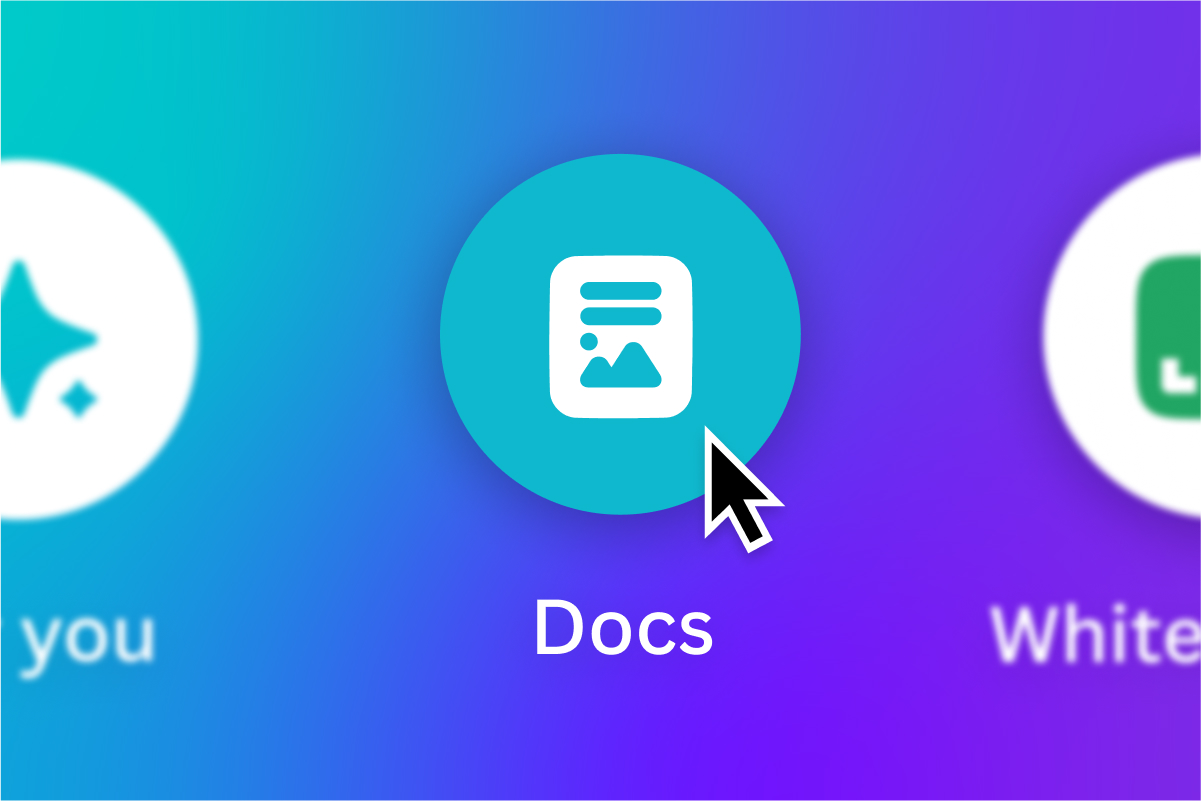
On Canva Docs(opens in a new tab or window), you can use Brand Kit (Pro)(opens in a new tab or window) to apply your brand’s fonts, colors, and logos to your user persona template. Keep in mind that an on-brand layout makes the persona easier to share and keeps stakeholders engaged.
Share your user persona with product leads, marketers, writers, and support reps. By reviewing your user persona together, you can point out gaps you may have missed earlier and build trust across the team.
When everyone has contributed to the document, people are far more likely to reference it during sprint planning, campaign briefs, and customer-support playbooks. Thus, the persona becomes a working tool instead of a static file.
Set a calendar reminder to review each persona at regular intervals—monthly if your user base shifts fast, quarterly if not. Compare the existing details with new survey results, recent analytics, and the latest support tickets. Update goals that changed and remove pain points that have been addressed.
Remember that small, regular edits keep the user persona aligned with reality and prevent bad decisions that come from out-of-date information. Doing this also encourages the team to continue feeding new insights back into the loop.
Get inspired with user persona templates
Want to skip the blank page? Browse our collection of free, professionally designed user persona examples, from a simple user persona template to a B2B customer persona template. Select your preferred design and open it on Canva Docs, where you can freely tweak the content, swap design elements, and invite teammates to edit with you in real time.

All you need in a user persona generator
Canva’s user persona generator can help your team build a lifelike profile in just a few minutes. Explore ready-made templates and use our drag-and-drop editor to add data visualizations, images, and surveys straight to your design. Take advantage of built-in AI tools like Magic Write™(opens in a new tab or window), powered by OpenAI, to create a draft or refine a user story from a text prompt. Teammates can also add real-time comments, suggestions, and emoji reactions, wherever they are, on any device.

Create visual Docs that grab attention
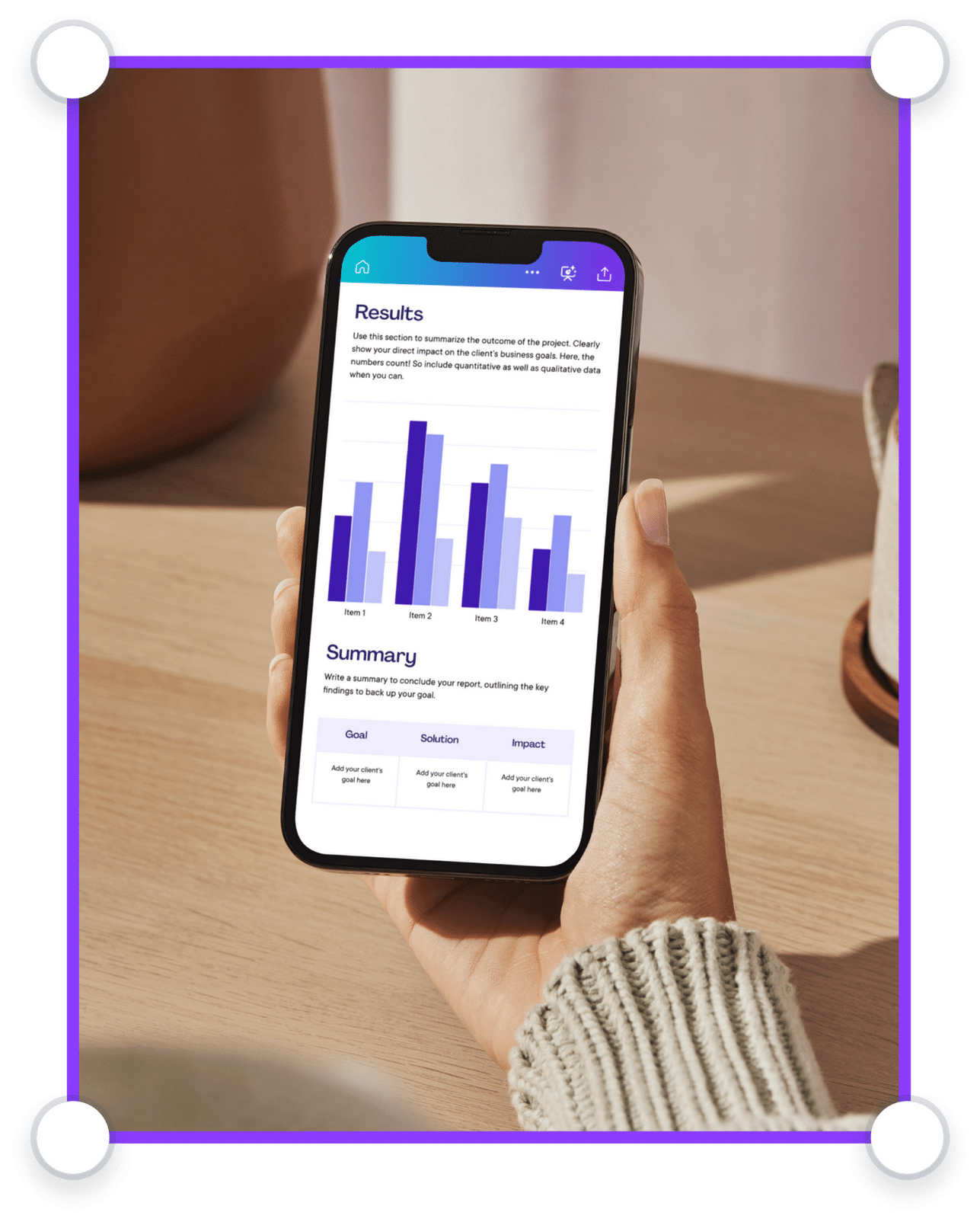
No more boring walls of text. Amplify your Doc’s message with premium design elements, tables, graphs, and highlight blocks.

Get things done, together
Tackle tasks as a team. Suggest changes, leave comments with stickers and reactions, and work on your doc from any device.

Manage all your content in one place
Design high-quality creative content for any format. Sort, share, and scale content with ease.

Scale your brand
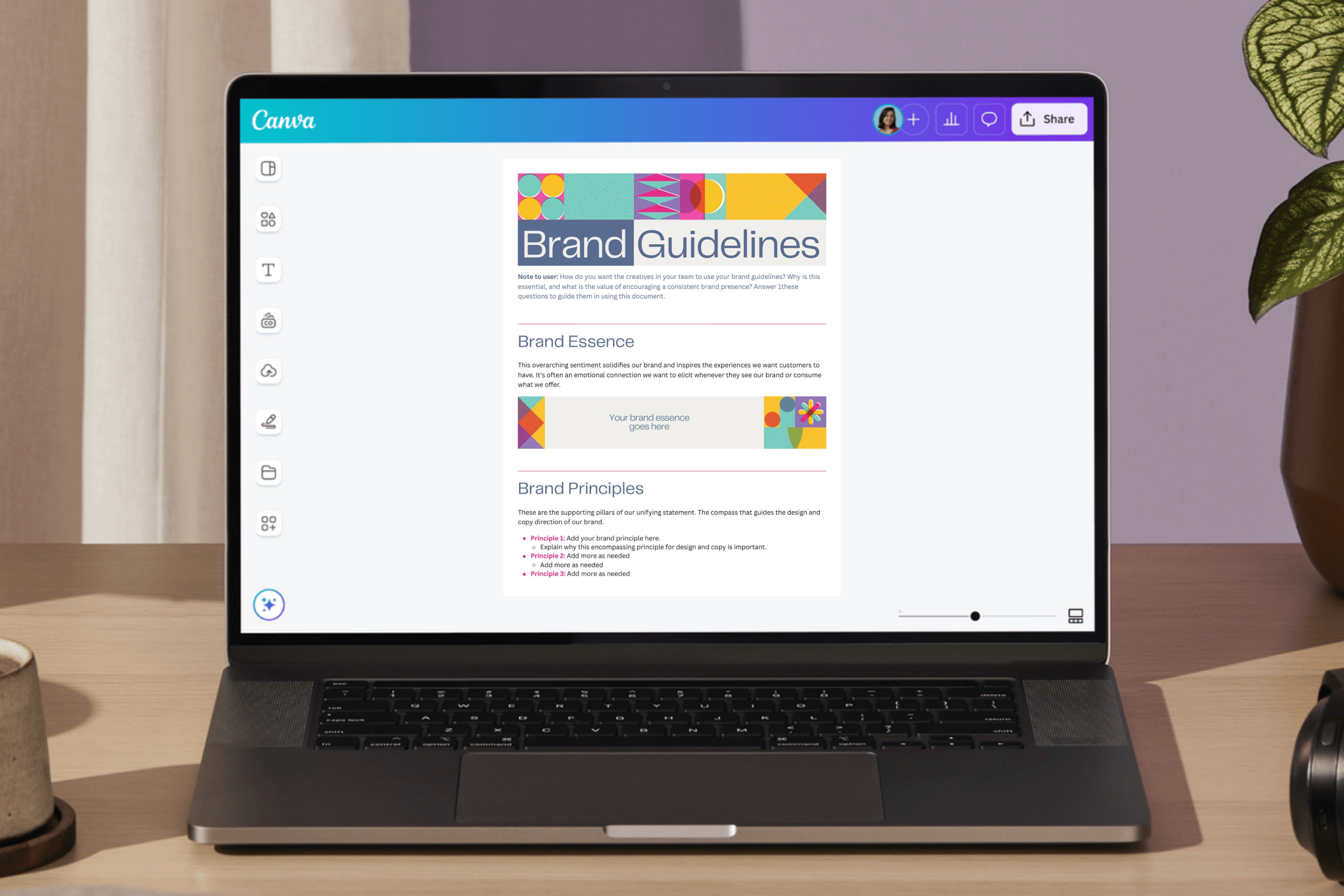
Set brand guidelines across your organization. Limit fonts, colors, and content to keep designs on brand.

Visually supercharge your work
Elevate your business documents. Create Docs, Whiteboards, Presentations, Websites, Videos, Social Media posts, and more.

Work smarter with Magic Studio AI
All the power of AI, at your fingertips. Generate assets, copy drafts, and designs with AI-powered tools within Canva.

Power up with apps
Make your organization’s workflows more efficient with hundreds of apps and integrations, or customize your own.

Stay safe and in control
Keep your confidential content safe with built-in security measures, user and AI controls, and usage reporting features.
User persona best practices
Even the best user persona can lose value if teams don’t treat it as a living tool. Keep the following best practices in mind when building and refining user personas with your teammates to ensure each profile is clear, useful, and linked to real data.
Keep it evidence-based and current
Start with facts, not guesses. Combine survey answers, interviews, and usage metrics so each insight is checked from more than one angle. Make sure to review the persona on a set schedule and swap in new findings whenever user needs shift. Keeping the document updated ensures roadmaps and campaigns follow real people, not old hunches.
Integrate personas into product and content workflows
Personas prove their worth when they guide everyday work. Before adding an item to the backlog, product teams can ask, “Which feature solves our primary persona’s biggest issue?”while marketers can pick channels based on where that same persona actually spends time online. You can embed links to each persona inside task tickets, content briefs, or design files so the profile is just a click away.
Share personas with cross-functional teams
Share your user personas in kickoff meetings, pin it on team dashboards, and reference it during design reviews to keep everyone on the same page. Short narratives, such as, “A day in Alex’s workflow,” help colleagues remember the human behind the data. The more visible and relatable the story, the easier it is for engineering, marketing, and support to work in the same direction, speeding up approvals and improving final outcomes.
User persona FAQs
Aim for two to five personas. That small set covers your main audiences without overwhelming the team. Add another only when new research shows a user group with needs your current personas don’t capture.
Interaction Design Foundation(opens in a new tab or window) breaks down personas into four types:
- Goal-directed personas center on the main task a typical user wants to finish.
- Role-based personas group users by their job role and the duties that come with it.
- Engaging personas add deeper stories, emotions, and background details.
- Fictional personas rely on team assumptions rather than user research.
Our user persona creator can help you design, collaborate, and gather feedback in one place. Browse professionally designed templates, take advantage of intuitive design and AI‑powered tools, and invite team members to refine the user persona with you in real time.
Try to set a regular check‑in. Review the persona each month for fast‑moving products or every quarter for slower ones. Compare fresh surveys, usage data, and support notes to what’s written, and update any detail that feels outdated so the team always works with accurate insights.
Was this page helpful?
Understand your customer base better with a user persona