- Add Music To Video
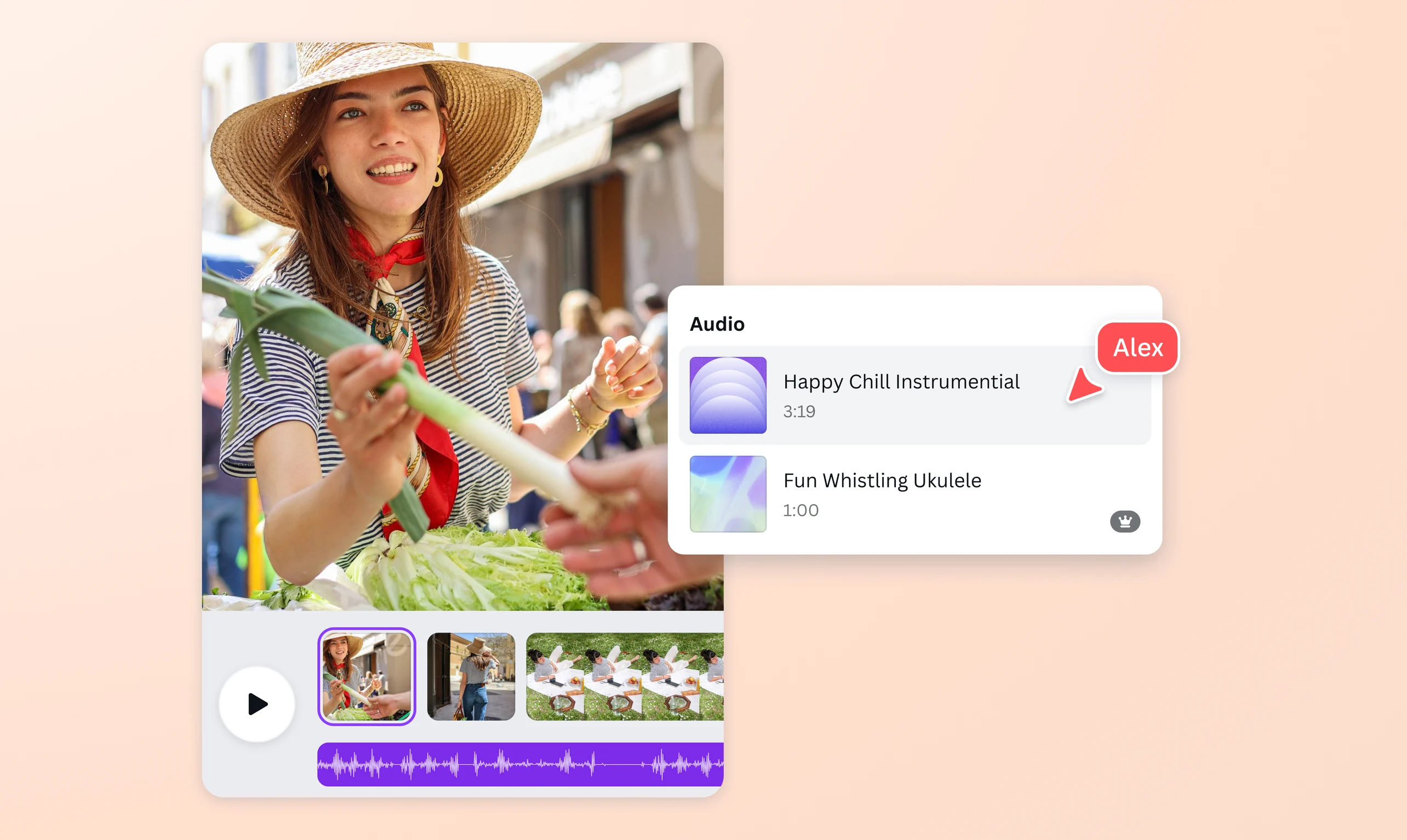
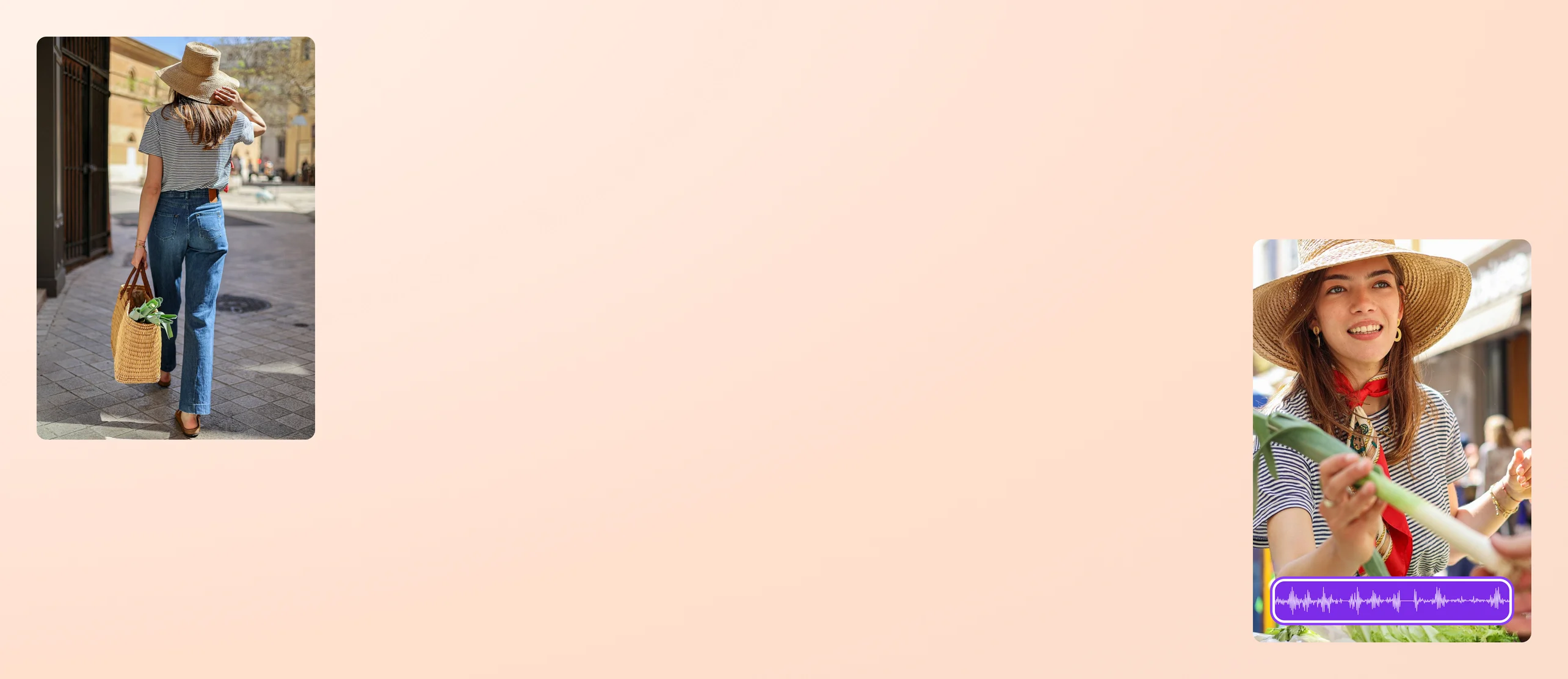
Supercharge your videos by adding music, sound effects, and more
Effortlessly add music to your video using Canva. Upload your own tracks or browse through our extensive library of stock audio, sound effects, and popular music. Find the perfect soundtrack and craft impactful videos for your ads or socials.
or drop it here
Learn about Canva's upload formats and requirements. See how we use your content in our Privacy Policy.
Popular music at your fingertips

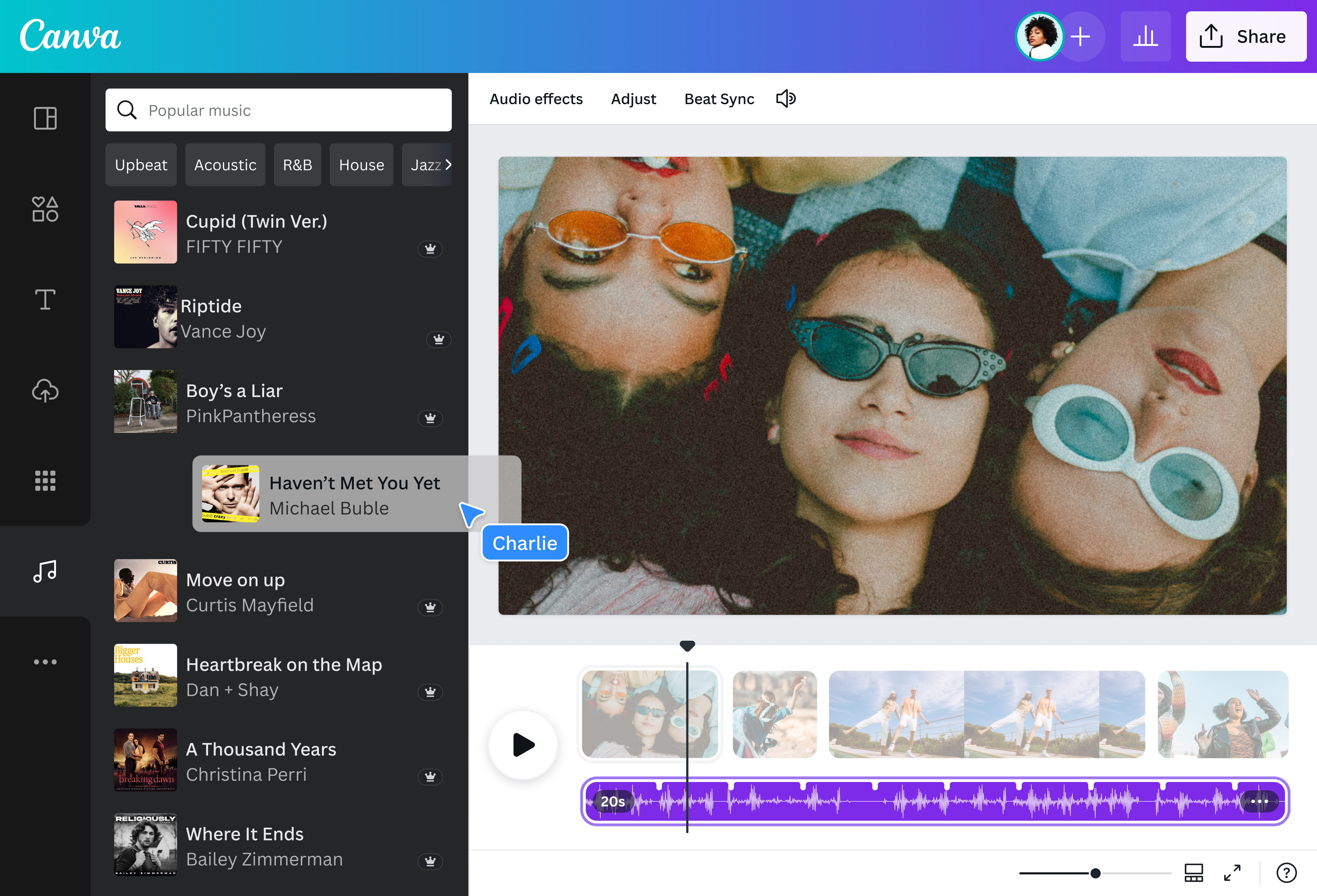
Upgrade to Pro and discover a diverse catalog of chart-topping hits, iconic classics, and trending tracks in our popular music library. Find songs you love from the world’s biggest artists and integrate up to 60 seconds of popular music into your reels, tutorials, and videos to use for personal, non-commercial purposes. Instantly resize your design for any channel, then share it straight to your socials. With Canva, next-level visual storytelling becomes a breeze.
Available in USA, UK, Canada, Australia and some parts of the EU Economic Area. See here(opens in a new tab or window) for more information on availability.
Add a personal note to your videos

Got your own song or instrumental to use? Upload the media to your dashboard and add your own song to your video. From nostalgic short films of your childhood to sentimental birthday greetings for loved ones, be your own musical arranger as you add sound to GIFs(opens in a new tab or window) or clips from your gallery. Use Canva to make a creative statement and drop a personalized score that complements your visual narrative.
Groove to the best beats in our library

Pick sounds that match the mood and style of your jampacked hype reel or dynamic Facebook ad. Browse the audio library for stock music in various genres. Adjust your marker to where you want to position your audio, tap on your selected music, and groove to the beat. Still can’t find what you need? Upgrade to Pro to unlock a wider selection of music and sound effects(opens in a new tab or window) for that perfect audio touch.
Hit play on AI-generated music

Want to skip scouring an endless music library? Use Soundraw(opens in a new tab or window) to craft a soundtrack tailored to your videos. Choose the genre, mood, and length, and let AI generate beautiful songs you can embed instantly. Keep an energetic spirit on your YouTube vlog or tug heartstrings with mellow hits on your TikTok video(opens in a new tab or window). Make the most of the AI music generator on Canva and create bespoke music in seconds. Whether you're making something for pop, rock, or even using an AI Rap Generator(opens in a new tab or window) to craft original hip-hop verses, Canva helps bring your sound to life.
How to add music to a video

Frequently Asked Questions
- Add background music to a video using our online video editor. Once you’ve arranged your clips on the timeline, upload your own music files. Alternatively, scour through our extensive library for audio tracks and sound effects, which you can embed into your video. Note that if you’ve purchased premium music with a Free account, you can only use the track in one design. Upgrade to a Pro account for unlimited use of premium music.
- Our app lets you add music to your videos with a few clicks. Upload your footage in our editor, then have free rein to craft the perfect soundtrack that blends with your storytelling. Access the same tools and features, whether mobile or desktop. Edit your videos on the go, from one device to another.
- After uploading a video and selecting your music:
- Use our video editor tools to personalize your clip.
- Drag the track to reposition it on your video, or adjust the length to trim.
- Right-click to split the audio, adjust the volume, and add fading transitions. You can also mute your clips to fully enjoy new melodies from our library.
- Download our free iOS app from the App Store to add music to a video. Start a design project by selecting a template or building from a blank page. Tap the + button on the lower left corner and scroll to Uploads. Add a video and music clip from your library to your dashboard. You can also browse our audio library for more selections. Add the video to your project in one click, then do the same for your music.
- Popular music is currently not available to Canva for Nonprofits, Canva for Teams (including offline subscriptions), and free accounts.

@IGchef_andrewb
