- Face Editor
Free Photo Face Editor
Confidently use your portraits on portfolios, design projects, and social media platforms with Canva’s AI-powered online face editor. Retouch your photos online for free.
or drop it here
Learn about Canva's upload formats and requirements. See how we use your content in our Privacy Policy.
How to edit your face on photos
Upload your image
Select the “Upload your image” button or easily drag and drop your files into the section.
Edit your design
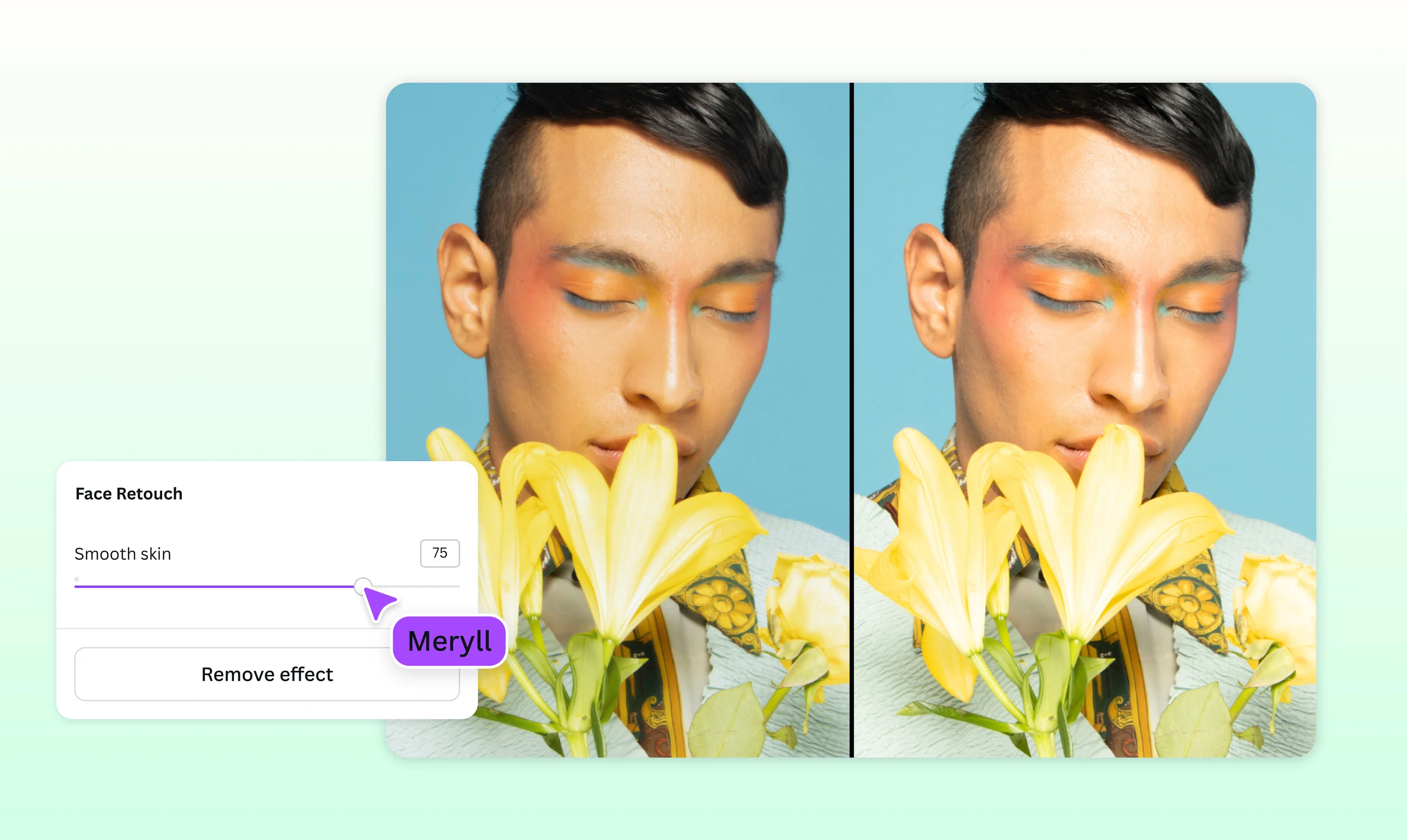
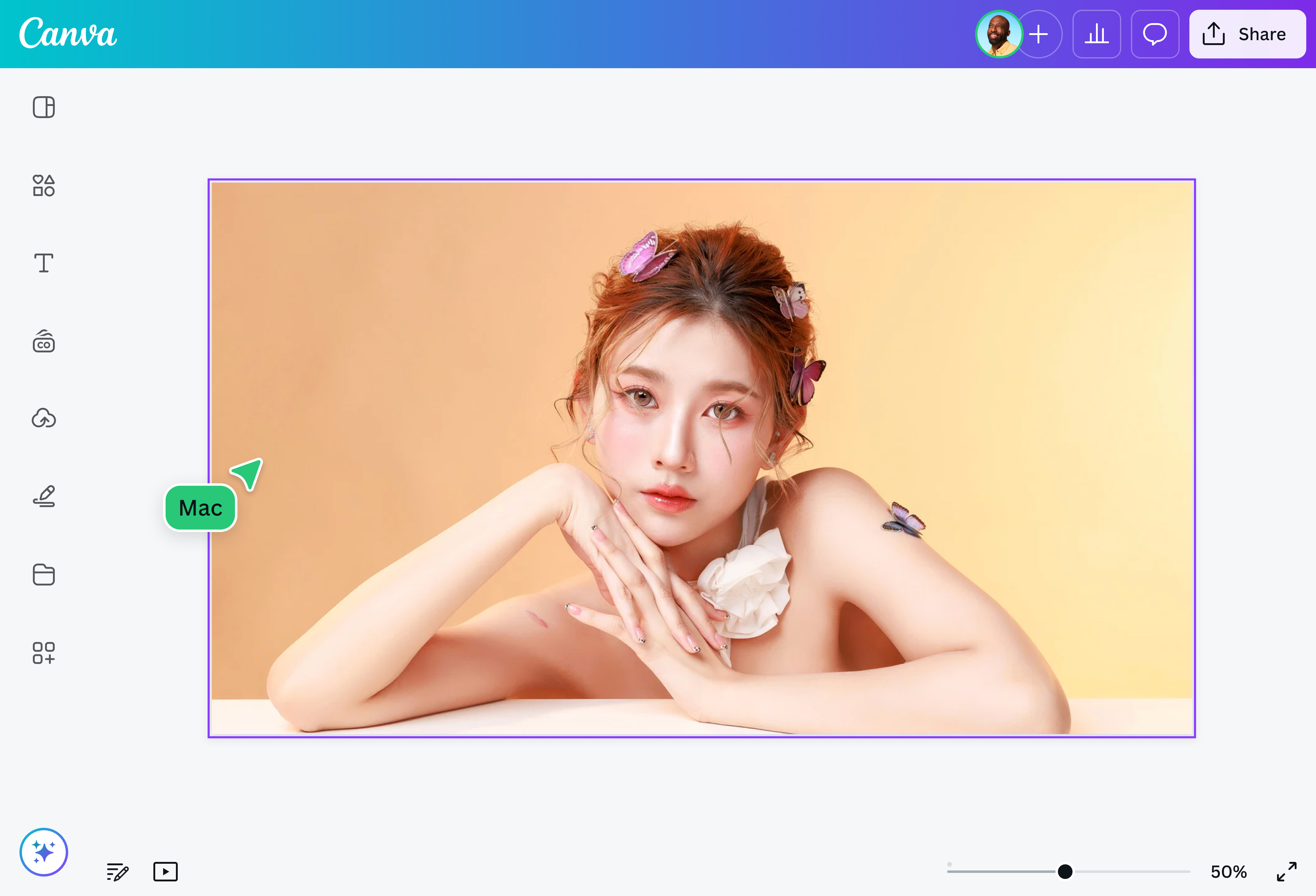
Go to Effects and select Face Retouch. Use the slider to achieve the level of face smoothness that you want.
Download your design
Finally, save your image for free and download your design as a high-resolution JPG or PNG.
Quickly retouch photos with Canva’s face editor

Effortlessly get professional-quality pictures without the high cost, and in a fraction of the time it takes to make manual edits, with Canva’s free face editor. Simply upload the photo you want to edit, select our Face Retouch tool, and instantly have smooth skin! Perfect for graphic designers, content creators, and budding photographers.
Make stunning edits using a single platform


After using our free AI-powered face editor, make even more tweaks with Canva’s built-in photo editor(opens in a new tab or window). Enhance your image with photo effects and creative filters without switching between apps.
Take it up a notch with our other AI tools. Tidy up your photo’s background with the Background Remover (Pro)(opens in a new tab or window), or use the Magic Eraser (Pro)(opens in a new tab or window) to remove unwanted photo elements. With Canva, the creative possibilities are endless.
Produce high-quality photos for every project

Need varying designs of portraits for different projects? Instead of making time-consuming edits or downloading expensive software, use Canva’s face editor to retouch your images in a snap.
Whether you’re editing out imperfections for social media posts, improving personal photos for keepsakes, or polishing portraits for your portfolio, Canva gives you perfect results every time.
How to edit faces on photos

Frequently asked questions
- You can do a quick retouch using the face editor on our platform, which is available on both desktop and mobile. Our easy-to-use face editor is also completely free, so you don’t have to worry about having to pay for expensive tools. Upload as many pictures as you want, and easily make edits in just a few clicks.
- If you’re looking for a face editor that offers a lot of different tools and features, then our platform is the best choice. Retouch your photo, add filters and effects, and leverage AI-powered tools from Magic Studio to refine your entire photo. Plus, you can download and share your photo as a high-quality file once you’re done with all your edits—no complicated software needed.
- You can opt to use our face editor to refine your skin texture in a snap. You can also use our AI-powered photo editor to make further enhancements to your photo.

@navneet4
