- AI Filter


AI Photo Filter
Give your images a new look with free AI filters on Canva. Whether making eye-catching ads for your website or expressing yourself on social media, the AI filter app turns any photo into a dynamic work of art in seconds.
or drop it here
Learn about Canva's upload formats and requirements. See how we use your content in our Privacy Policy.
Reimagine your images


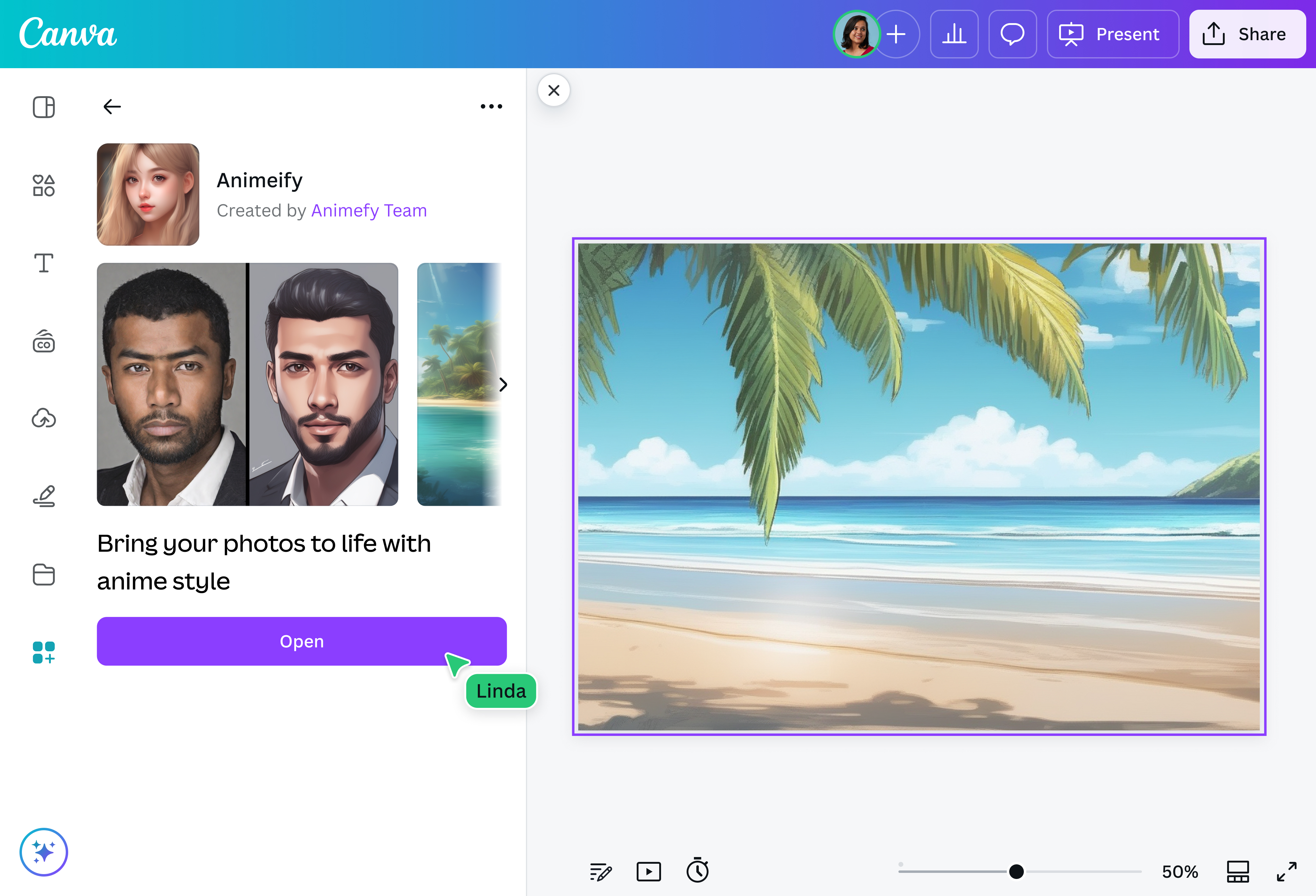
Put a fun, artistic spin on your photos when you apply an AI filter online using Canva. Reimagine your pictures in various art styles: fun cartoons, stunning anime art(opens in a new tab or window), classical works—perfect for sharing on social media or decorating your space on the web. Quickly upload your image, add a creative AI effect, and generate entire galleries of unique and high-quality photos you’ll be proud to showcase anywhere.
Your selfies, your style

Remake your photos into your desired art style with AI face filters. Turn a dull selfie into a superhero portrait, redefine yourself as an art masterpiece, or transform into an anime character and step into the shoes of an isekai hero. Whether a messy line sketch, an action-packed anime, or a classical painting, you’ll get a whole new image in seconds with the AI filter generator on Canva.
Work your magic

Go beyond the basic AI art filter—make the most of our AI-powered tools to fine-tune your image. Add or replace elements in your photo with Magic Edit(opens in a new tab or window), remove unwanted objects in seconds with Magic Eraser(opens in a new tab or window) (Pro), or expand your image in any direction with Magic Expand(opens in a new tab or window) (Pro). Hop on the AI filter trend and customize your photo to make it truly yours using Canva, your place for creative AI.
How to use an AI filter

Frequently asked questions
- An artificial intelligence filter is an editing tool that uses algorithms and computer science to automatically enhance, alter, or reconstruct images based on creative prompts. AI photo filters can create subtle changes, like an adjustment in lighting, or something big, like a complete image redesign.
- No need to search far and wide if you’re looking for the best AI filter. Our AI filter trend app has various AI effects and other AI-powered tools for your every creative need. Whether you need a simple touchup to the lighting and color grading or want to turn an ordinary photo into a scene straight out of a fairy tale, there’s something you can use.
- Yes, the AI image filters on the app are free to use. Our platform also has several editing tools and resources available for free, with even more exciting and powerful features waiting for you once you upgrade to Pro.
