- AI Social Media Post Generator

Craft polished posts with the AI social media post generator
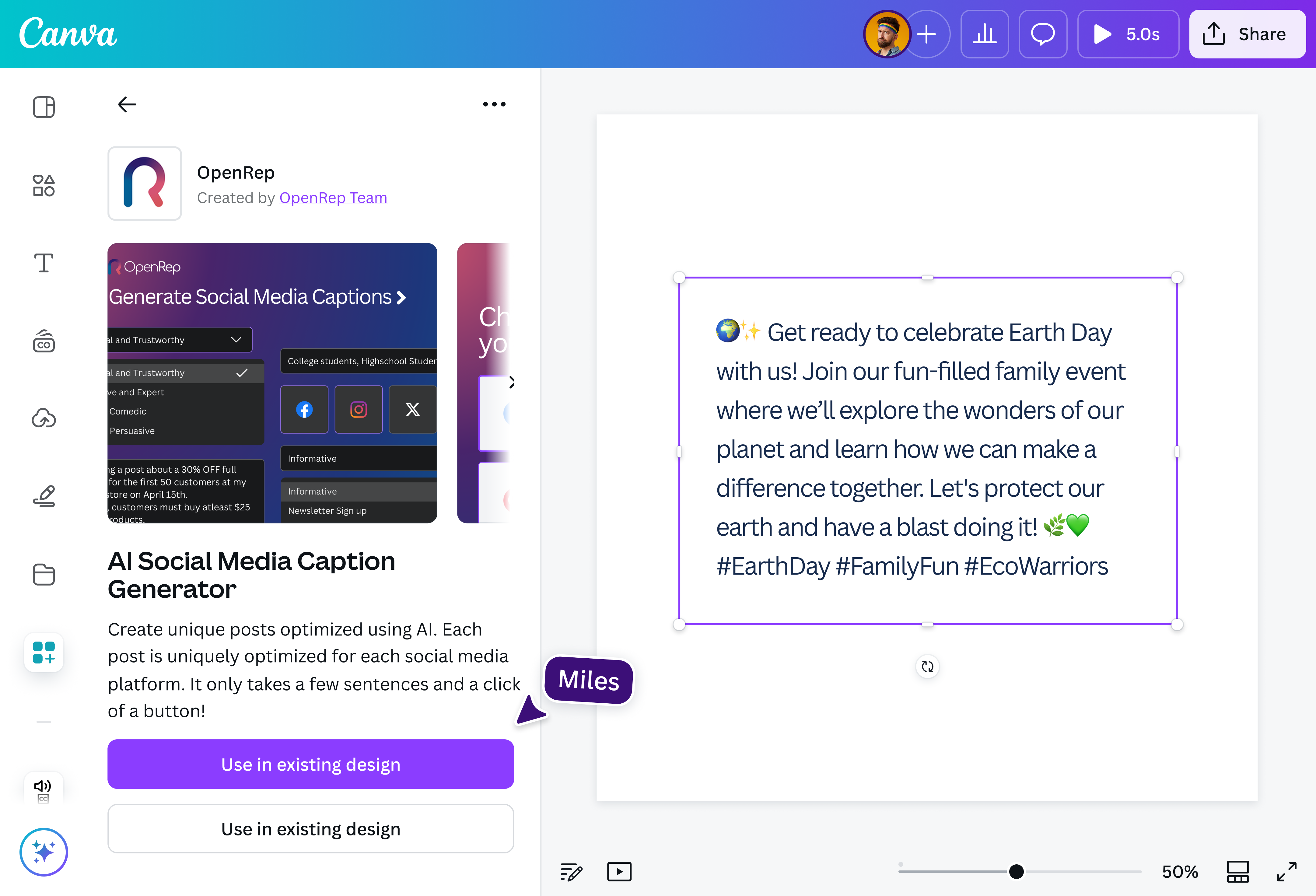
Produce content optimized for each social media platform using AI. With the AI social media post generator on Canva, you’ll have publish-ready posts in just a few clicks—no tedious ideating required.
Click-worthy content for every social platform

Create content tailored for each social media(opens in a new tab or window) platform with the free AI-powered social media post generator on Canva. Whether you need an authoritative LinkedIn update, a persuasive Instagram caption, or a clever TikTok hook, the AI post generator helps you find the right words, fast. Just type in your ideas and describe your goal, then quickly generate social posts in your preferred tone and style. Goodbye, writer's block! Add the perfect Facebook hashtags(opens in a new tab or window) to boost your post's visibility.
Speed up your social media workflow

Maintaining a regular posting schedule is key to growing your brand online. Use AI to generate social media posts in seconds, so you never run out of content. Automatically add relevant hashtags and emojis to make your posts more engaging, or repurpose your blogs, videos, or newsletters into social-ready posts without starting from scratch. Speed up your content creation, so you can focus on what matters most.
Pair every post with the perfect visual

Got the perfect caption? Now bring it to life with eye-catching visuals that match your message. With Canva’s AI image generator(opens in a new tab or window), you can quickly dream up beautiful images in a wide range of styles. Kick off your Facebook campaign with a striking product image, or inspire your Pinterest audience with a mood-board aesthetic. Then, fine-tune your visuals with Canva’s AI photo editor(opens in a new tab or window) to get your post looking just right.
One tool for all your social media needs

With Canva, you don’t need five different tools to manage your content. Set up your Brand Kit (Pro)(opens in a new tab or window) to keep your fonts, colors, and logos on hand, so every design looks and feels on-brand. When your post is ready, publish it straight to your social platforms right from the editor. And if you've got more posts lined up, schedule them with the Content Planner (Pro)(opens in a new tab or window) to stay consistent while you get back to running your business.
How to use AI to generate social media posts

Frequently asked questions
- When choosing an AI social media post generator, look for one that supports multiple platforms like Instagram, Facebook, and LinkedIn. It should let you set your tone, goal, and target audience to create more personalized posts. Our social media content generator offers all of that and is easy to use, so you can create and publish content faster.
- Our social media post generator uses AI to create captions or post ideas based on your input. To get the best results, start by describing your post and target audience. Then, choose your goal, such as getting website clicks, newsletter sign-ups, or simply sharing helpful information. You can also set the tone, whether you want something authoritative, persuasive, casual, or friendly. The more detailed you provide, the better the AI can generate results that suit your needs. Need inspiration before you start? Try our topic generator to brainstorm ideas.
- You can use AI for your social media posts by starting with a clear message and goal. Use it to explore new ideas, switch up your tone, and add variety to your posts. To boost engagement, try prompts with questions, fun facts, or calls to action. Finally, edit your posts to make them true to your voice.

@navneet4
