- Overlay Images
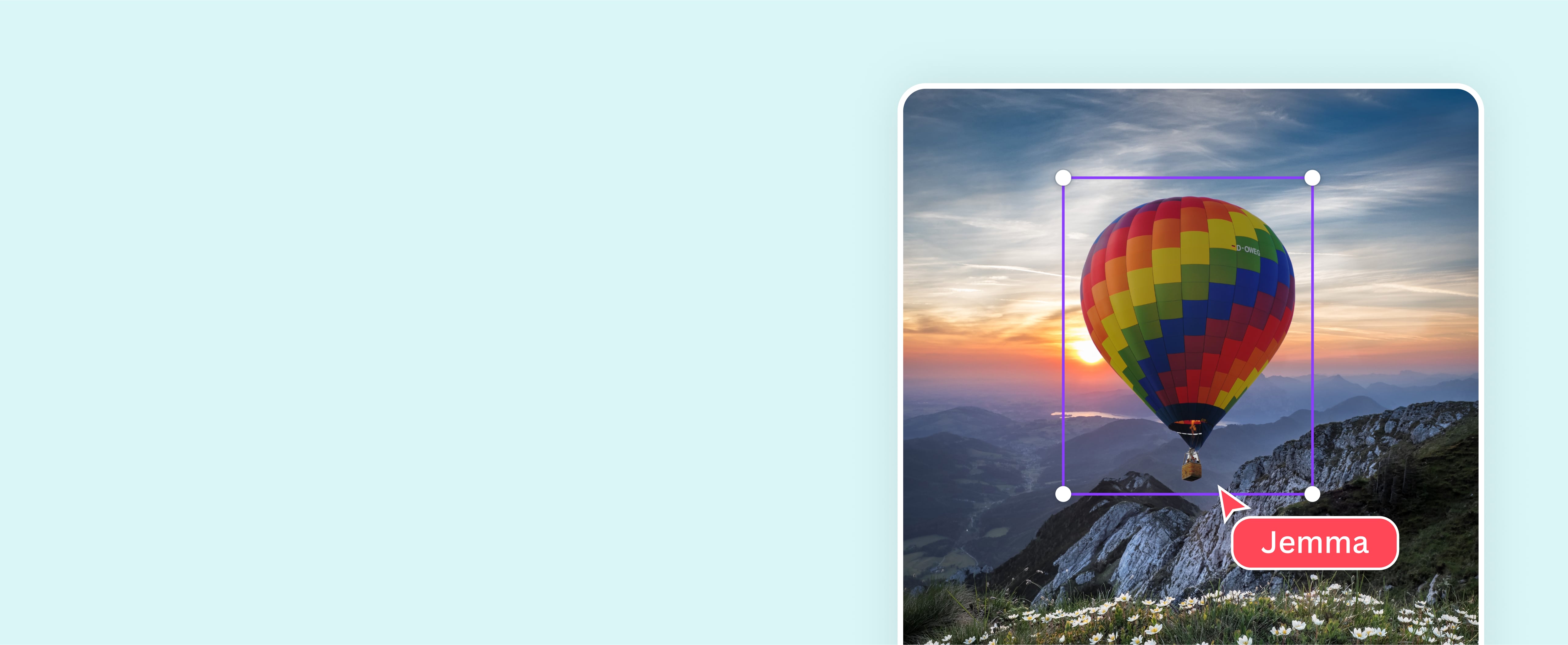
Overlay images to create visually compelling content
Design stunning image overlays with Canva’s powerful yet beginner-friendly photo editing tools. From branded social media posts to personal pictures, instantly craft a multi-layered visual story for free.
Layer images in just a few clicks

No need for advanced skills or complicated design software. Effortlessly add image to image on Canva to produce beautiful, surreal designs that stand out. Remove backgrounds(opens in a new tab or window) and make your photos transparent for convenient layering. Adjust the positioning by sending images to the front or back with Layers. Then, use our Transparency slider to add a sheer, delicate effect. From personal social posts to branded marketing materials, you can superimpose images and let your pictures blend seamlessly.
Add an artistic touch

Unlock your design(opens in a new tab or window) potential with Canva’s online photo editor. Go beyond superimposing photographs and turn your ordinary pictures into artistic imagery. Add an element of drama to your portrait with a black-and-white filter(opens in a new tab or window). Amplify your landscape shot with mirror effects(opens in a new tab or window). Then, smartly resize(opens in a new tab or window) your design for any platform with a Pro account. Customize your photo overlay as little or as much as you like, then share or download it instantly without altering the quality.
Take control of your visual narrative

With Canva’s drag-and-drop design tools, you can polish your overlay images online in one platform. Use our intuitive photo editor to change photo background(opens in a new tab or window), combine images(opens in a new tab or window), add text, and layer them with icons, stickers, and other graphic elements from our extensive media library. Whether it’s a Facebook post for your brand or a presentation for your next work meeting, use image layering to your advantage and create striking visuals to drive your story forward. Use Canva to convert PPTX to PDF(opens in a new tab or window) and keep the integrity of your creative work untouched.
How to overlay pictures

Frequently Asked Questions
- Overlay images are images layered one on top of another. They consist of a base image and secondary images or elements to enhance the photo or image.
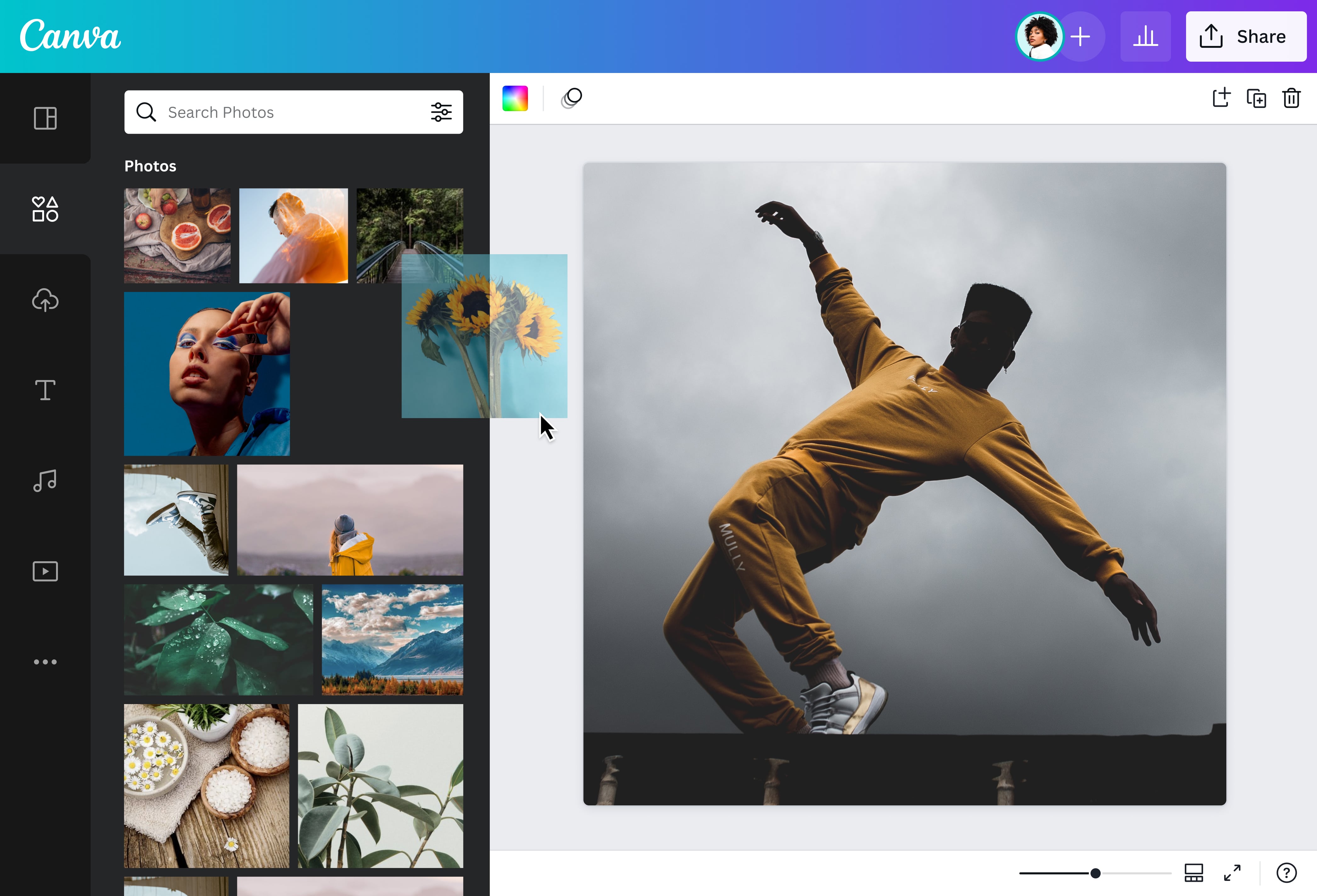
- Overlay images online for free using our beginner-friendly photo editor. Simply upload an image you want to overlay with other images or elements. You can use your own digital assets or browse our massive media library for photos, illustrations, and graphics to layer on top of your base image.
- To overlay two images, upload your base image to your chosen template or a blank layout. You can then upload your secondary image or choose from our stock library. Make adjustments by right-clicking on an image, selecting Layer, and choosing one of the options to position your image. You can also drag your photo across the canvas to find its perfect placement.

@navneet4
