- Remove Background from Signatures
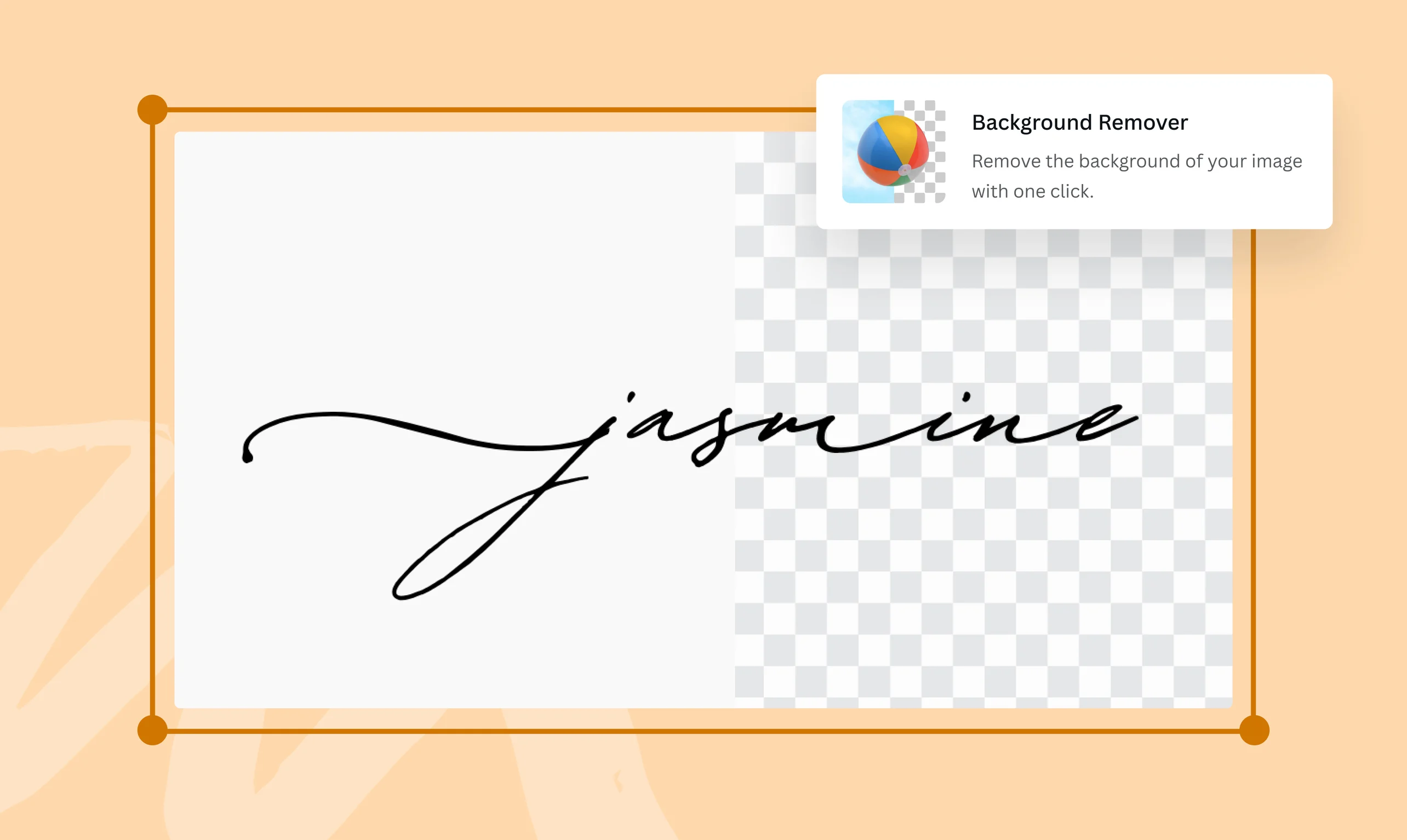
Extract your signature from an image with one click
With Canva’s Background Remover (Pro), turn a handwritten signature into an e-signature in one click. Perfect for attaching signatures to formal documents, contracts, and agreements. Try it once for free.
or drop it here
Learn about Canva's upload formats and requirements. See how we use your content in our Privacy Policy.
How to remove the background from a picture
Upload your signature
Select the “Upload your image” button or easily drag and drop your files into the section.
Remove the background
Click on the photo and select “BG Remover”. Make some quick touch-ups to your image using our editor.
Download your signature
Finally, download your signature as a JPG or PNG file.
A fast, simple, and online signature extractor

There’s no need to download software or struggle with manual editing just to attach an e-signature. Our Background Remover (Pro) lets you remove the background from a signature online in a few easy steps. Simply upload your image, click Edit, and select BG Remover. Instantly, you’ll be left with a transparent background signature that’s ready to use in any design or document.
Polish your e-signature with our intuitive editing tools

Make adjustments to your signature with the help of our easy-to-use editing tools. Crop, rotate, flip, or change the size and opacity of your image. Click on the Background Remover tool again to erase or restore parts of your image. Adjust the intensity, texture, and color of your image, or select a new background color.
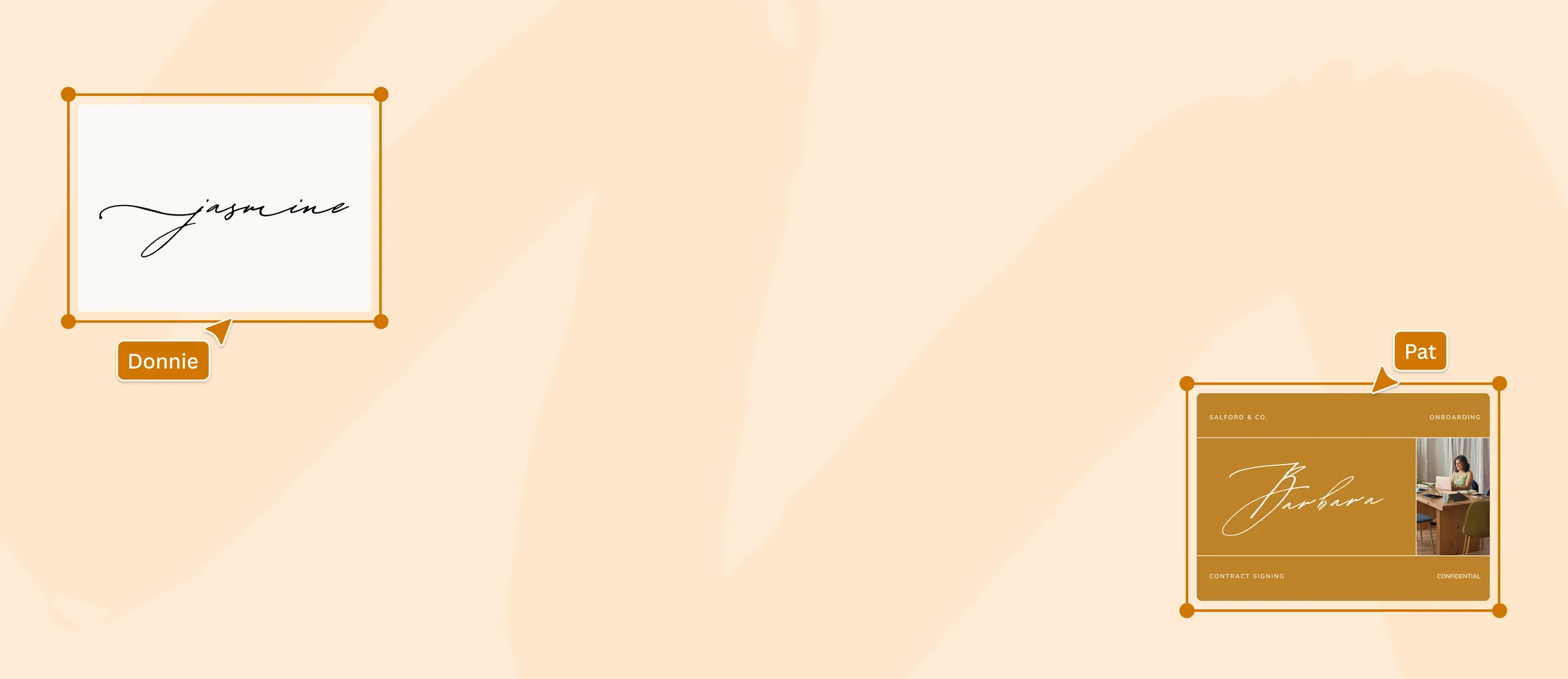
Drag and drop your signature to new and existing projects

When you remove the background from a signature, you’re left with a transparent image(opens in a new tab or window) that can blend smoothly with different colors schemes and backgrounds. You can easily drag and drop your signature into new and existing projects on Canva, or download it as a PNG to keep the background transparent. Then, just paste your signature onto images and documents with minimal editing.
More than just a background remover for signatures

When you remove the background from a signature, you’re left with a transparent image(opens in a new tab or window) that can blend smoothly with different colors schemes and backgrounds. You can easily drag and drop your signature into new and existing projects on Canva, or download it as a PNG to keep the background transparent. Then, just paste your signature onto images and documents with minimal editing.
How to remove the background from a signature


Frequently Asked Questions
- Canva’s Background Remover can be used for free once. If you want unlimited uses, you’ll need to upgrade to Canva Pro. Aside from the premium Background Remover, this’ll give you access to other premium features.
To extract a digital signature from an image, follow these simple steps:
- Start by writing your signature on a blank piece of paper. Alternatively, use Canva’s signature generator to create one digitally.
- Take a high-resolution photo with your phone in good lighting or scan it.
- Once you have the digital version of your signature, upload it to Canva or drag and drop it into an existing design or document.
- Use Canva’s signature background remover to remove the background and adjust your image with our editing tools.
- Lastly, save your signature in PNG format to use in documents, contracts, and agreements.
- When you use Canva’s Background Remover for signatures, you’ll be left with a transparent image. Download it as a PNG to maintain the transparent background.

@navneet4
