- Remove Black Background
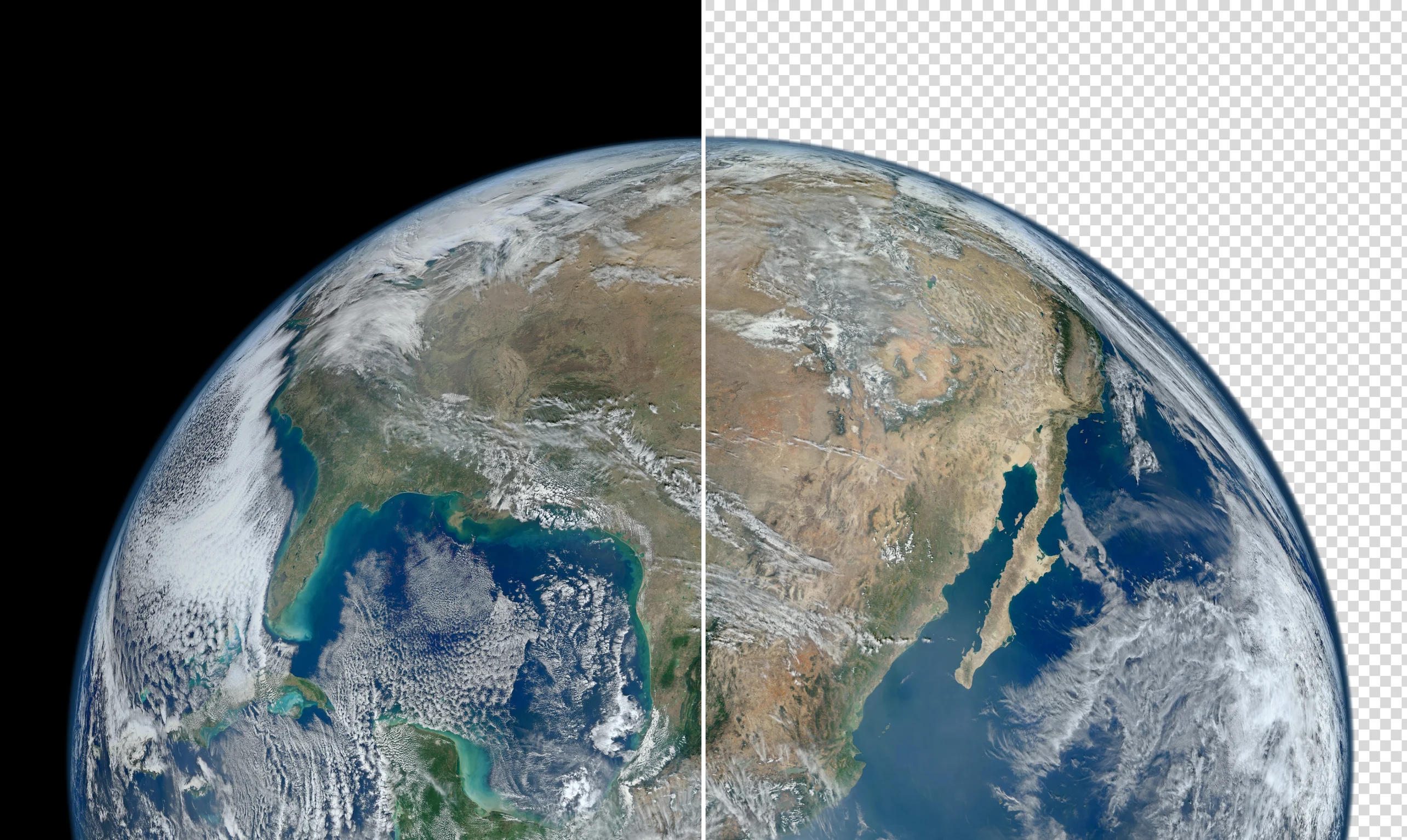
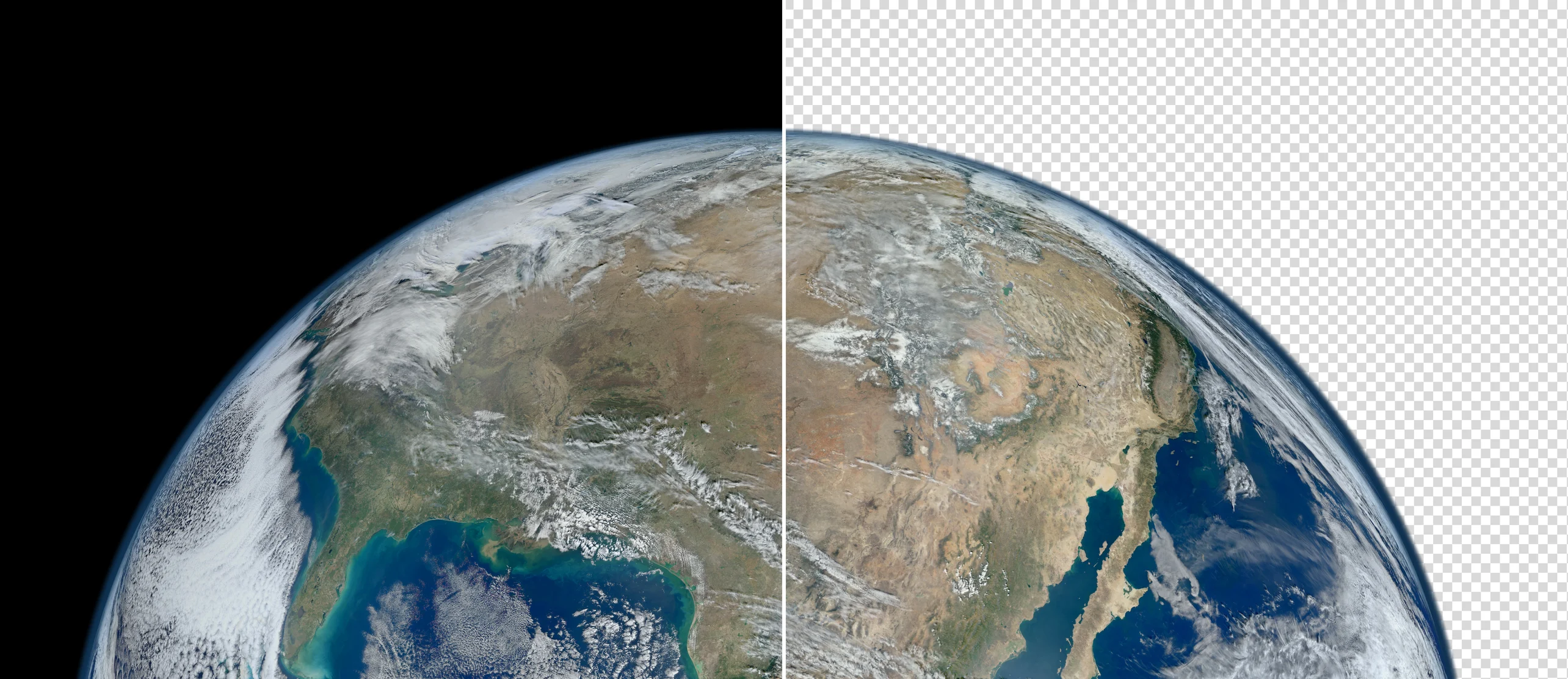
Remove black background from image
Easily remove the black background from any image using Canva’s one-click black background remover. Try it once for free, download your image, and use it for all your content and project needs.
or drop it here
Learn about Canva's upload formats and requirements. See how we use your content in our Privacy Policy.
How to remove the background from a picture
Upload your image
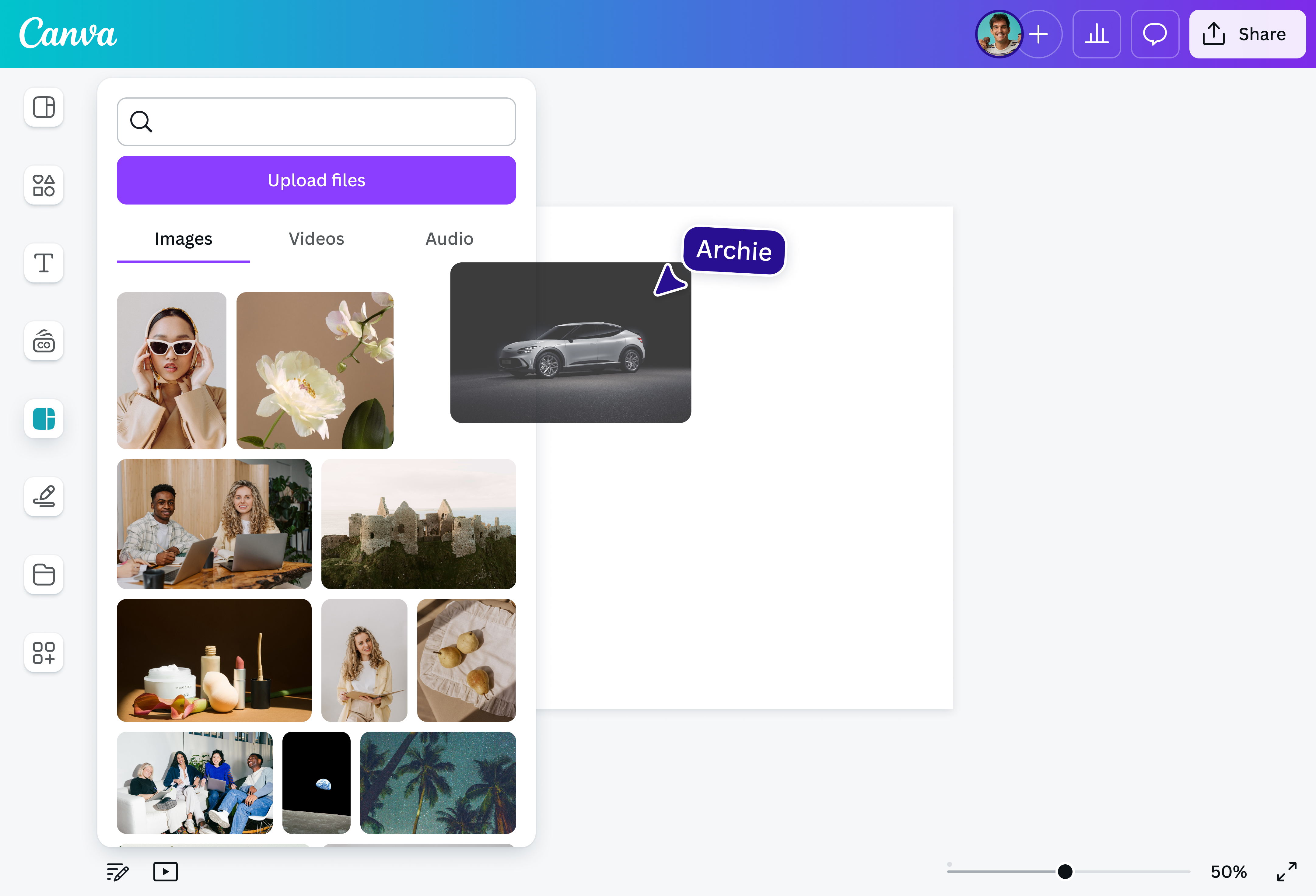
Select the “Upload your image” button or drag and drop your file into the tool.
Edit your design
Select “BG Remover” to remove the black background of your image in one click.
Download your design
Finally, download your photo once for free as a high-resolution file.
Remove black backgrounds in a snap

Tired of boring black backgrounds on your portraits or product shots? Canva’s powerful Background Remover (Pro)(opens in a new tab or window) uses AI to quickly separate your photo’s subject from a dull black background. Replace that dark backdrop with something vibrant, or keep it simple—it's up to you. Simply select BG Remover in our intuitive editor and get a clean, polished photo in seconds. Try it once for free.
Create striking brand visuals

Don’t let a plain, dark backdrop stop you from creating stunning brand assets. Remove the black background of your image once for free, choose a different background color(opens in a new tab or window) that fits your aesthetic, and then seamlessly incorporate your new visuals into your presentations, social media posts, and web content. Let your brand shine with effortless designs that stand out–no complex software needed.
Versatile images for any design need

Unlock endless possibilities when you turn a black background to transparent. This versatility allows your image to blend smoothly into any project across different platforms. Enjoy a crisp, transparent image(opens in a new tab or window) that's ready for anything—whether you're an entrepreneur who needs flawless e-signatures or a graphic designer making multiple logo variations.
Add some magic to your workflow

Removing the black background from an image isn’t all you can do with Canva. Tap into your creativity and elevate any project with more AI-powered tools(opens in a new tab or window). Remove unwanted objects or elements using Magic Eraser (Pro)(opens in a new tab or window), extend your image in any direction with Magic Expand (Pro)(opens in a new tab or window), or make your entire picture selectable and customizable with Magic Grab (Pro) for easy repositioning and editing.
How to remove the black background from an image

Frequently Asked Questions
- Yes, you can easily remove the black background from an image on a desktop or mobile device. Take advantage of the same tools and features and edit seamlessly from one device to another. Simply start a design project, upload your image, and then remove its black background once for free.
- Our Background Remover tool is free to use once. It lets users remove an image’s black background online in seconds, eliminating the need to learn complicated tools or software. When you remove the black background of an image, the canvas turns transparent, and you can save it as a high-resolution file to use for different projects.
- Whether your image is a photo from your camera or a logo you created yourself, you can easily remove its black background on our platform. Just ensure that your file is one of the following types: JPG, PNG, HEIC/HEIF, WebP, or SVG.
- Yes! When you upload a PDF on our platform, our PDF editor breaks it into editable elements you can customize like any design asset, including removing the background. Meanwhile, to remove the black background from a video, upgrade to a Pro account to use our Video Background Remover and other powerful tools.

@navneet4
