Enhance memory retention, inspire learning, and boost engagement by creating dynamic flashcards using Canva Code.
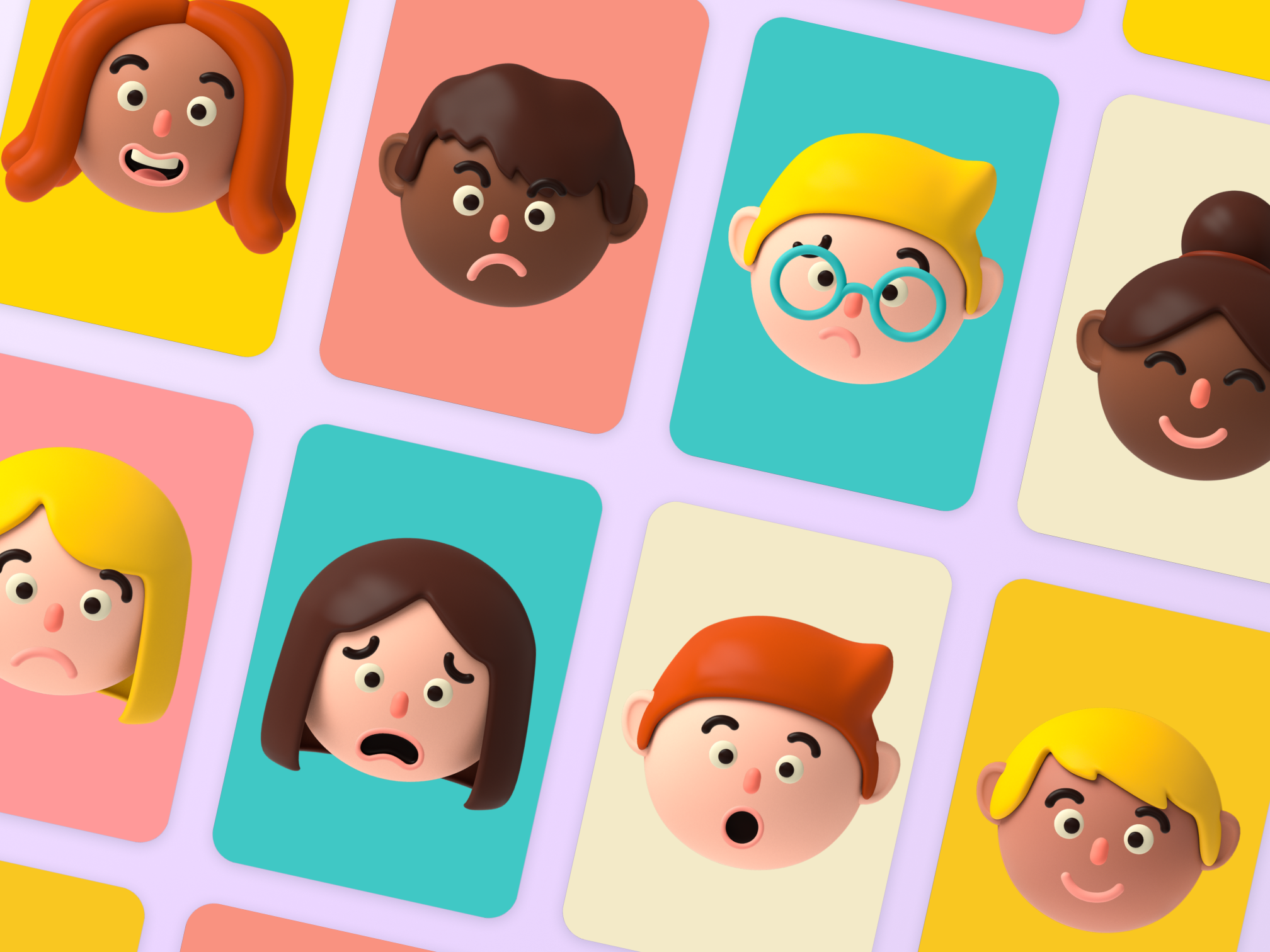
Instantly make fun flashcards
Make learning exciting and interactive with our ready-to-use flashcard maker. In just a few clicks, you’ll have engaging flashcards that you can use over and over again. The best part? You don’t need any coding experience to use it!
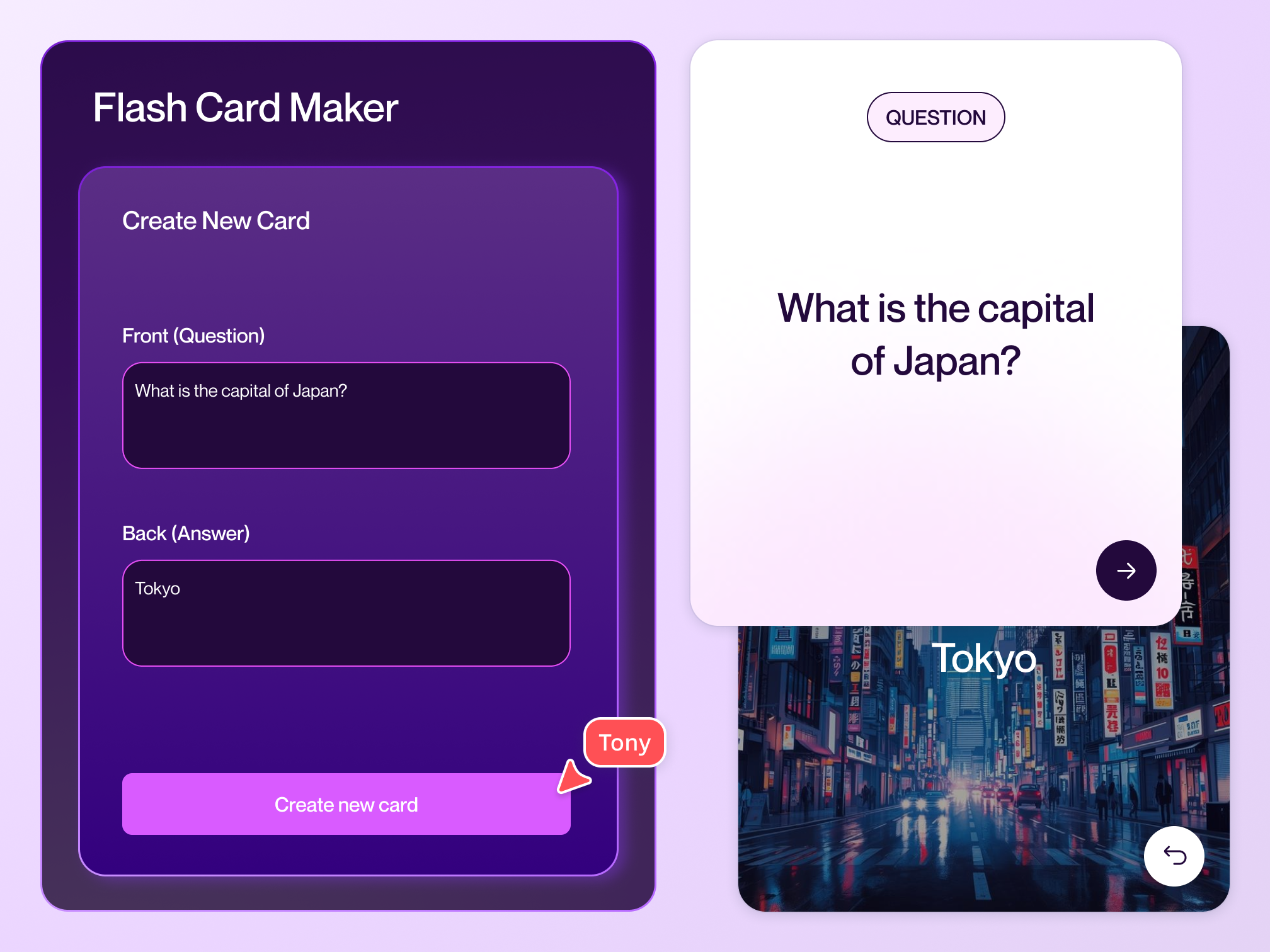
Create your own flashcard maker
Whether you need to make flashcards for kids, language learners, or certification candidates, building your own flashcard maker is quick and easy with Canva Code. Just type your text prompt and see your vision turn into reality. Customize every detail—from the widget’s theme to the flashcards’ fonts, icons, and hues.
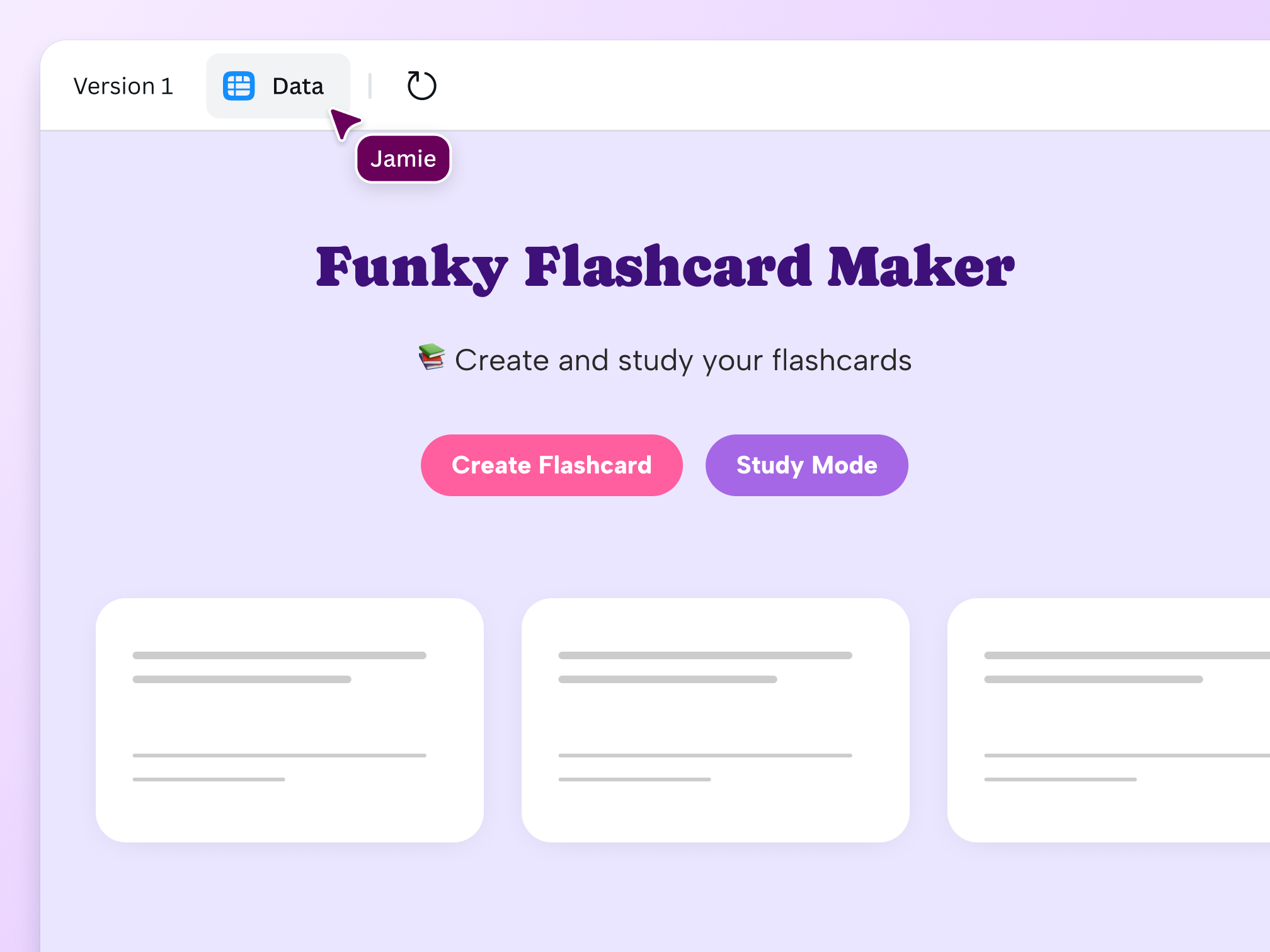
Build and gather data on one platform

Gather insights from your flashcards
Your coded creation has built-in data capture that flows directly into a separate Canva Sheet, letting you analyze and visualize information from your digital flashcards.

Interact with your coded design on various formats
Canva Code ensures interactivity is available in every format. Quickly embed your online flashcard maker to any Canva design such as docs and presentations. Or, publish it as a website.

Make a flashcard creator for any device
No need to switch devices to use your interactive flashcards. Canva makes it accessible online for desktop, mobile, and tablet users, encouraging learning anytime, anywhere.
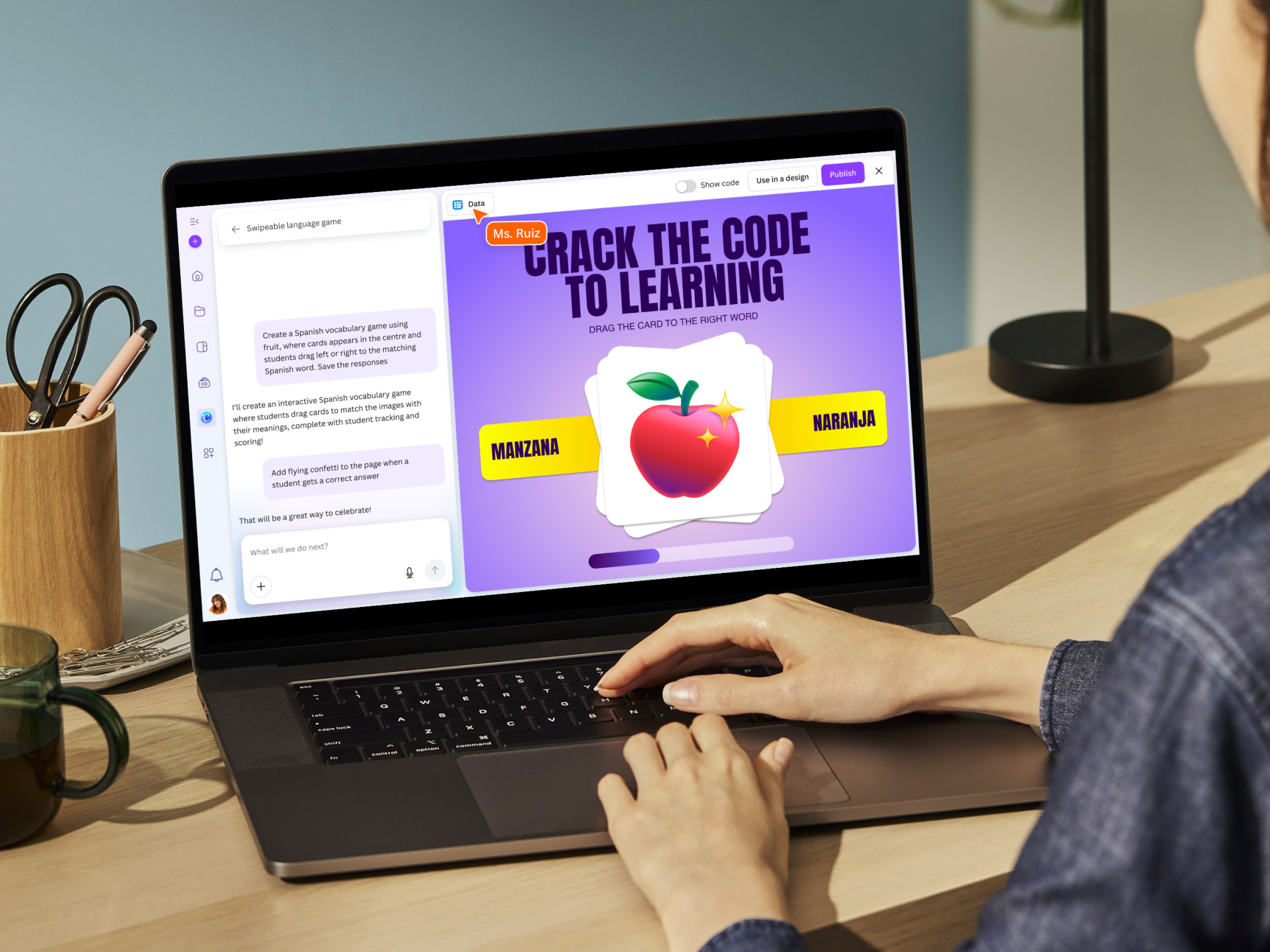
Reinvent the learning landscape
Canva Code redefines what’s possible in Education, making it easy to incorporate flashcards into your lesson plans. Create an engaging classroom environment with a flashcard maker that helps students memorize concepts, study for tests, or play exciting educational games.
A safe space to bring ideas to life
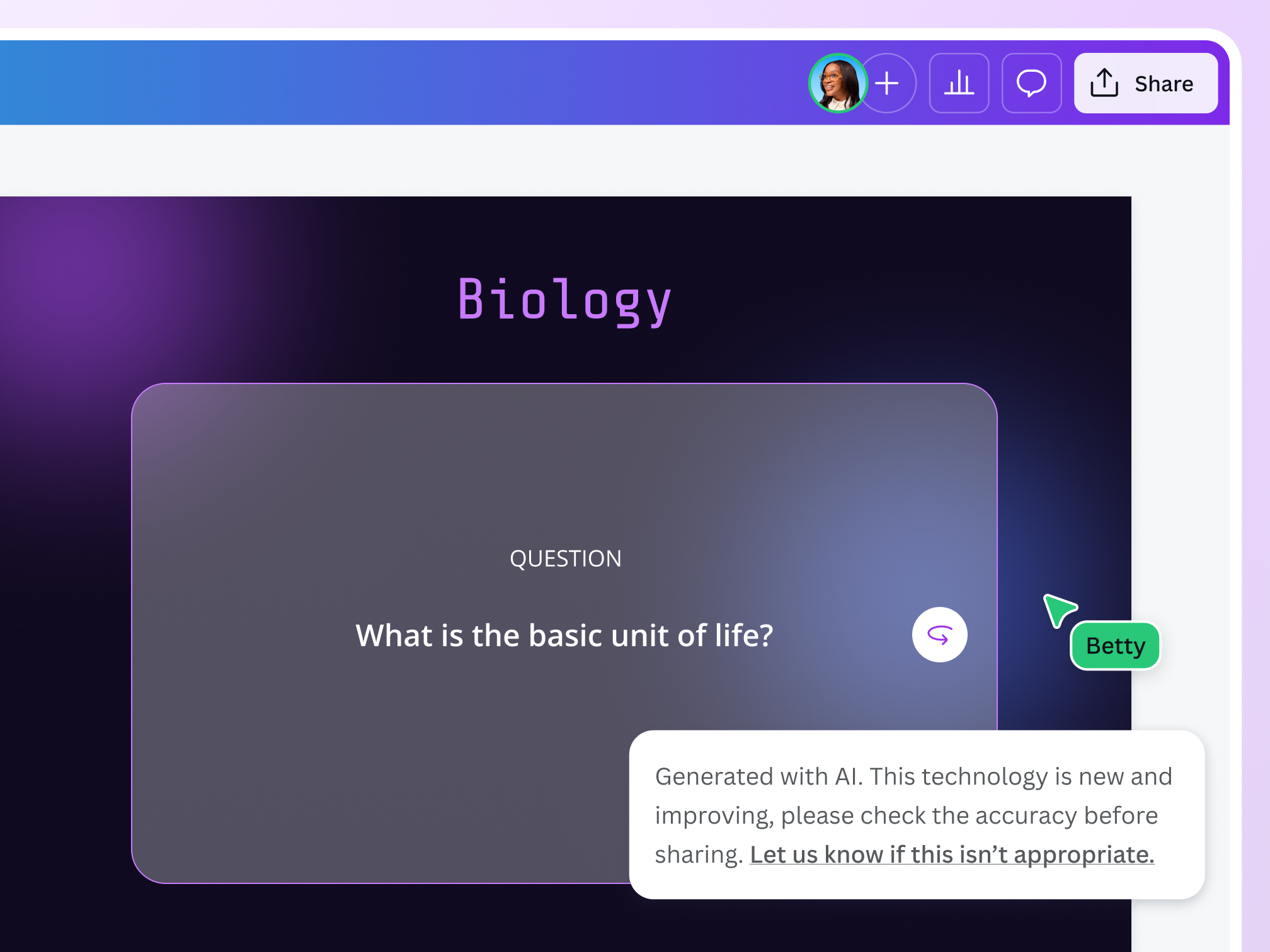
We’ve built a multi-layered set of safeguards into our flashcard maker to protect users from harmful and unsafe content. Our goal is to make AI-generated content as safe and appropriate as possible across a range of categories. We encourage anyone using Canva Code to ‘be a good human’ and use it in an ethical and responsible way. We won’t tolerate any use of Canva Code that violates our Terms and Acceptable Use Policy.
Flashcards for every need
For academic study
Create various interactive study tools for students like alphabet flashcards, math flashcards, and science flashcards.
For language development
Flashcard decks can build vocabulary and phonics skills, explain verb conjugations, and teach technical jargon.

For professional growth
Use flashcards to memorize medical terminology, create reviewers for licensing exams, and practice for certification tests.
All the features you need
Canva's free drag-and-drop design tools make it easy to create any design, fast!

AI code generations in no time
Describe what you need and watch our AI code generator build digital experiences—no coding required.

Friendly AI personality
Chat with Canva Code in natural, conversational language. Its approachable style makes creating functional, engaging experiences fun and full of possibilities.
Flexible input options
Type a description or use voice commands to get the exact design experience you’re looking for.

Seamless integration
Seamlessly incorporate your coded creations into existing or new Canva designs like websites, presentations, social posts, and more, with no app switching needed.

Secure AI use with Canva Shield
Get peace of mind with customizable AI settings, content safeguards, and privacy tools that put your organization in command.

Preview panel
Refine your coded creations instantly with our streamlined preview panel. Make quick edits through detailed prompts while staying in your current workspace.

Coding-free interactive website elements
Turn text prompts into engaging website features instantly. Add pricing calculators, product guides, and games that convert visitors to customers. No coding needed.

Presentation enhancers
Transform static slides into dynamic experiences with embedded coded creations that bring concepts to life during presentations.

Business tools generator
Build custom calculators, pricing tools, and estimators that help convert visitors into customers, all without coding.
How to create flashcards with AI
- Access our flashcard maker for freeOur flashcard maker is ready-to-use, so you can jump right away to creating your own flashcards.
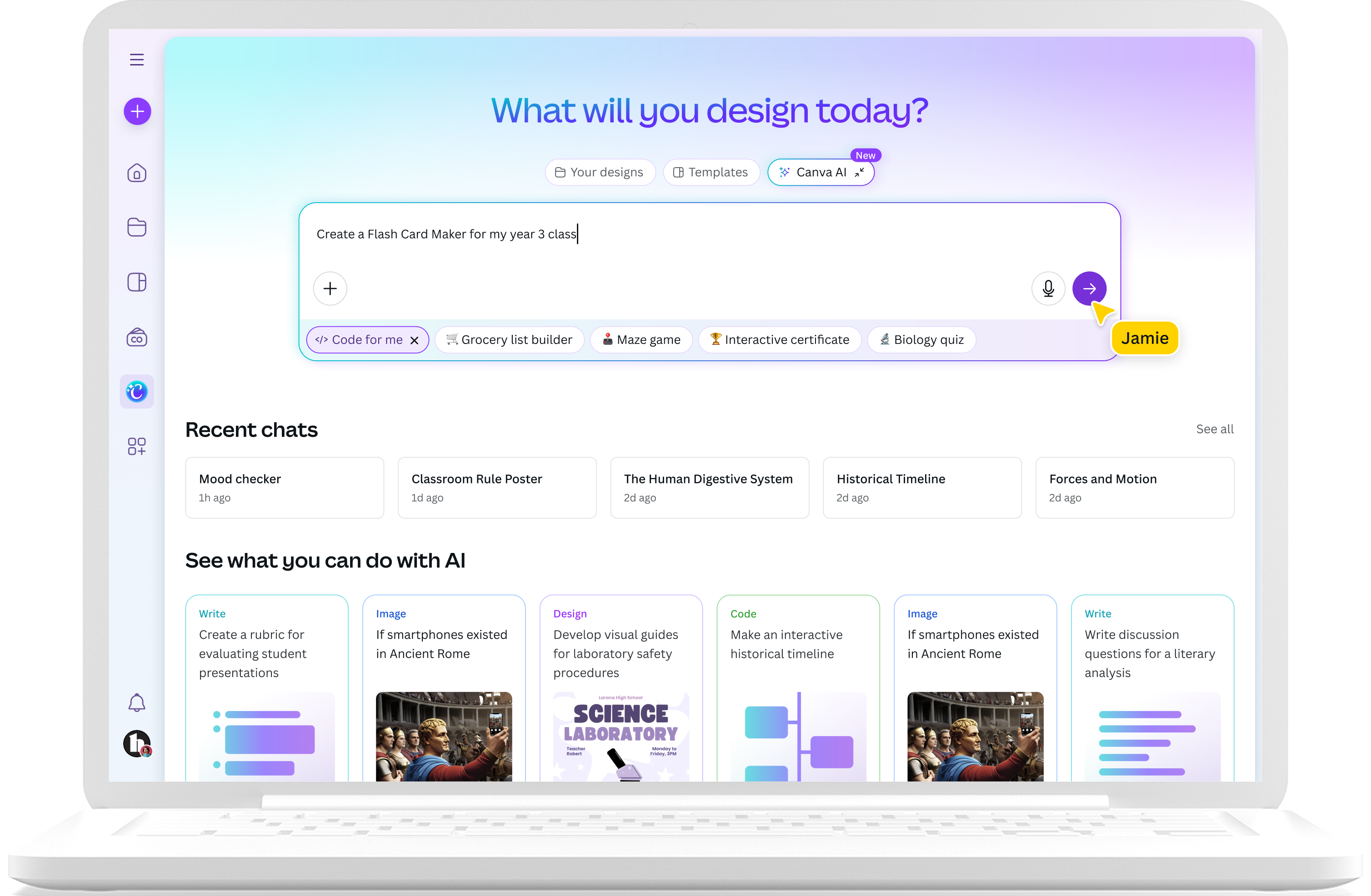
- Build with Canva CodeAlternatively, you can build your flashcard maker. Open Canva, click "Canva AI" on the homepage, then choose "Code for me" to start a conversation.
- Type your text promptEnter a prompt to create your flashcard maker. Describe your preferred theme, color palette, and style. The more detailed it is, the better.
- Refine your flashcard creatorIf the first version isn’t quite what you’re looking for, improve on it by giving Canva Code more prompts to refine the widget.
- Integrate and shareHappy with your flashcard maker? Click the "Use in a design" button to publish it as a website. Or, copy and paste the coded widget into other Canva designs.
Your questions, answered
Yes, our flashcards maker is free to use. It is created through Canva Code, which is available on all Canva plans. Please note that access varies depending on your subscription type:
- Free: Limited monthly access
- Pro and Teams: High monthly access
- Business and Enterprise: Higher monthly access
Yes, you can edit your coded flashcard maker widget by simply giving detailed written prompts and reviewing the updated iterations before using it in another design. Try swapping color palettes, replacing the fonts, adding elements, and more. The best part? There’s zero coding required.
To best use flashcards, focus on writing a single core idea per card. Then, shuffle the cards to prevent rote memorization. Use the cards regularly until you’ve mastered all the information on them. Aside from writing a single idea, the best flashcards for kids and adults may also include related images and color-coding that provide instant visual cues.
You can access Canva Code from the homepage, under our improved Search experience. Select “Canva AI,” then click on the “Code” button to get started. Start the process by adding a detailed prompt. Continuously fine-tune and iterate your creation until it matches the flashcard maker you need.
If you’re already working on a Canva design, access Canva Code through the Elements tab in the left sidebar. Type your prompt in the search bar, then select Generate code from the dropdown bar. Once the code is ready, click on it to automatically add it to the canvas.
If you want a quick and easy way to create flashcards, then Canva’s free flashcard maker is the best choice.
You can instantly design flashcards for every need, or even make your own custom flashcard maker in minutes. Our AI-powered code creator does all the heavy lifting, producing an interactive widget you can use over and over again.
Yes, but turning Canva Code on and off for your team depends on your role. Only administrators for Canva Teams, Enterprise, and Education accounts can enable or disable the AI tools from the Admin Panel.
The law is currently unclear on who owns the copyright of AI-coded generations.
At present, Canva makes no copyright claim over any content you generate using Canva Code. Between you and Canva, you own the coded creations you generate, but this is subject to you following our Terms. In turn, you give Canva the right to host your AI output on our platform.
Yes, you can use your coded generations for commercial use as long as you follow our AI Product Terms and Terms of Use.
Please remember that if you’re using AI output for commercial projects, you may not have exclusive rights to these AI-generated designs. You are responsible for making sure that your AI-generated creation is suitable for commercial use. This includes determining whether permission is required to depict works of art, photographs, trademarks, or logos.
Additionally, please be mindful that Canva doesn’t guarantee that the AI-generated images, designs, text, and code you generate are cleared for use (particularly if the image or design you create looks like someone else’s work).
More resources
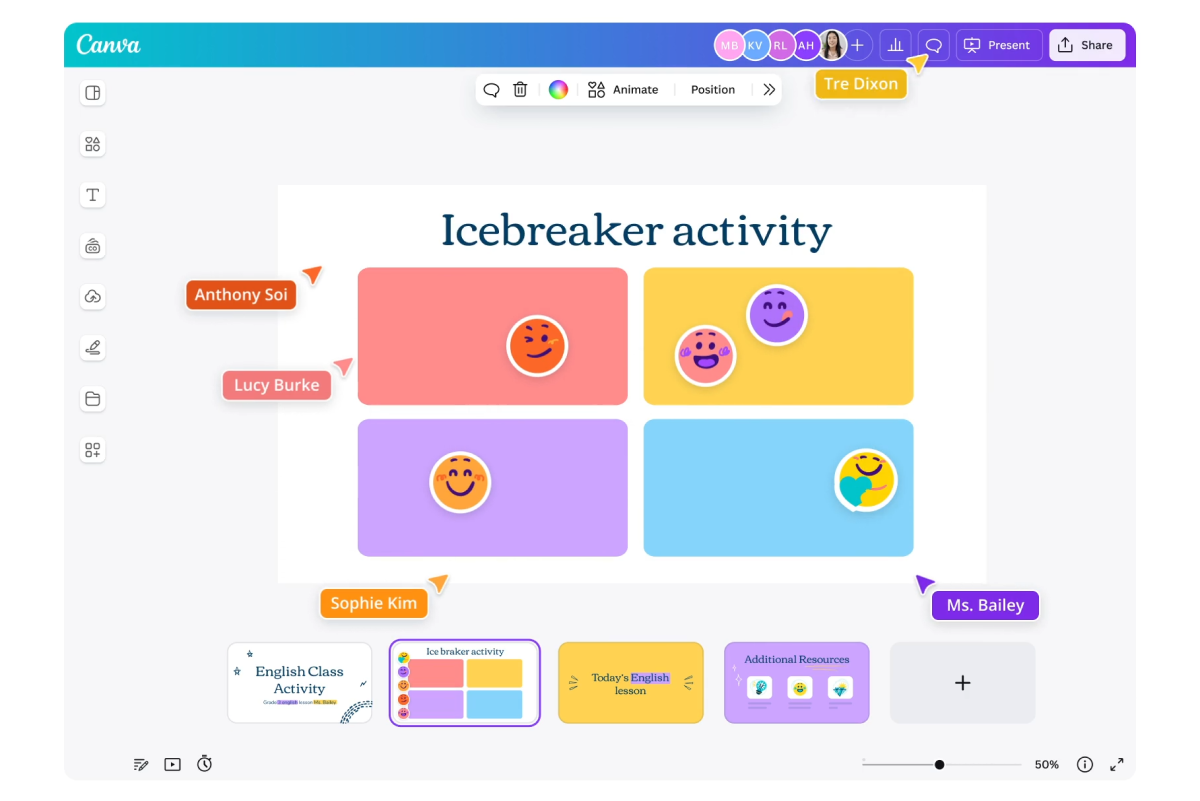
Find out how Canva can help transform learning for free.
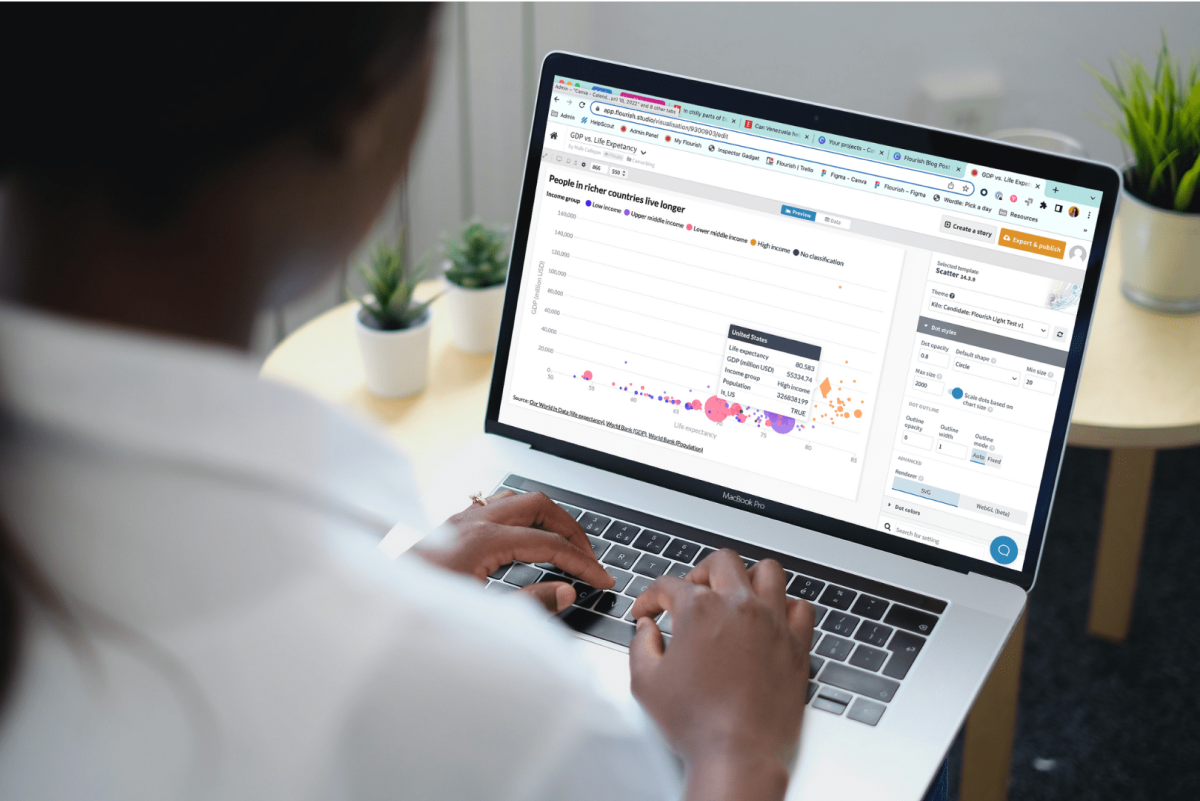
How data visualization can empower students in a data-driven world
Find out how the skill of data visualization prepares children for the future of data.
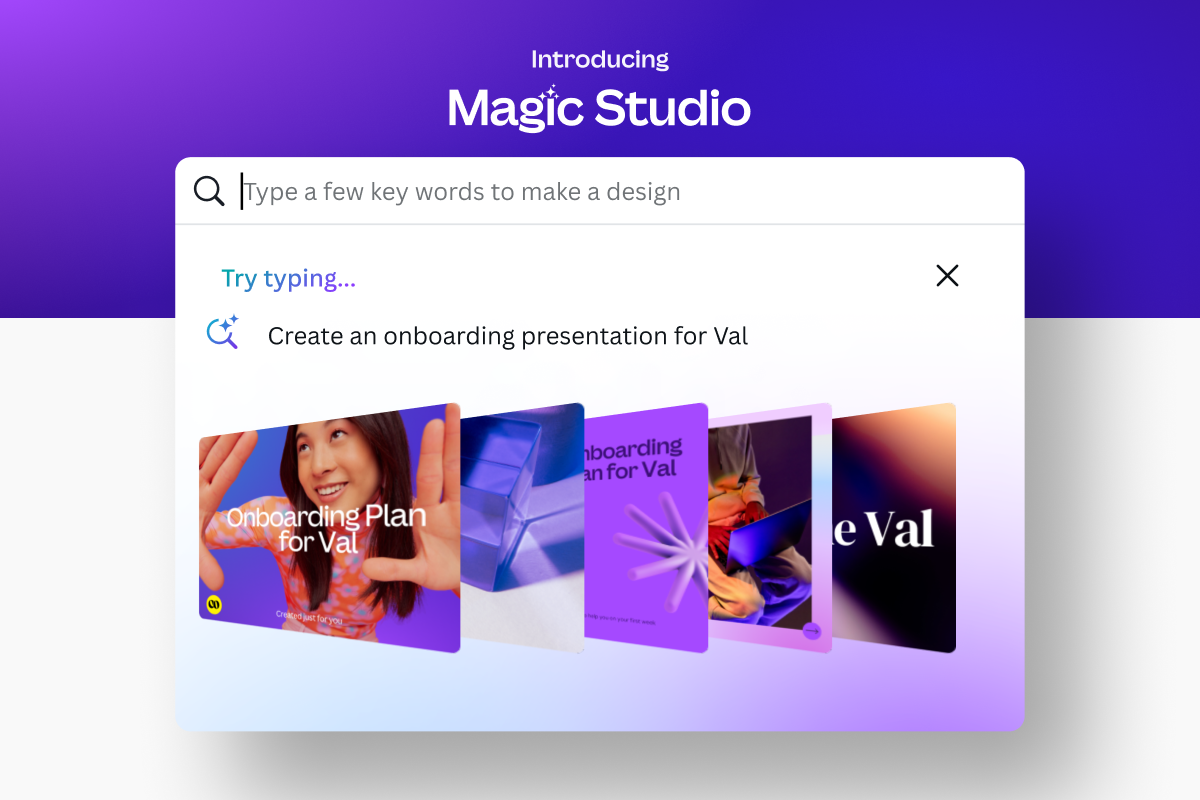
Meet Magic Studio: Canva's AI Tools
Find all the best AI-powered tools on Canva.
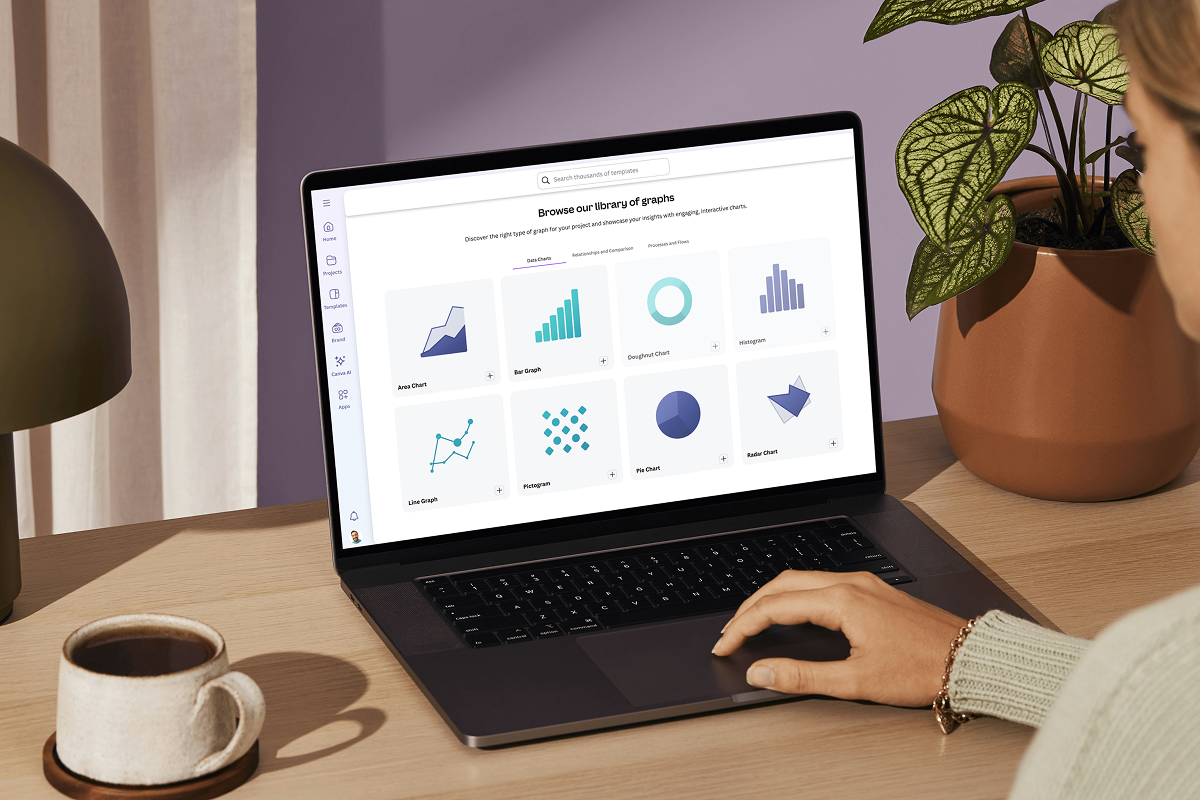
Data visualization: How-tos, templates, and tips
Explore how data visualization transforms visual communication.
Discover more products
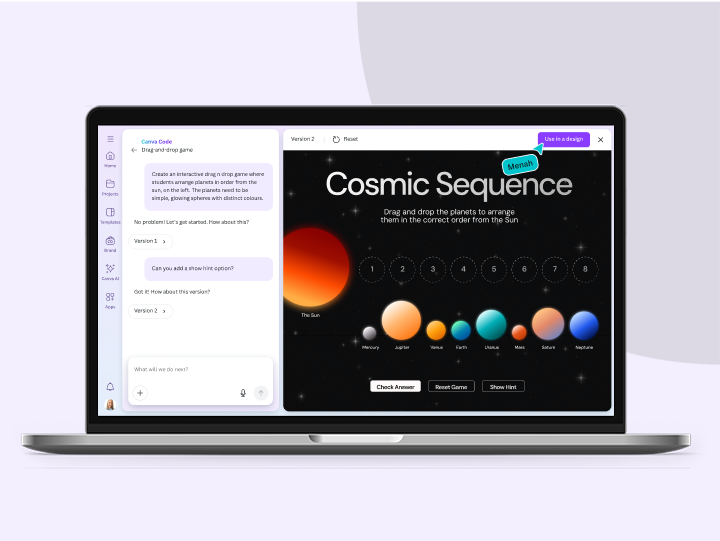

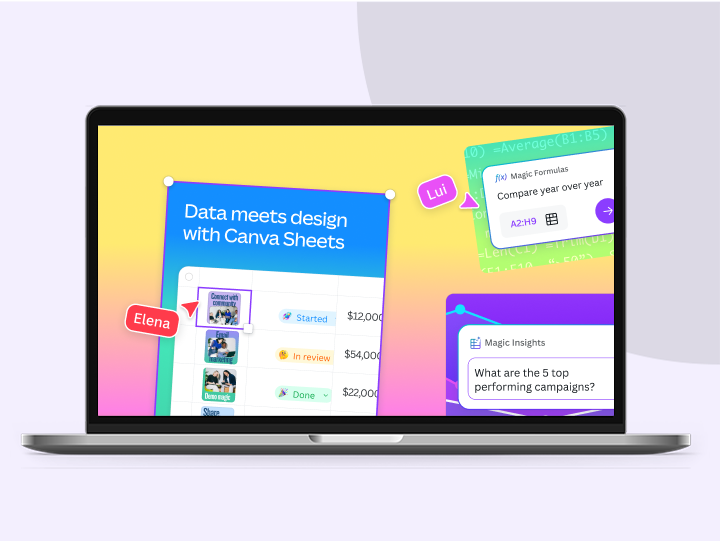
Flashcard Maker
Enhance memory retention, inspire learning, and boost engagement by creating dynamic flashcards using Canva Code.
