- How to easily make and print flyers
How to easily make and print flyers
Quick, easy flyer design with Canva
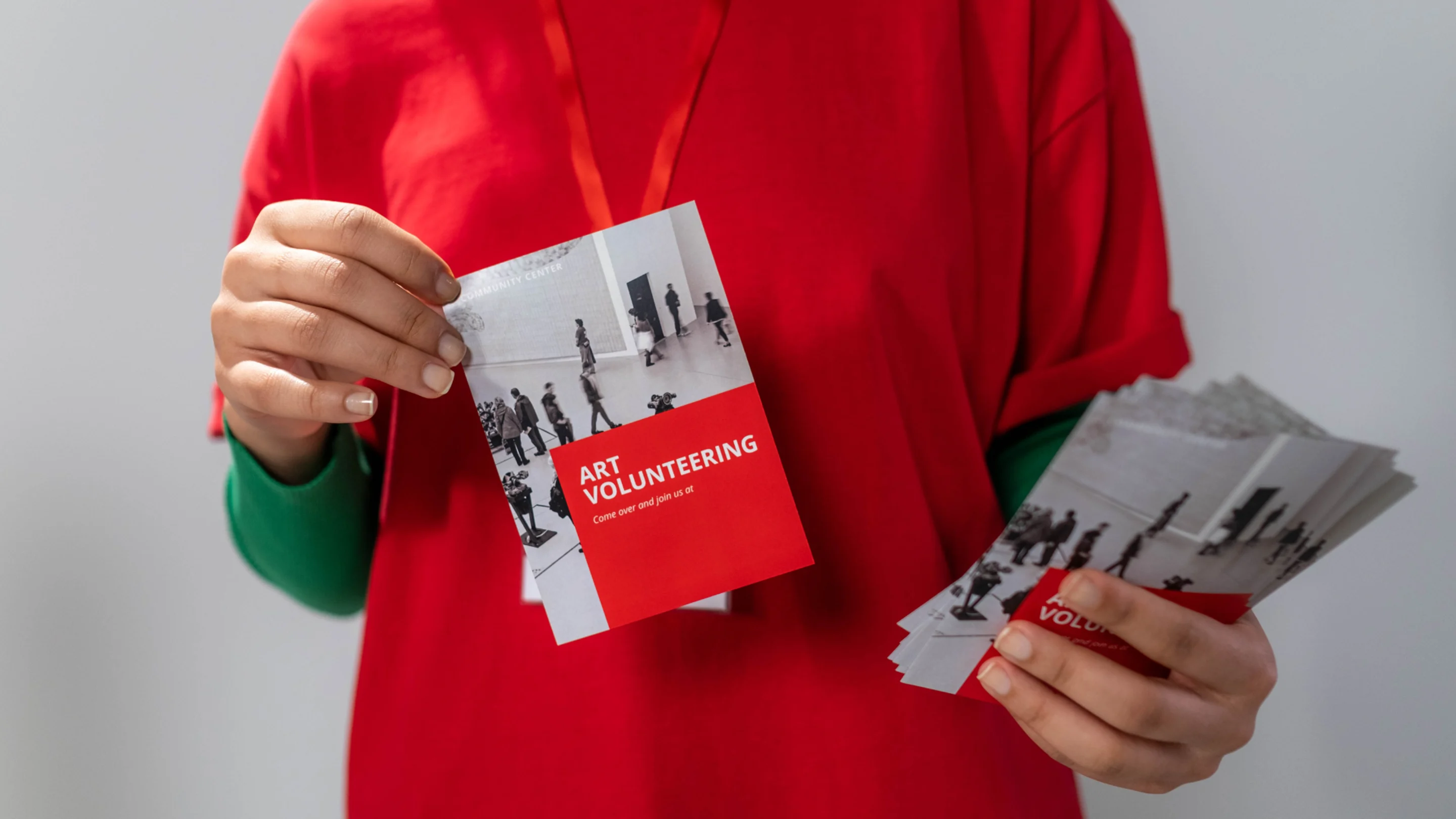
Flyers are a powerful marketing asset orpromotional product(opens in a new tab or window) for small businesses and non-profits, and an impactful tool for activists and students. For the longest time, they were difficult to design and expensive to print. Now, Canva makes it easy and cost-effective even if you’re new to designing. Let’s see how to make and print a flyer(opens in a new tab or window) in Canva.
What makes a great flyer?
As with all marketing assets, a great flyer captures – and holds – attention quickly and makes it easy for people to retain the information you give them. That means eye-catching visual elements that capture but don’t distract from the key message. And, just as brevity is the soul of wit, so too it is the soul of flyers. So you want a short, catchy headline and keep any body copy to a minimum.
How to make a flyer with templates
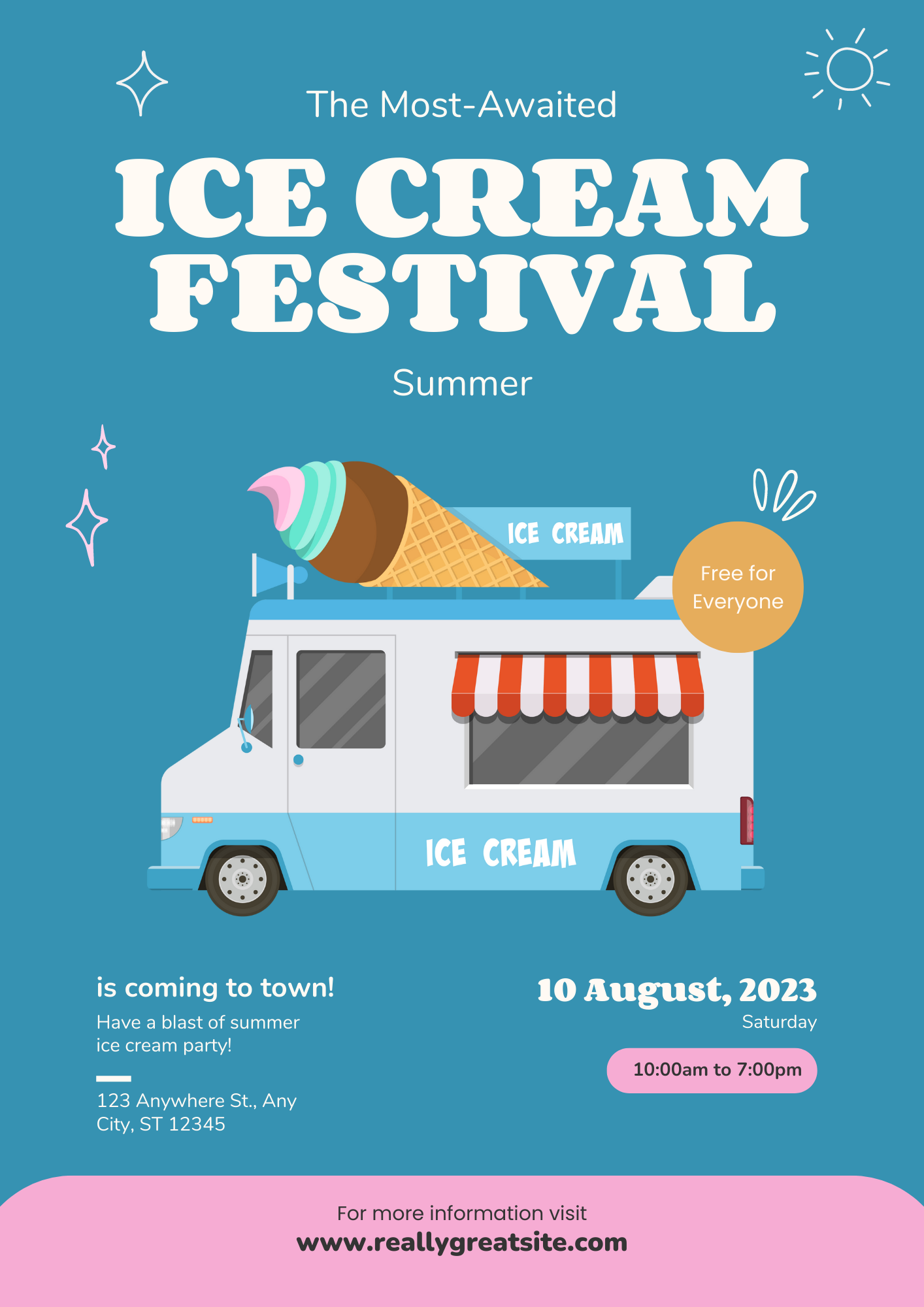
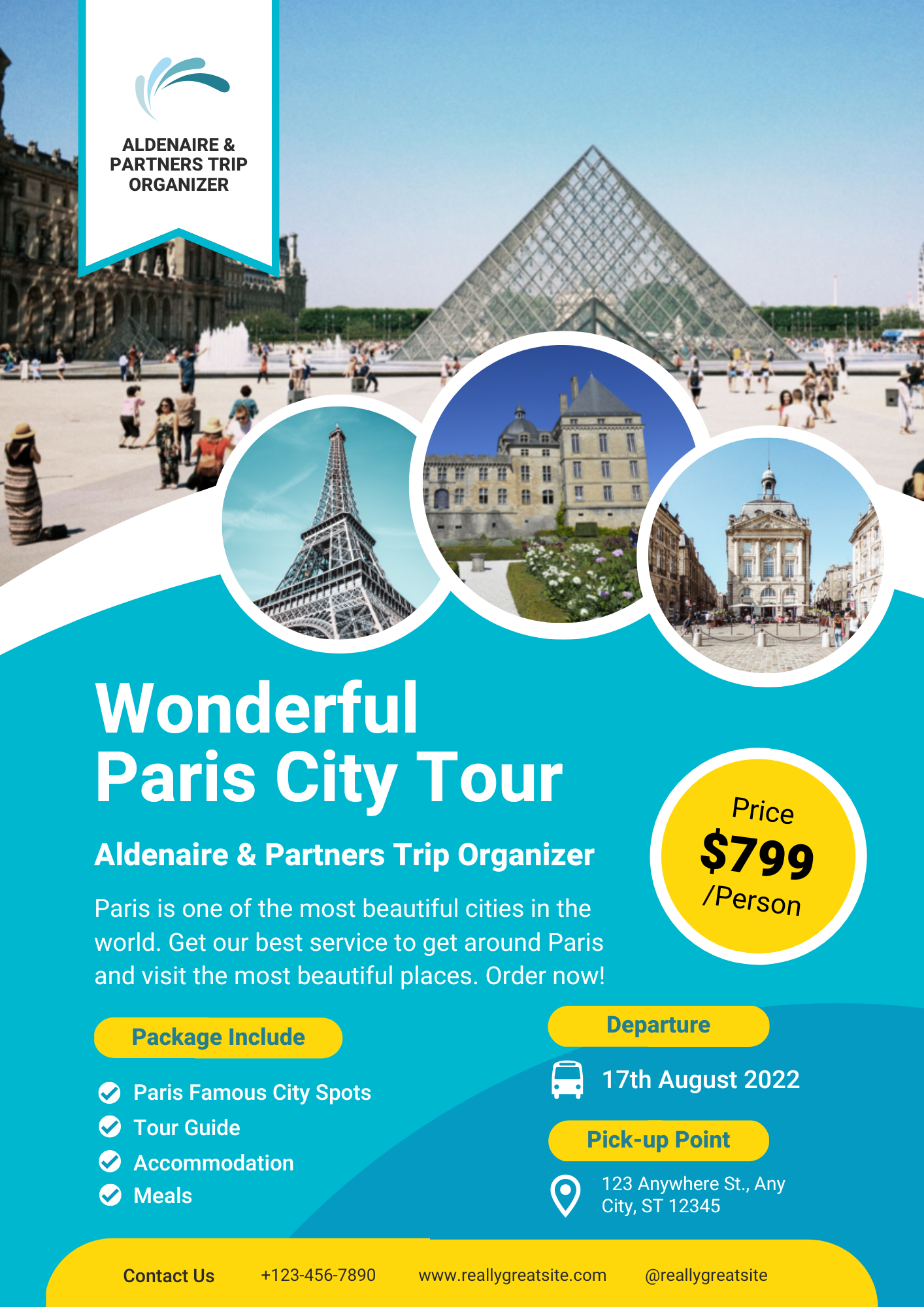
The easiest and fastest way to design a flyer(opens in a new tab or window) is using a template. There are thousands of professionally design templates in Canva, all free, all fantastic. In the Canva editor, simply search for ‘flyer’, you can add an adjective to make your search more specific. Or, if you want to keep it broad, try ‘single-sided’ or ‘double-sided flyer’.
Once you find a design that resonates with you, click on it and you can start customizing it. You can change or remove any element to make a flyer that’s perfect for your needs. Try changing the text, the imagery, and consider using a white background(opens in a new tab or window) to see what you like.
How to create a flyer from scratch
It’s easier than you might think to design a flyer from scratch. If you want some guidance, check out our free course on Print Advertising(opens in a new tab or window) and for some design insights, try our free course on typography and layout(opens in a new tab or window). In the Canva editor, go to the top right and click ‘Create a Design’. Search ‘flyer’ and choose landscape or portrait. This will open up a blank page for you to create your perfect flyer from scratch. Remember there are three critical elements to a flyer: a headline, body copy and a call to action. Everything else is optional.
Of course, you’ll want to add an eye-catching visual element as we mentioned earlier but that could be a big, bold headline, or obviously an image or graphic element. One thing to keep in mind while you’re creating your flyer is readability. Make sure your text is easy to read, check out this guide on how to add and edit text(opens in a new tab or window). You can do this by ensuring the text size is large enough and the text color contrasts with any background color or imagery. This handy guide will help you pair up any imagery and text too(opens in a new tab or window).
How to print a flyer
Once you’ve finished designing your flyer, you can print it directly from Canva instead of having the call up a printer and Google your way through the different jargon. In the top right of the editor, next to the share button, click ‘Print Flyer’ and follow the prompts. Mark the front and back, choose your paper size, paper type, finish and quantity. You’ll then be prompted to proof your design and text. Then you checkout and that’s it – you’ve sent your flyer to print!
Check out our video tutorial
For a more in-depth look at how to make flyers in Canva, check out our video tutorial(opens in a new tab or window).

Written by
Andy Summons