- What’s New: From smarter AI to smoother workflows
What’s New: From smarter AI to smoother workflows
We’re introducing expanded AI capabilities and smoother workflows as we continue building a more connected, end-to-end creative platform.
What’s New has always shaped by the conversations we’re having with our community, and this month is no different. To kick off the year, we’re rolling out a mix of long-requested improvements and new AI capabilities that build on how people are already creating in Canva.
From turning images into video in seconds to publishing seamlessly across platforms, these launches are designed to help you create faster, stay consistent, and move from idea to impact with less effort.
Here’s what’s new.
Power up your creativity with AI
Turn any still image into a 3-second video
Forgot to take a video? Image to Video(opens in a new tab or window) adds subtle, natural movement to your photos, transforming still shots into video with the polish of a professional shoot – all without filming or editing. For SMBs and creators juggling tight timelines, it’s a simple way to repurpose what you already have into scroll-stopping content that’s built to perform.
Generate new graphics that automatically match your design’s style and aesthetic.
With Style Match(opens in a new tab or window), newly generated graphics automatically align with your existing colors, layout, and overall aesthetic, so every element feels like it belongs. Whether you’re building a brand as a small business, maintaining a recognizable look as a creator, or pulling together a polished deck at work, it helps your designs stay cohesive, without the extra adjustments.
Create designs that stay aligned with your brand with Claude and ChatGPT
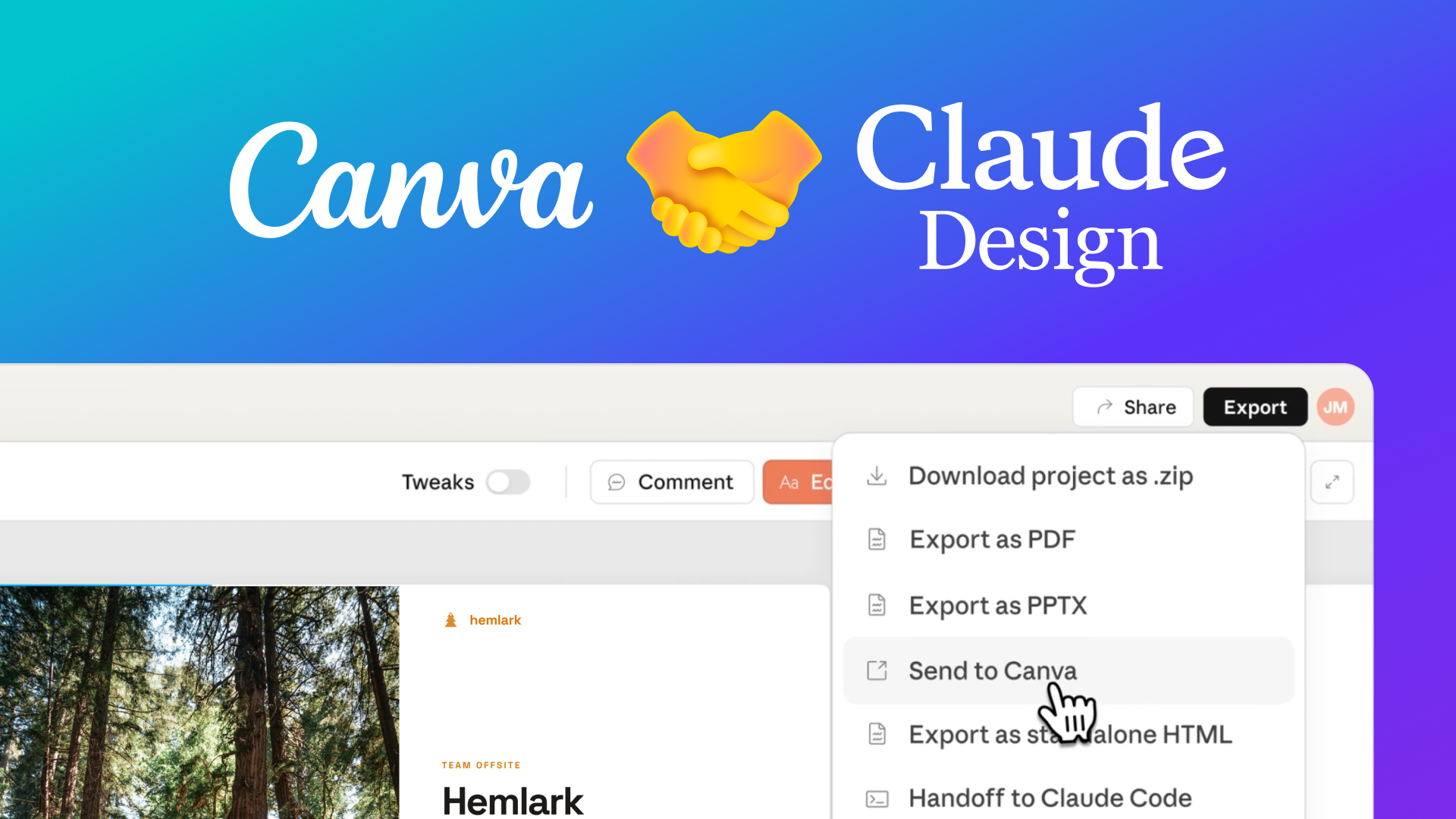
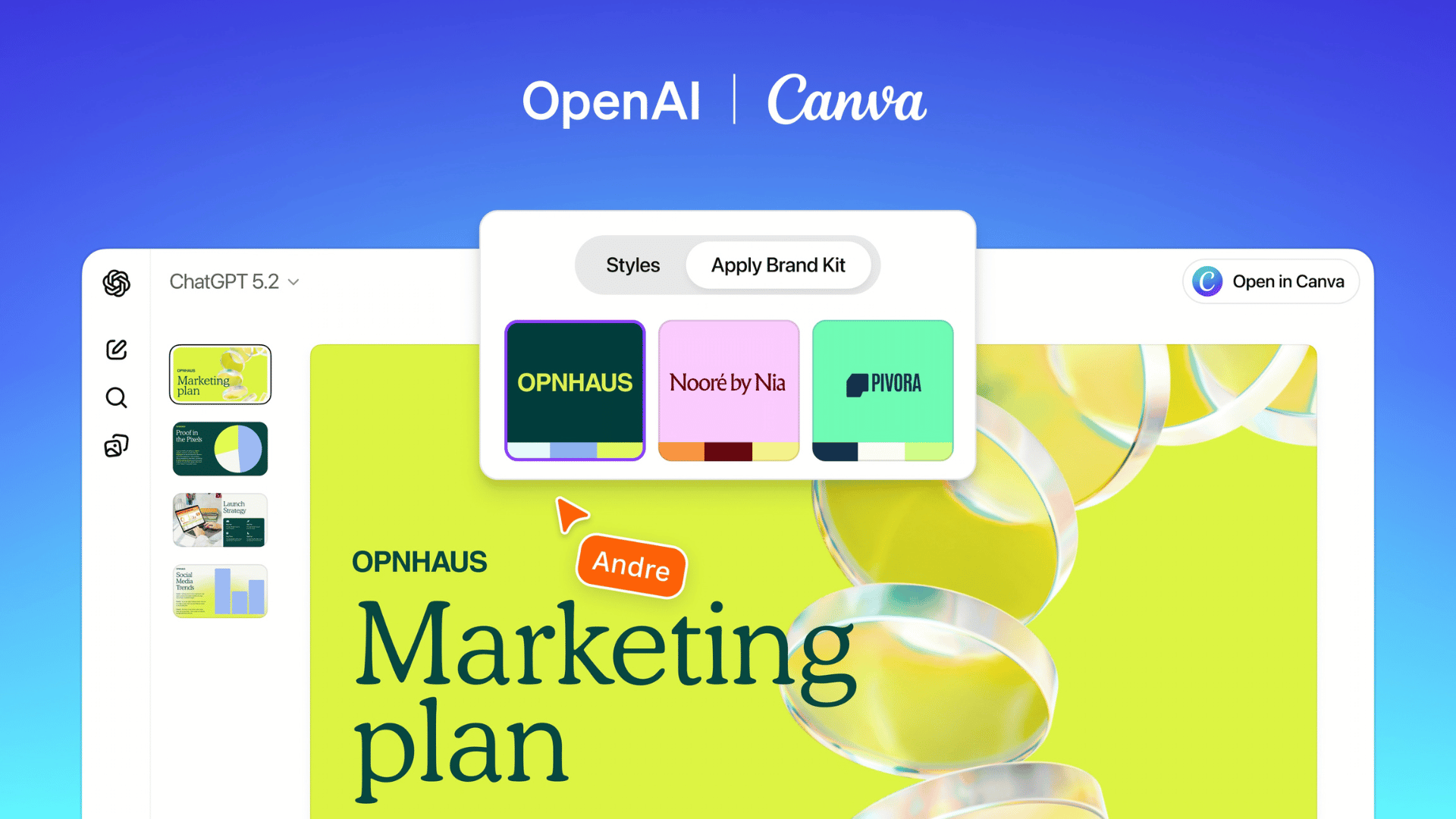
Getting started is often the hardest part, especially when you’re trying to stay on brand. With deeper integrations with Claude(opens in a new tab or window) and ChatGPT(opens in a new tab or window), you can now generate designs that better reflect your voice, tone, and visual identity from the outset. Instead of spending time refining drafts to make them on-brand, you can move from idea to polished output with more confidence and control.
Make sense of your data in seconds
Data is only useful if it’s clear. Magic Insights(opens in a new tab or window) now delivers cohesive explanatory narratives alongside ready-to-use charts and formulas, helping you understand what the numbers actually mean, and what to do next. Whether you’re preparing a report, reviewing performance, or making a business decision, it turns raw analysis into insight you can confidently act on.
AI-generated videos from a simple prompt – now available worldwide
With AI video generation(opens in a new tab or window) now available across more locales globally, anyone can turn a simple text prompt into a polished video in just a few clicks. For small businesses, that means quickly creating promos or product highlights without filming or editing tools. For creators, it opens the door to experimenting with new formats and keeping pace with fast-moving content cycles, wherever they are.
Work smarter with smoother workflows
Alongside powerful new AI capabilities, we’ve also focused on something just as important: removing friction from your everyday work.
Structure documents into clean, print-ready pages automatically
Formatting documents to fit standard page sizes can take more time than expected. Automatic page breaks now organize your content into clean, well-formatted pages for sizes like A4 and Letter, so proposals, service guides, one-pagers, and reports are easier to read, print, and share.
Launch your presentation with fewer steps
When it’s time to present, you shouldn’t have to think about the interface. Our new split Present button lets you jump straight into full-screen mode with a single click, while still giving you quick access to other presenting options. Whether it’s a fast-paced standup or a high-stakes client meeting, it keeps the focus on your message, not the menu.
Add motion and timing control to static designs
Sometimes a static design just needs a little movement. Edit as Video(opens in a new tab or window) lets you turn presentations, social posts, and custom designs into animated graphics using the new video timeline – so you can adjust timing, layer in motion, and fine-tune animations with precision. It’s a faster way to repurpose existing content, unlocking a long-requested workflow and giving creators and professionals more control over how their stories unfold.
Resize and refine grouped elements without ungrouping them
If you’ve ever had to ungroup, adjust, and regroup just to make a small tweak, you’re not alone. You can now resize, rotate, and move grouped elements(opens in a new tab or window) directly – without breaking them apart first. It’s a simple change that saves time, keeps layouts intact, and closes a long-standing loop for many in our community.
Publish seamlessly across the platforms you already use
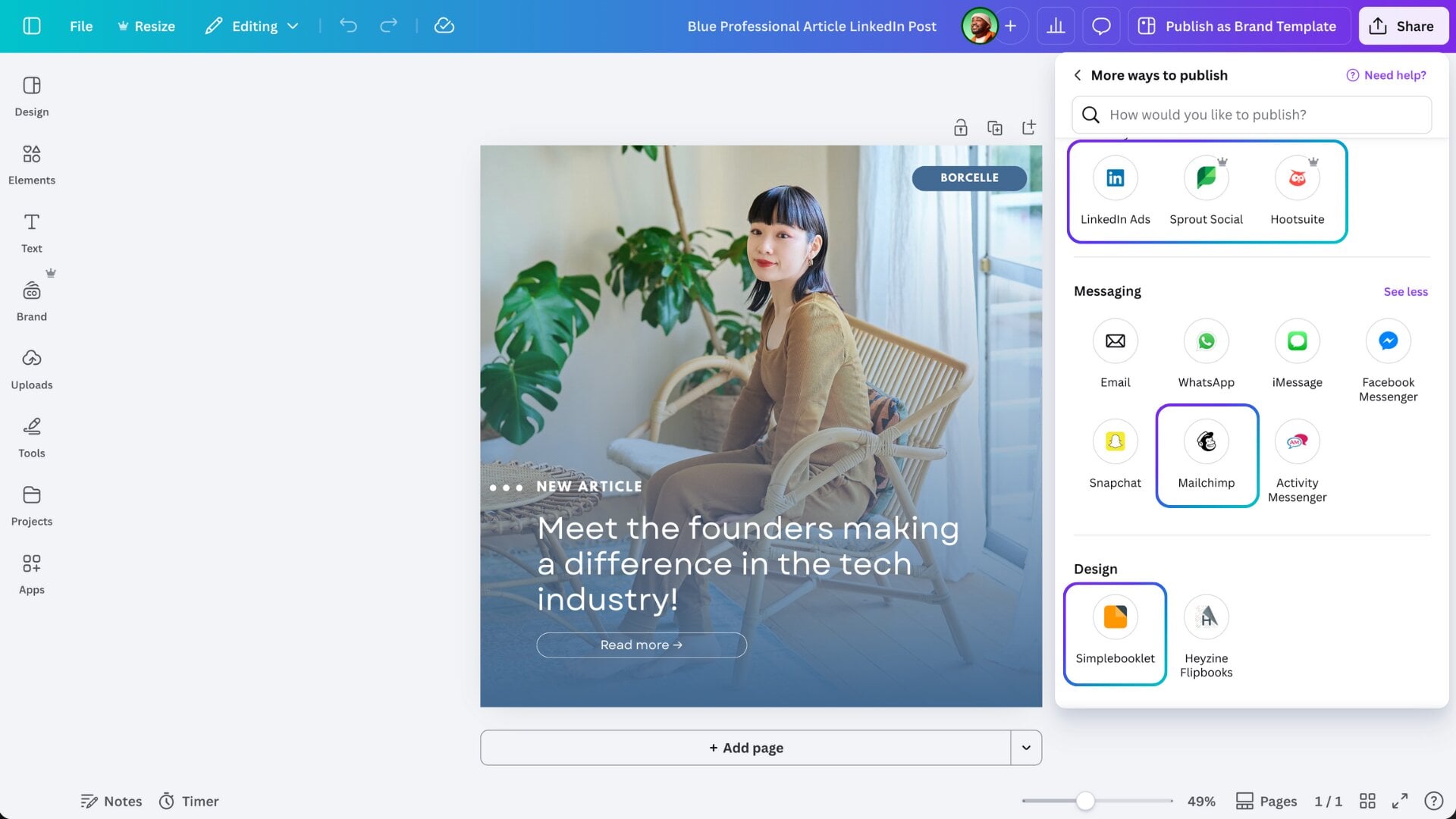
Publishing shouldn’t require jumping between tools. With new Publish apps – including LinkedIn, Sprout Social, Hootsuite, Mailchimp, and Simplebooklet – Canva now connects directly to the platforms many teams rely on every day. You can design, preview, and publish all from one place, streamlining collaboration and helping ensure every visual stays consistent from creation to distribution.
Regain Canva access quickly with a secure backup recovery option
With a new secondary recovery email option, you can now securely regain access to your Canva account on your own, without going through manual verification. It’s a simple addition that provides greater peace of mind and closes another long-standing request from our community.
Get started today
These updates may look like a collection of new features, but together they reflect how Canva continues to evolve as a more connected, end-to-end creative platform.
Many of these improvements began as conversations with our community. Thank you for continuing to share your feedback, ideas, and wish lists – they’re what shape Canva every month 💛

Stay in the loop with our newsletter! From the latest news and announcements to stories and insights, join our community for updates delivered straight to your inbox.
Sign up