Online UML Diagram Tool
Create UML diagrams with EdrawMax templates, UML symbols, and connectors. Choose a class, sequence, or use case diagram, then customize the model to explain your software system.
Choose the Right UML Diagram
Choose a UML diagram by the question you want to answer. Explore the template gallery to model system structure, interactions, workflows, or user goals.
Diagram Types at a Glance
- Use case: define the system boundary, external actors, and the goals the system supports.
- Class: describe classes, attributes, operations, and relationships such as associations and inheritance.
- Sequence: show message order between participants for a specific scenario.
- Activity: map actions, decisions, and parallel paths in a workflow.
- Communication: show participating objects and their links, using numbered messages to indicate interaction order.
Online Shopping Example
Model an online store with Customer and Payment Service as actors, and Browse Products, Checkout, and Track Order as use cases. Put the use cases inside the system boundary and connect each actor to the goals it participates in.
Library Management Example
Model a library with Member and Librarian as actors, and Search Catalog, Borrow Book, and Return Book as use cases. Add a class diagram to describe books and loans, or a sequence diagram to explain a borrowing scenario.
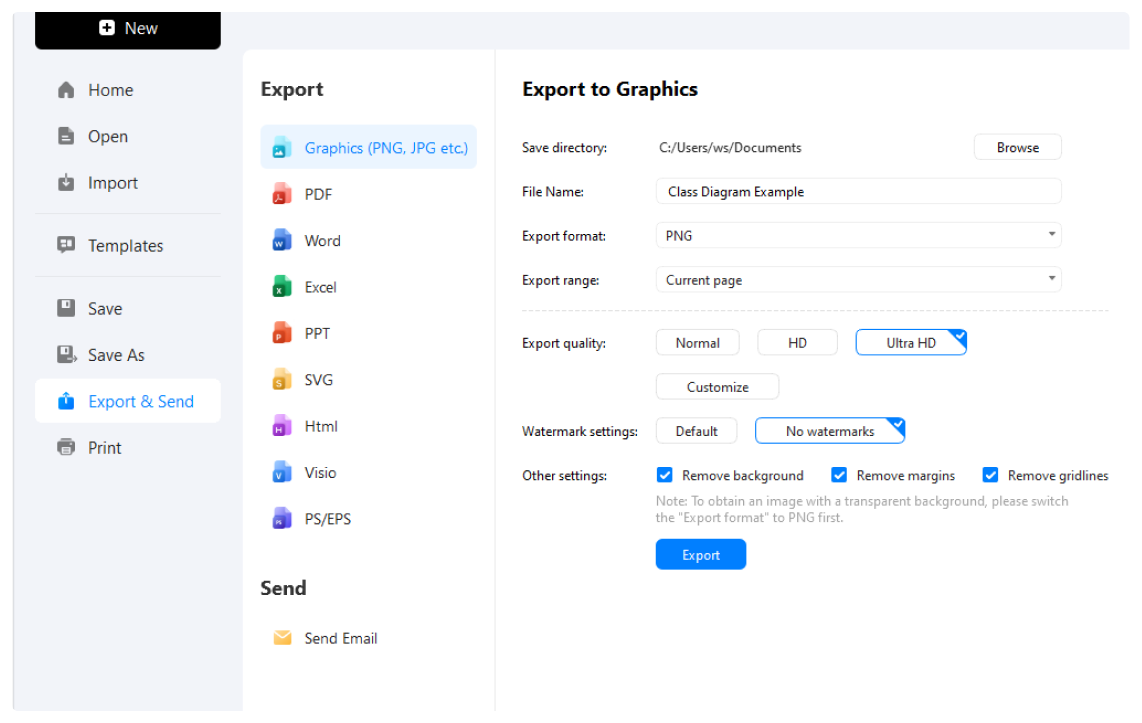
How to Make a UML Diagram in 3 Simple Steps
What our users say

More UML Tools
Discover more AI-powered diagram makers to boost your productivity.
FAQs about UML diagram makers
-
What is Unified Modeling Language (UML)?UML means Unified Modeling Language: a standardized visual language for describing software structure and behavior. Teams use UML diagrams to discuss requirements, document designs, and explain how a system works.
-
What are the two main categories of UML diagrams?Structural diagrams describe the parts of a system, such as classes or deployed components. Behavioral diagrams describe actions and interactions, such as workflows, use cases, and sequences of messages.
-
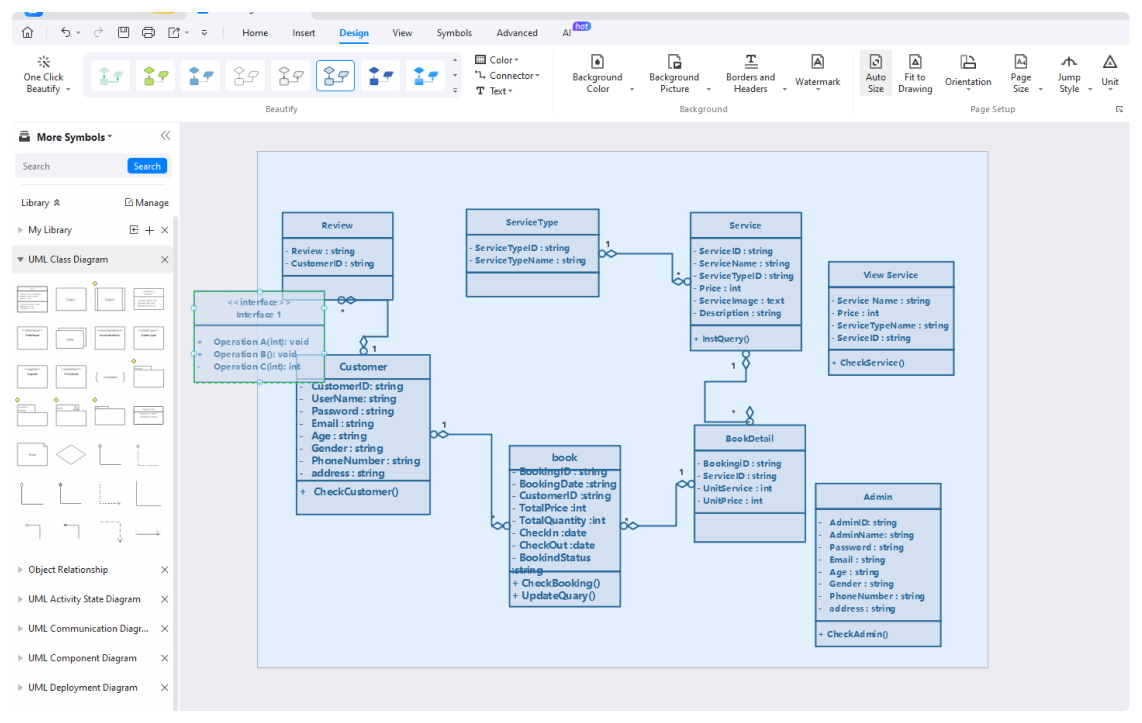
What is a Class Diagram and what does it represent?A class diagram shows classes, their attributes and operations, and relationships such as association and inheritance. An object diagram shows specific instances of those classes and their links at a particular moment.
-
When should I use a deployment diagram?Use a deployment diagram to show where software components run across devices, servers, or execution environments. Label the nodes, deployed artifacts, and communication paths to explain how the system is distributed.
Learn about UML
Stop drawing. Start describing.
AI diagramming isn't just text-to-diagram.
AI now understands any input, fetches live data, adapts through dialogue, and works everywhere.
 (AI & Web)

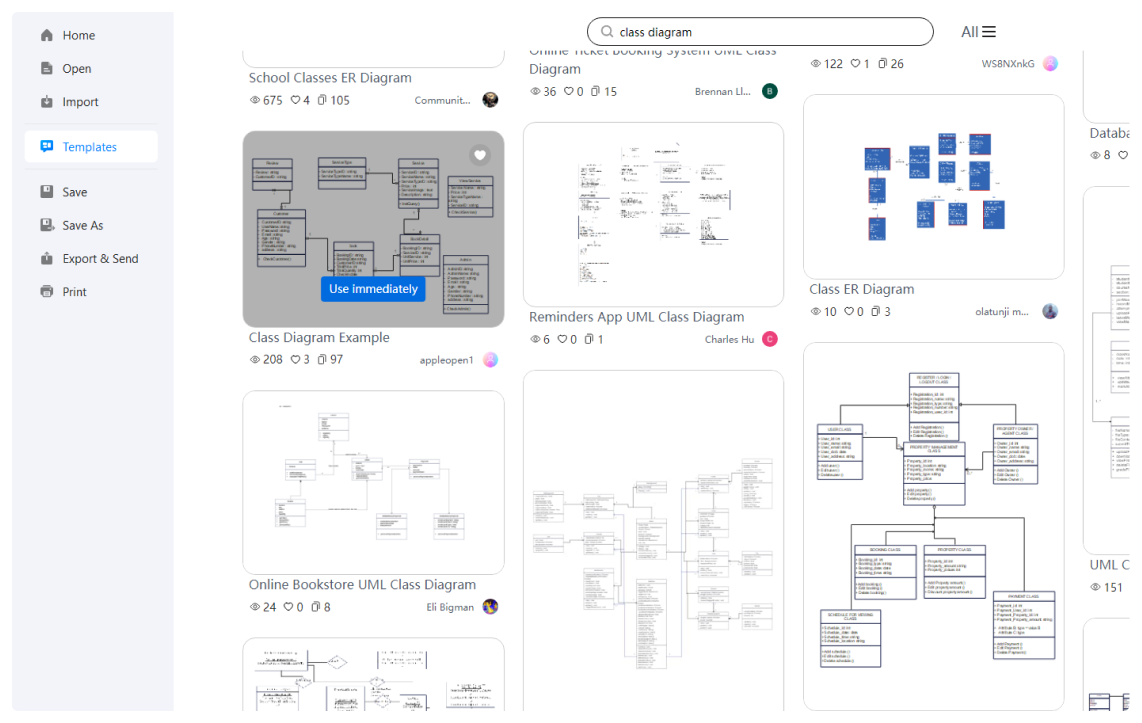
Free UML diagram templates from EdrawMax